iPECS eMG80 & eMG800 & UCP
Administration and Programming Manual Issue 1.6
474
4.4.8.9 Provisioning File View & Delete
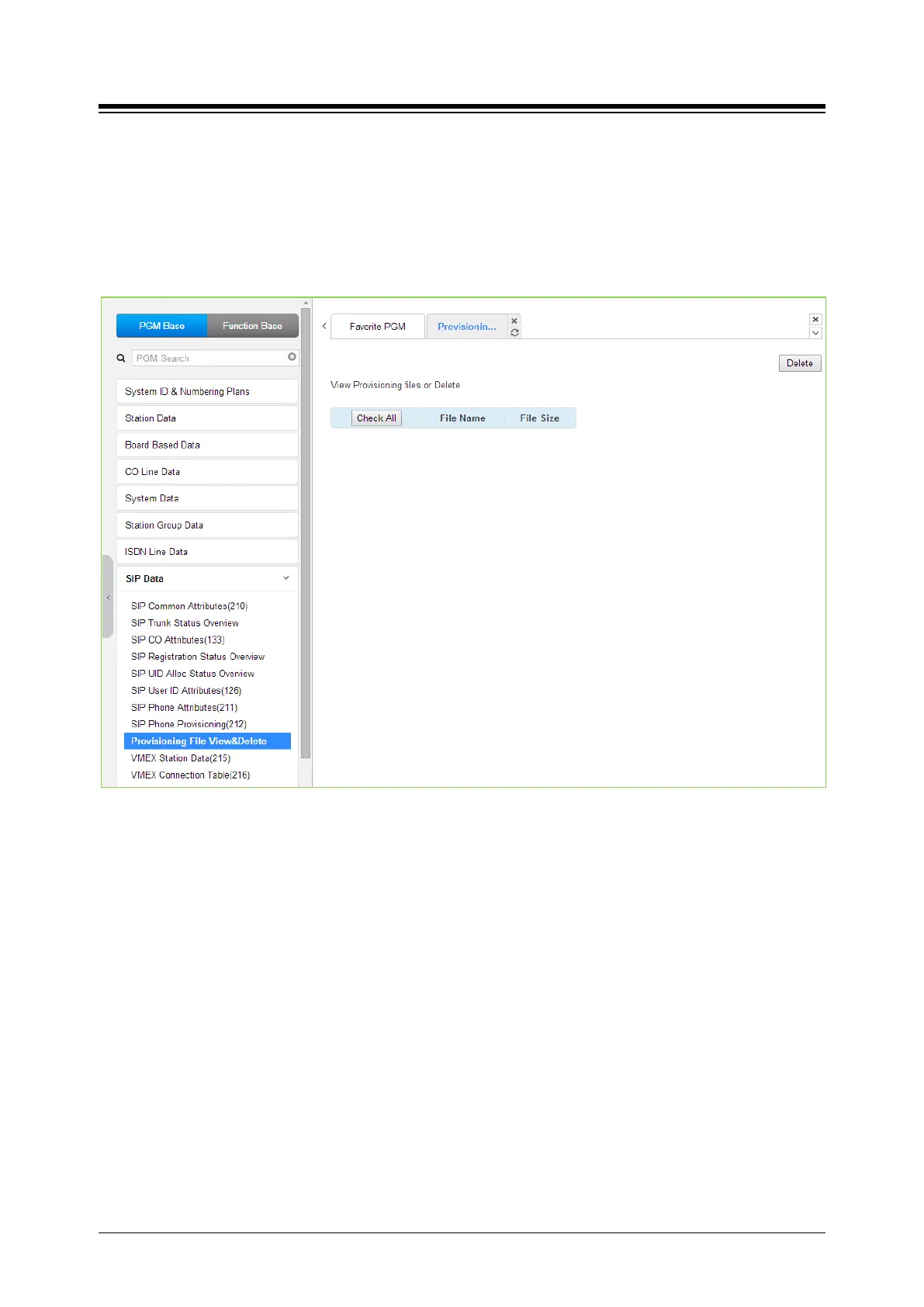
Selecting Provisioning File View & Delete displays a list of all the Provisioning files stored in the
provisioning files directory as shown in the following figure. Note this does not included files that
have been uploaded to iPECS eMG/UCP file system but not “stored” under PGM 212. To delete
a file from the provisioning file directory, check the box in front of the file to be deleted then click
[Delete].
Figure 4.4.8.9-1 Provisioning File View & Delete





 To Next Page