iPECS eMG80 & eMG800 & UCP
Administration and Programming Manual Issue 1.6
173
3.3.9.1.2 LCR Leading Digit Table — PGM 221
The Leading Digit Table is used to analyze the user-dialed digits to determine an appropriate
Digit Modification Table Index. LDT Tables are provided for 32 LDT Table for iPECS-1200, 10 for
the other systems. The Table is divided into bins. The applicable LCR Access Modes (LCR Type)
and the digits (up to the first 12) to be compared with the number dialed by the user are entered
in the Leading Digit Table bin. In addition, indices to the Digit Modification Table are defined for
each Time Zone of each Day Zone; refer to LCR Control Attributes PGM 220.
Note the mode used to access LCR must match the LCR Type and must be within the effective
LCR Access Mode assigned in PGM 220 to access the Digit Modification Table index. The
allowed LCR Types are:
1. CO Line or Loop access: User dials CO Line Access Code, CO/IP Group Access Code
(8xx), Any CO Line Access Code ‛9’, or presses a CO Line, CO/IP Group or Loop button.
2. Internal: User dials outgoing call while receiving Intercom dial tone with no CO/IP
access code.
3. Both: Both COL and Internal.
In addition, each Leading Digit Table bin has the option to require an authorization code entry.
When the user-dialed digits match an entry in the LCR Leading Digit Table, the system will check
the Authorization option for the LDT Table bin. If the Authorization option is enabled, the user
must enter a valid Authorization code to place the call.
PROCEDURE:
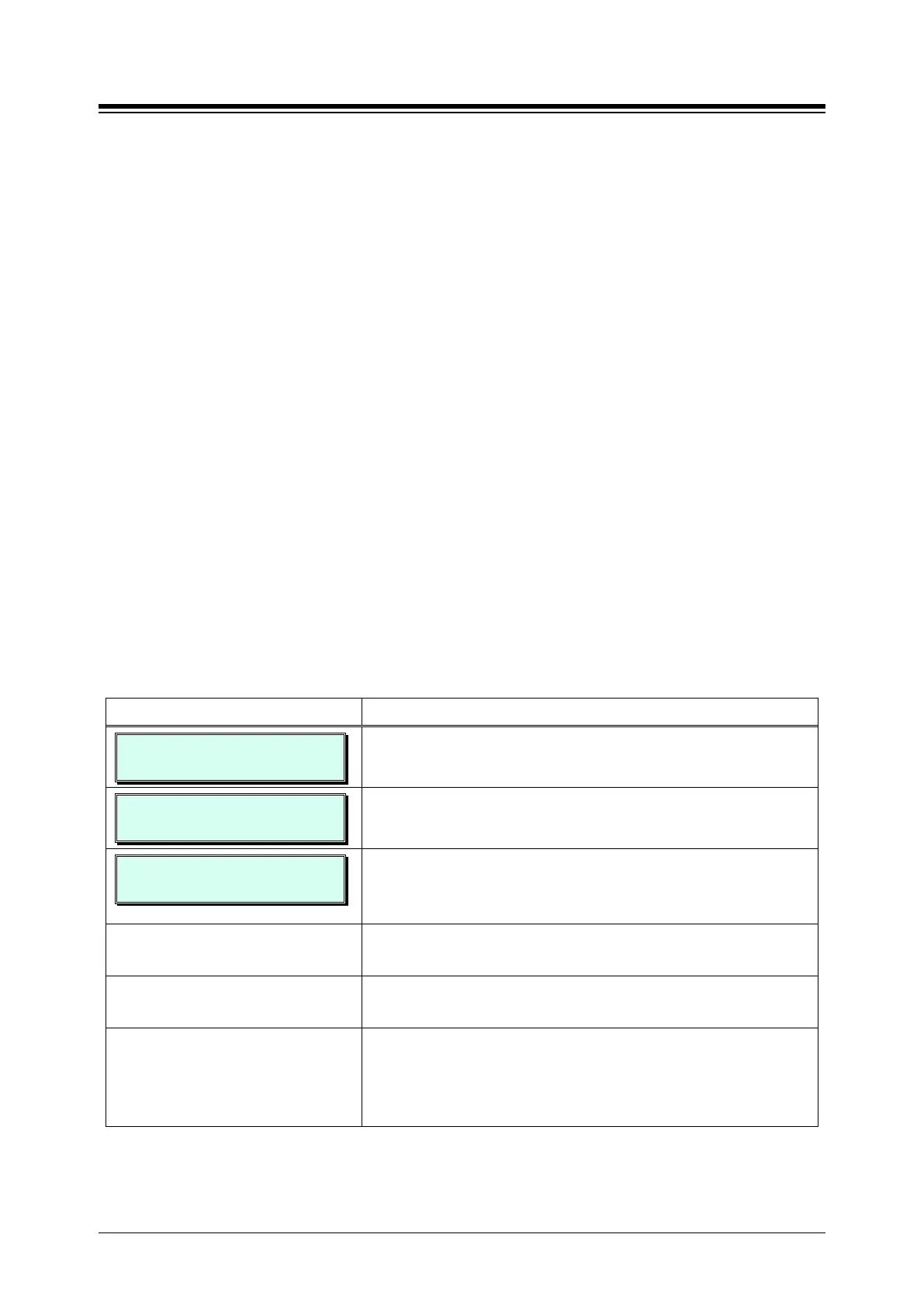
LDT TABLE
ENTER LDT TBL NO (01-10)
1. Press the [PGM] button and dial 221 and enter LDT
Table number (Ex.01).(eMG80:01~10/eMG800:1~32)
LDT 01 TABLE
ENTER LDT BIN (000)
Enter the LDT Table number (Ex.000).
000 BOTH CD: . . . . . . . .
DMT: . . . . . . . . . . . . . . .
The system displays the first available bin (000~249) of the
Leading Digits Table. To select a different bin, use the dial
pad to enter the desired bin number.
Press the desired Flex button (1~6), refer to Table 3.3.9.1.2-
Use the dial pad to enter the desired Leading Digit Table
data, refer to Table 3.3.9.1.2-1.
Press the [Save] button to store the data entry. Note, as the
data is stored, the system sorts the LDT bins in ascending
order to allow rapid “look-up” of data. Thus, the bin number
will be changed appropriately.





 To Next Page