iPECS eMG80 & eMG800 & UCP
Administration and Programming Manual Issue 1.6
380
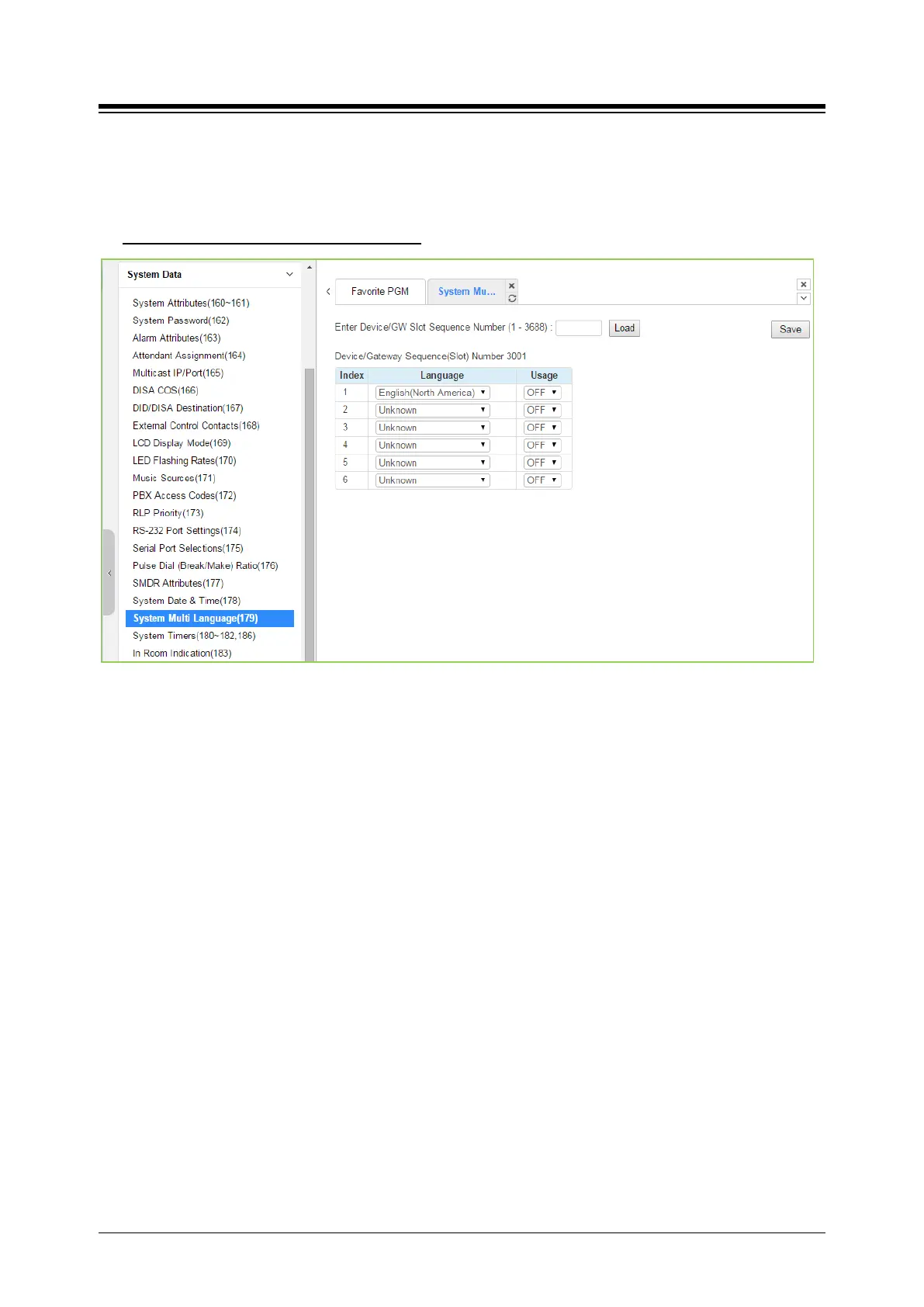
4.4.5.19 System Multi Language - PGM 179
Selecting System Multi Language will display the System Multi Language data entry page. Click
[Save] button after changing Value.
Enter Device/GW slot sequence number
: eMG80 : 1-300 / eMG800: 1-2890 / UCP: 1-3688
Figure 4.4.5.19-1 System Multi-Language
The VSF (VMIU, VMIB, UVM) supports multiple languages (18 languages); up to six languages
may be supported simultaneously. Once the prompts are downloaded to the VMIU and VMIB, the
caller receives the Language selection announcement for DISA and CCR calls as well as
preceding a Station Group announcement or DID error announcement. The language selection
announcement will only affect the language prompts enabled for use with the device indicated by
the Sequence number.





 To Next Page