iPECS eMG80 & eMG800 & UCP
Administration and Programming Manual Issue 1.6
401
4.4.5.33 Attendant Ring Mode – PGM 257
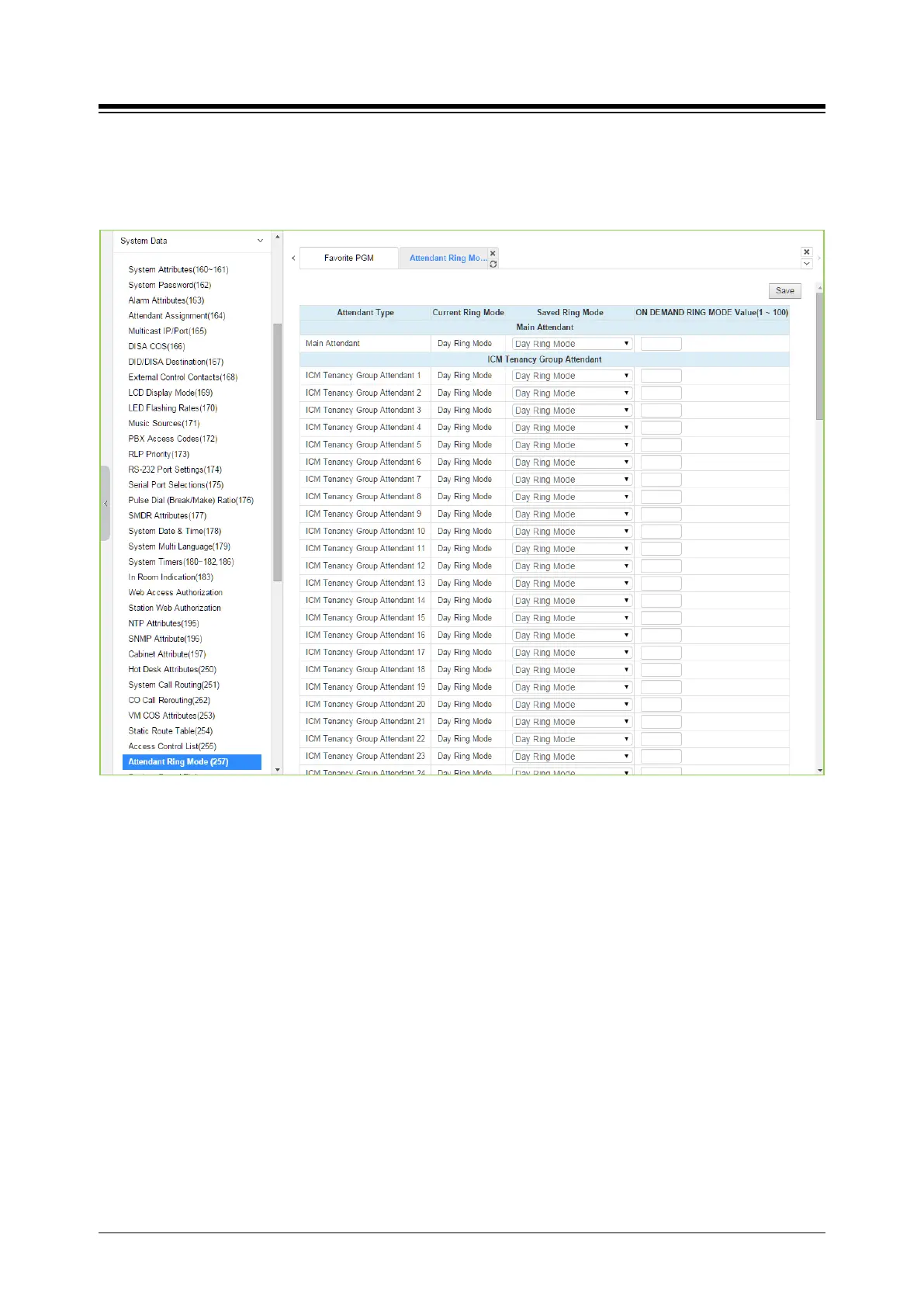
Selecting Attendant ring mode will display Attendant ring mode entry page. Click [Save] button
after changing Value.
Figure 4.4.5.33-1 Attendant Ring Mode
Administrator assigns the ring mode to 1 Main attendant and 15 ICM Tenancy Group Attendant.
Five ring modes are supported as Day, Night, Timed, Auto, On demand ring mode (eMG80:
1~15/ eMG800: 1~32/UCP: 1~100).
The Attendant controls the system Ring mode changing from Auto ring Mode to Day, Night,
Timed or On demand ring mode. Based on the ring mode selected in the field of Saved Ring
Mode, different ring assignments, COS (Class of Service) and answering privileges are invoked
for the system users.
In case Main attendant select the other ring mode of Day ring mode in the field of Saved Ring
Mode, ICM Tenancy group attendant controls the system ring mode instead of Main attendant.
So Current Ring Mode and Saved Ring Mode of ICM Tenancy group attendant may be different.





 To Next Page