iPECS eMG80 & eMG800 & UCP
Administration and Programming Manual Issue 1.6
590
4.5.7.1 License upload
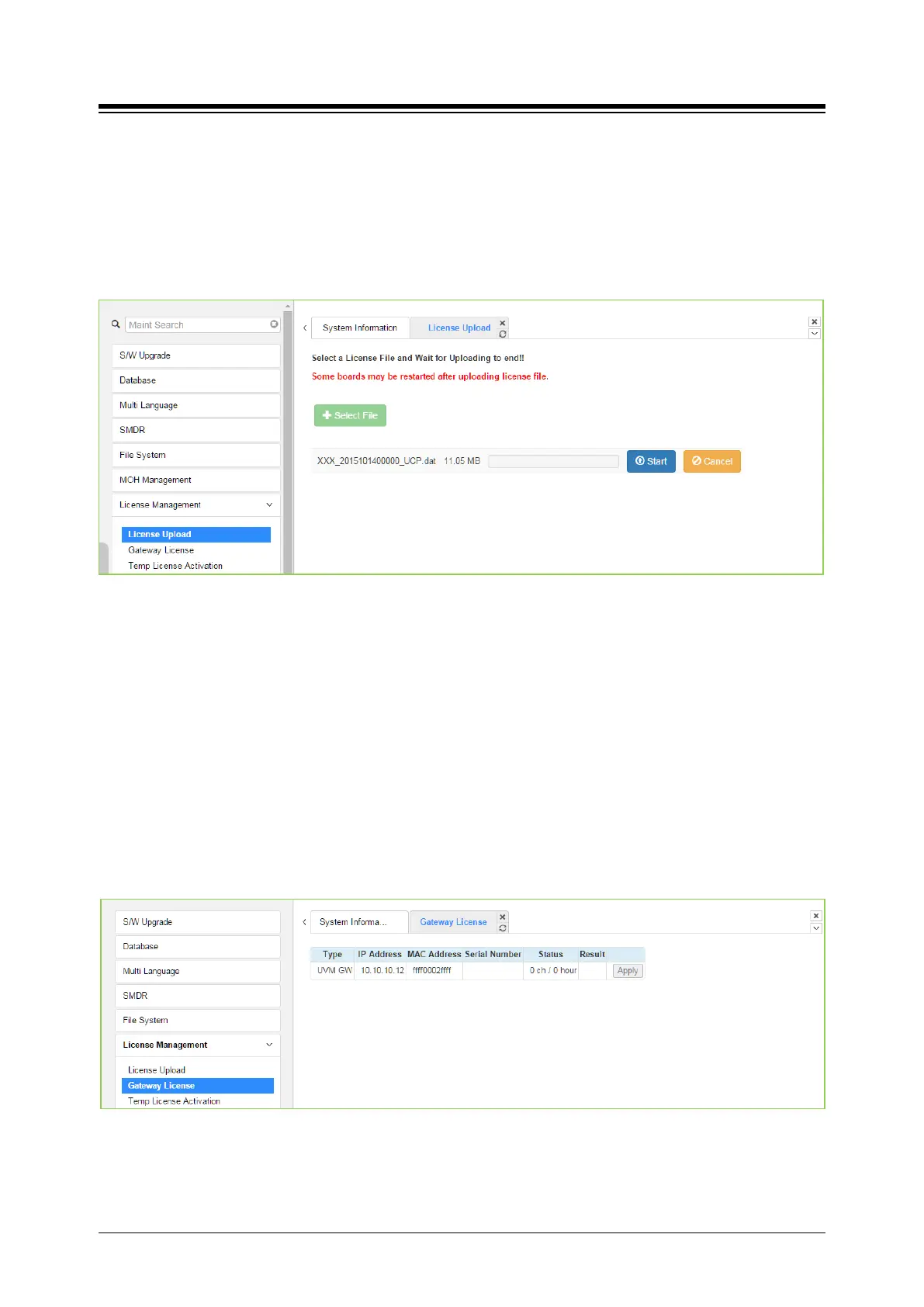
Before License upload, make sure that the date of system is set correctly. Click the Select files
button and then open the pop-up folder. Select a valid license file to upload to the system and
click the [Start] button. If the file which is sent to the system is “System License File”, it will be
saved and automatically applied without restart. The enabled features by uploading license file
can be shown in “System Overview” page.
Figure 4.5.7.1-1 License Upload
You can check license upload detailed log by clicking "Log View" button.
4.5.7.2 Gateway License for UCP
All gateways which can have gateway license type are displayed in this web page. If a valid
gateway license file was uploaded by “License Upload” and a gateway with matched serial
number is registered in system, [Apply] button will be activated. This button is used to send the
license file to the gateway. After the license file is sent, it will be deleted and the gateway will be
restarted to apply features of the license file.
1) The following figure is before uploading the license.





 To Next Page