iPECS eMG80 & eMG800 & UCP
Administration and Programming Manual Issue 1.6
125
3.3.6.15 Serial Port Function Selections – PGM 175
The system has an RS-232 serial port located on the MPB; Also, the system can employ IP over
three (3) TCP channels for the output of various system information.
Each output function is assigned a Serial port or TCP channel that is used to output the
information. In addition, a TCP port must be assigned when a function is defined to use a TCP
channel. The Serial port is located on the MPB; refer to the iPECS eMG Hardware Description
and Installation Manual. Note each function can be defined to use only one output. Refer to
Table 3.3.6.15-1 and Table 3.3.6.15-2 for a description of the selections, the data entries
required and LCD displays.
PROCEDURE:
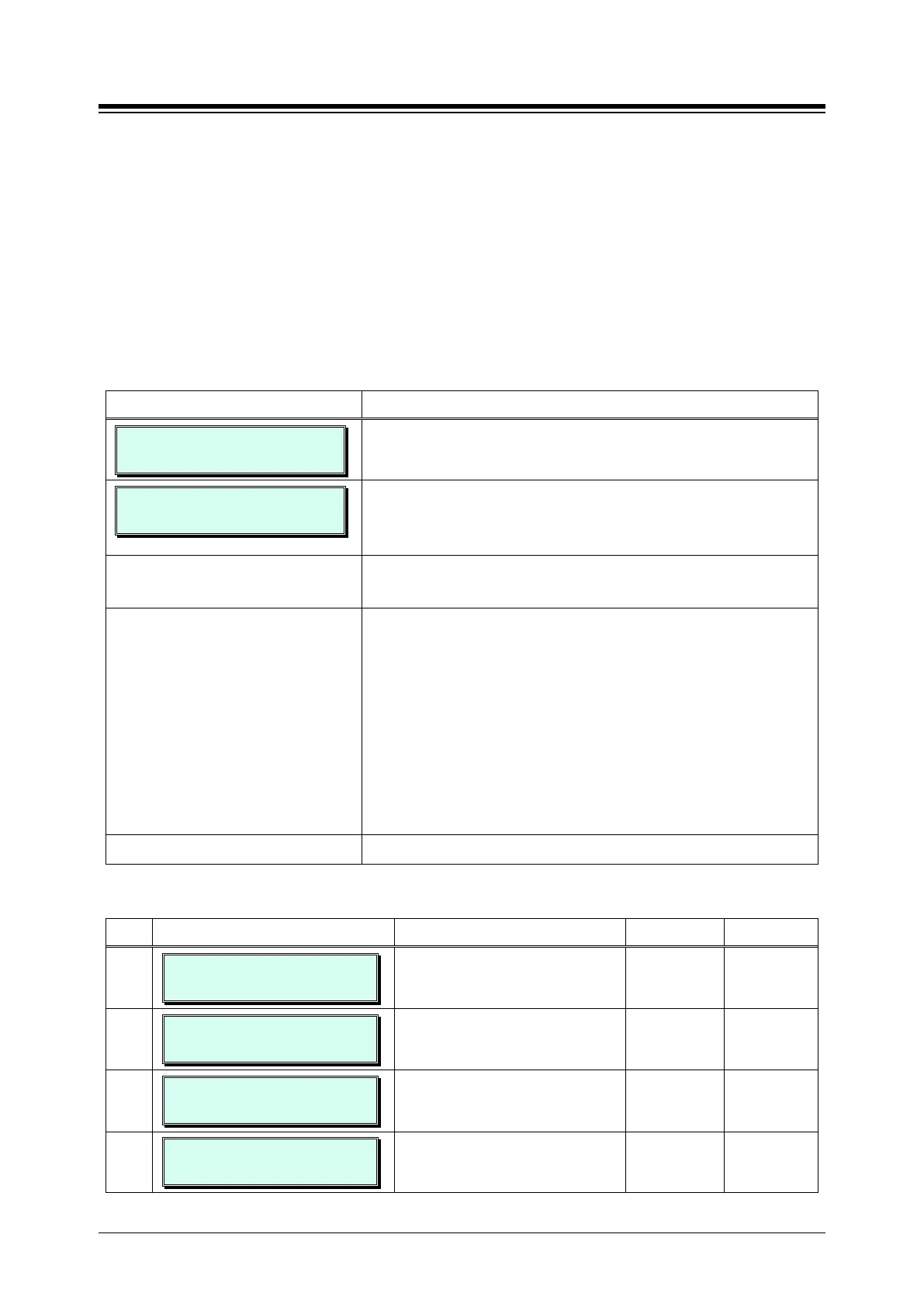
PRINT PORT SELECTION
PRESS FLEX_KEY (1-2)
1. Press the [PGM] button and dial 175.
SELECT TCP NO
PRESS FLEX_KEY (1-9)
Press Flex button 1 to assign the output type for each
function or Flex button 2 to assign the TCP port for the
function when a TCP channel is selected for the function.
Select the Flex button for the desired function, refer to Table
3.3.6.15-1 or Table 3.3.6.15-2.
Use the dial pad to enter the output type (Flex button 1) or
TCP port (Flex button 2). For Flex button 1 the entries
available are:
1: Serial port 1
2: Serial port 2
3: TCP channel 1
4: TCP channel 2
5: TCP channel 3
6: USB COM1 (6)
Press the
button to store the data entry.
Table 3.3.6.15-1 FUNCTION OUTPUT TYPE (PGM 175)
BTN ATTRIBUTE/DISPLAY DESCRIPTION RANGE DEFAULT
1
OFF LINE SMDR (1-7)
SERIAL1 (1)
Defines the serial port or TCP
channel used for Off-line
1 ~ 7 SERIAL1
2
ADMIN DATA (1-7)
SERIAL1 (1)
Defines the serial port or TCP
channel used for the ADMIN Report
1 ~ 7 SERIAL1
3
TRAFFIC (1-7)
SERIAL1 (1)
Defines the serial port or TCP
channel used for the TRAFFIC
1 ~ 7 SERIAL1
4
SMDI (1-7)
SERIAL1 (1)
Defines the serial port or TCP
channel used for the SMDI output.
1 ~ 7 SERIAL1




 To Next Page