iPECS eMG80 & eMG800 & UCP
Administration and Programming Manual Issue 1.6
52
Table 3.3.3.3-1 STATION ISDN ATTRIBUTES (PGM 114)
BTN ATTRIBUTE/DISPLAY DESCRIPTION RANGE DEFAULT
24-22
100-110 NFC AUTH USE
(1:ON/0:OFF ) : ON
If this option is ON, User enters
Authorization code to use NFC function
0: OFF
1: ON
ON
24-23
100-110 SHORT MODEM
(1:ON/0:OFF ) : OFF
If this value of SLT is ON, SLT is the
modem mode in seizing a co line.
When the CO line is CO Board, the
{short modem timer} is starting when the
SLT seizes the CO line. And if the {short
modem timer} is expired, the SLT goe
the original mode.
When the CO line is ISDN, the {short
modem timer} is starting after receiving
the ISDN connect message. And if the
{short modem timer} is expired, the SLT
goes to the original mode.
0: OFF
1: ON
OFF
3.3.3.4 Flexible button Assignment -PGM 115
Each Flex button for each iPECS IP and LDP Phone, and DSS Console is assigned a function
(Type) and an associated Value as shown in Table 3.3.3.4-1.
For assignments to an DSS Console, the [VOL UP]/[VOL DOWN] buttons shift the Flex button
appearance on the Admin station to the next or previous group of 24 buttons as they appear on
the iPECS DSS Console. When multiple DSS Consoles are associated with a station, [VOL
UP]/[VOL DOWN] are used to access and assign a function to the console buttons. Each
console contains entries for 48 buttons even though the console may only have 12 buttons. In this
case, assignments for buttons 13 to 48 are ignored.
Table 3.3.3.4-2 shows the default button assignments for the iPECS IP and LDP Phones and
Table 3.3.3.4-3 and Table 3.3.3.4-6 provides default assignment for the various DSS Console
button maps.
PROCEDURE:
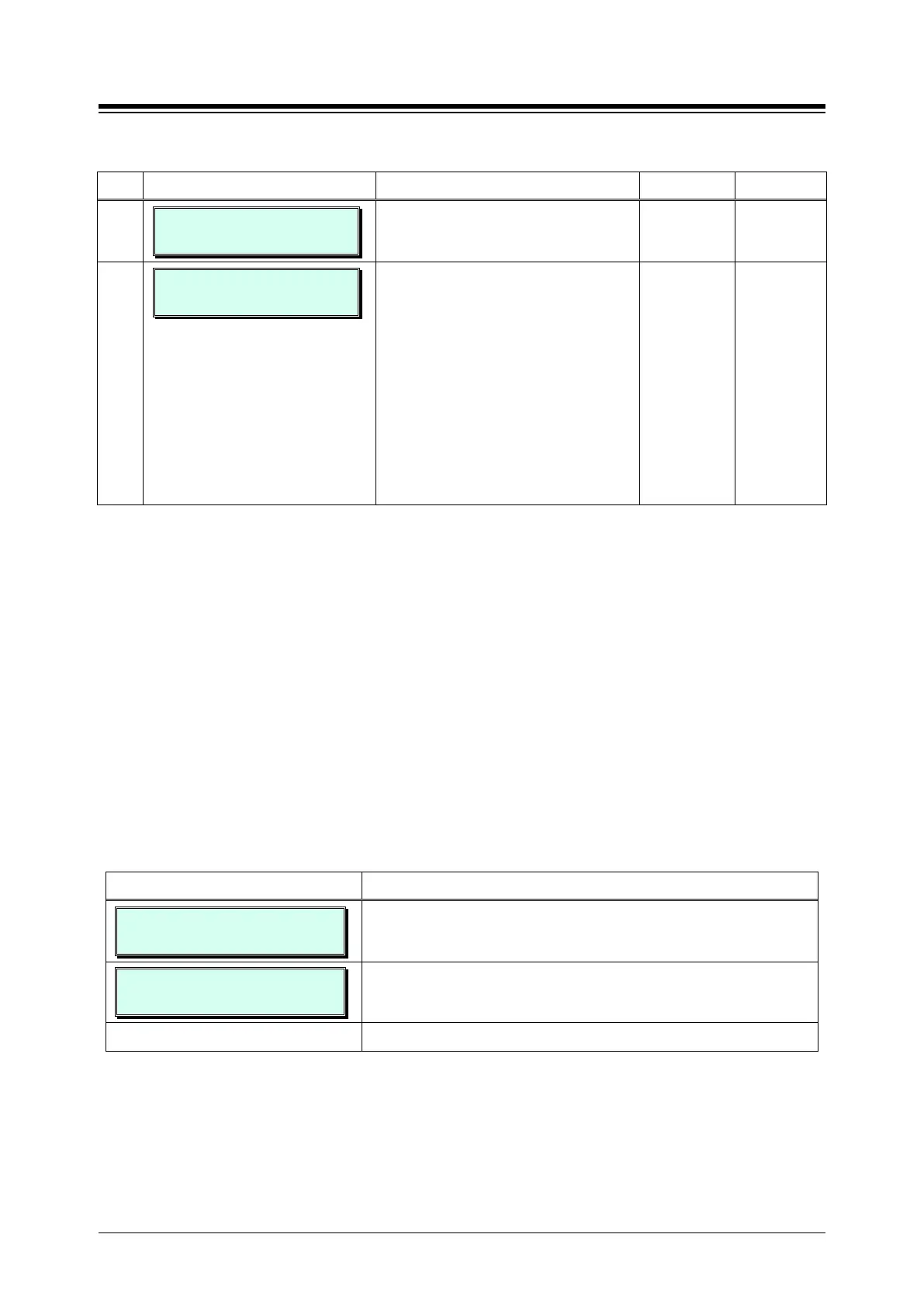
FLEX BUTTON ASSIGN
ENTER STA RANGE
1. Press the [PGM] button and dial 115.
100-110 BTN ASSIGN
PRESS FLEX_KEY (1-24)
Use the dial-pad to enter a station range (Ex. 100~110). For
a single station, enter the same number twice.
Press the desired Flex button (1~24).





 To Next Page