iPECS eMG80 & eMG800 & UCP
Administration and Programming Manual Issue 1.6
221
4.2 iPECS system Web Access & Login
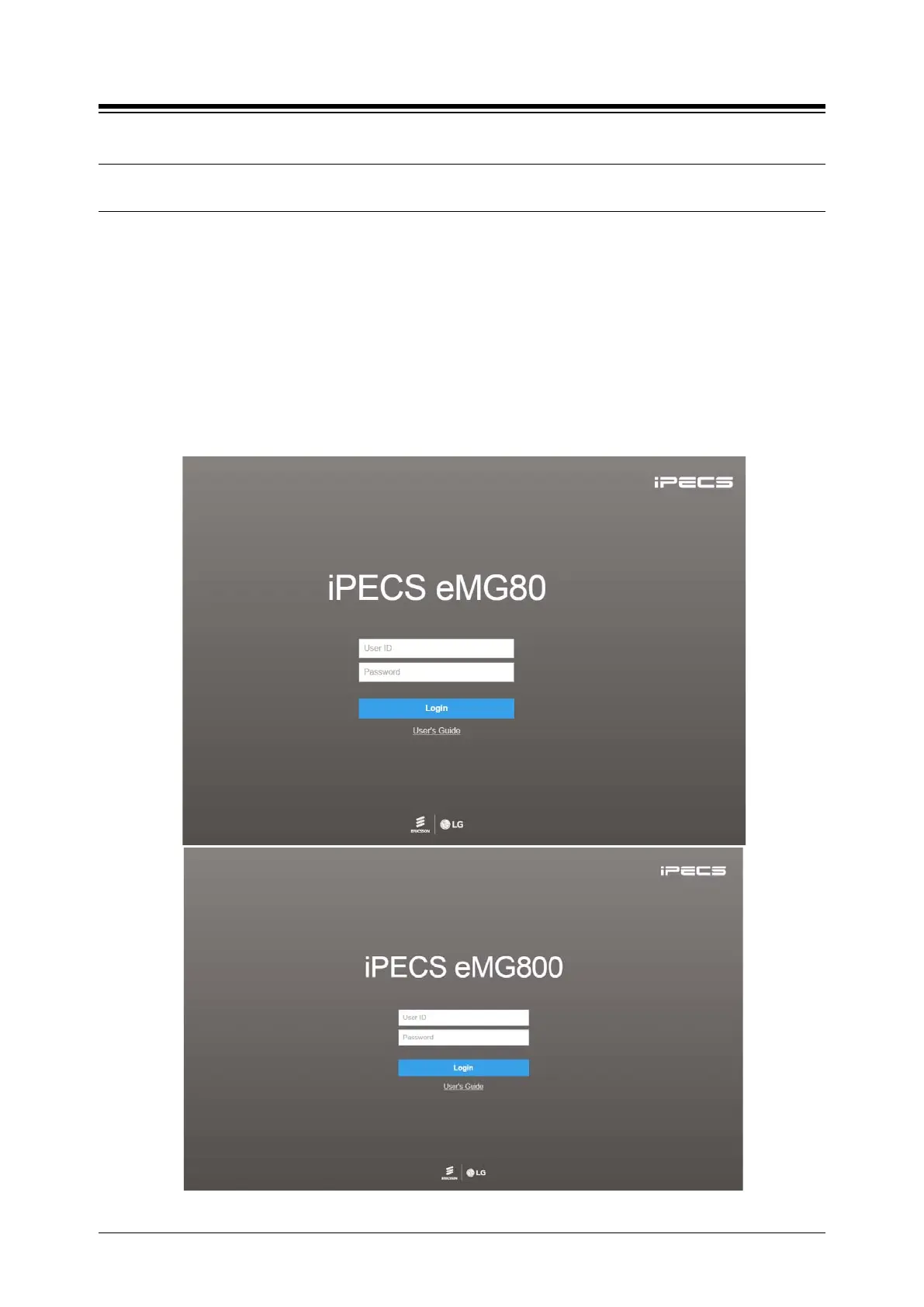
In the browser ‘ADDRESS’ field, enter the MPB or UCP IP address (default is 10.10.10.2) and
TCP port. Select GO; the Web server returns iPECS system Web Services Login page, Figure
4.2.1-1. The Web services include the Admin and Maintenance functions and the Station
Program User Portal. To access the Admin and Maintenance function, User ID and Password
should be matched with the assignments in the User Management. The default Maintenance
User ID is ‘admin’ and the password is ‘1234’. The system will return the Admin & Maintenance
Main page, section 4.3.
To access the Station program, the user must enter their Station number and full Authorization
code (station number and Auth code) in Tables Data – Station Authorization Code (PGM 227).
The system will return the Station Program Main page as shown in section 4.6.





 To Next Page