iPECS eMG80 & eMG800 & UCP
Administration and Programming Manual Issue 1.6
580
4.5.1.2 Upgrade Process
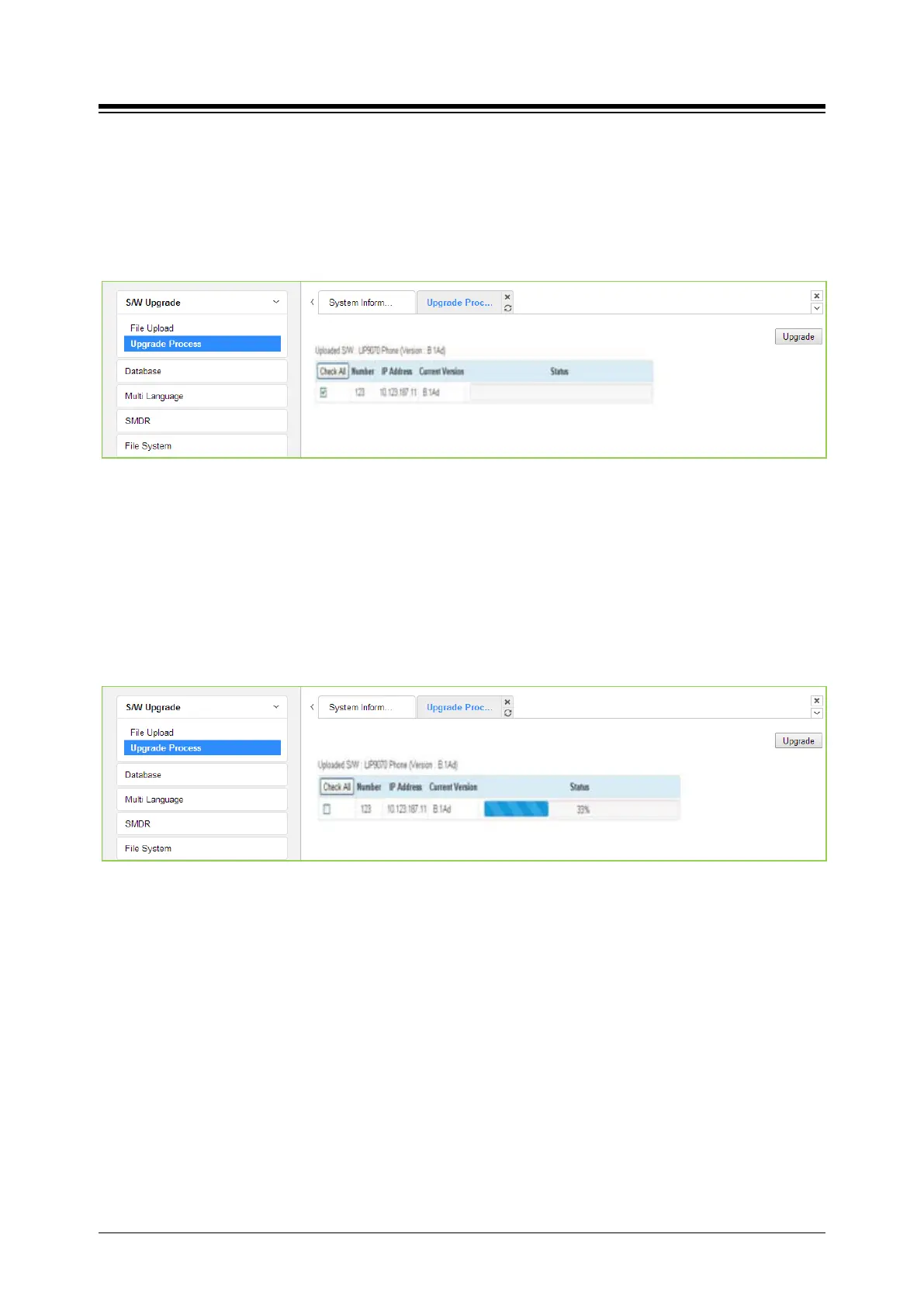
If the iPECS Appliance image is uploaded, the appliances of the type for which an image was
uploaded will be displayed and can be selected to upgrade, as shown in the following figure
Upgrade Process. Select the desired appliance and click [Upgrade] button, the upgrade process
will start and a progress screen will be displayed.
Figure 4.5.1.2-1 Upgrade Process
4.5.1.2.1 Upgrade Process View
The Upgrade Process View provides a status window; refer to the following Upgrade Process
View, for Module and terminal upgrade activity in process.
Figure 4.5.1.2-1 Upgrade Process View





 To Next Page