iPECS eMG80 & eMG800 & UCP
Administration and Programming Manual Issue 1.6
579
4.5.1.1 File Upload
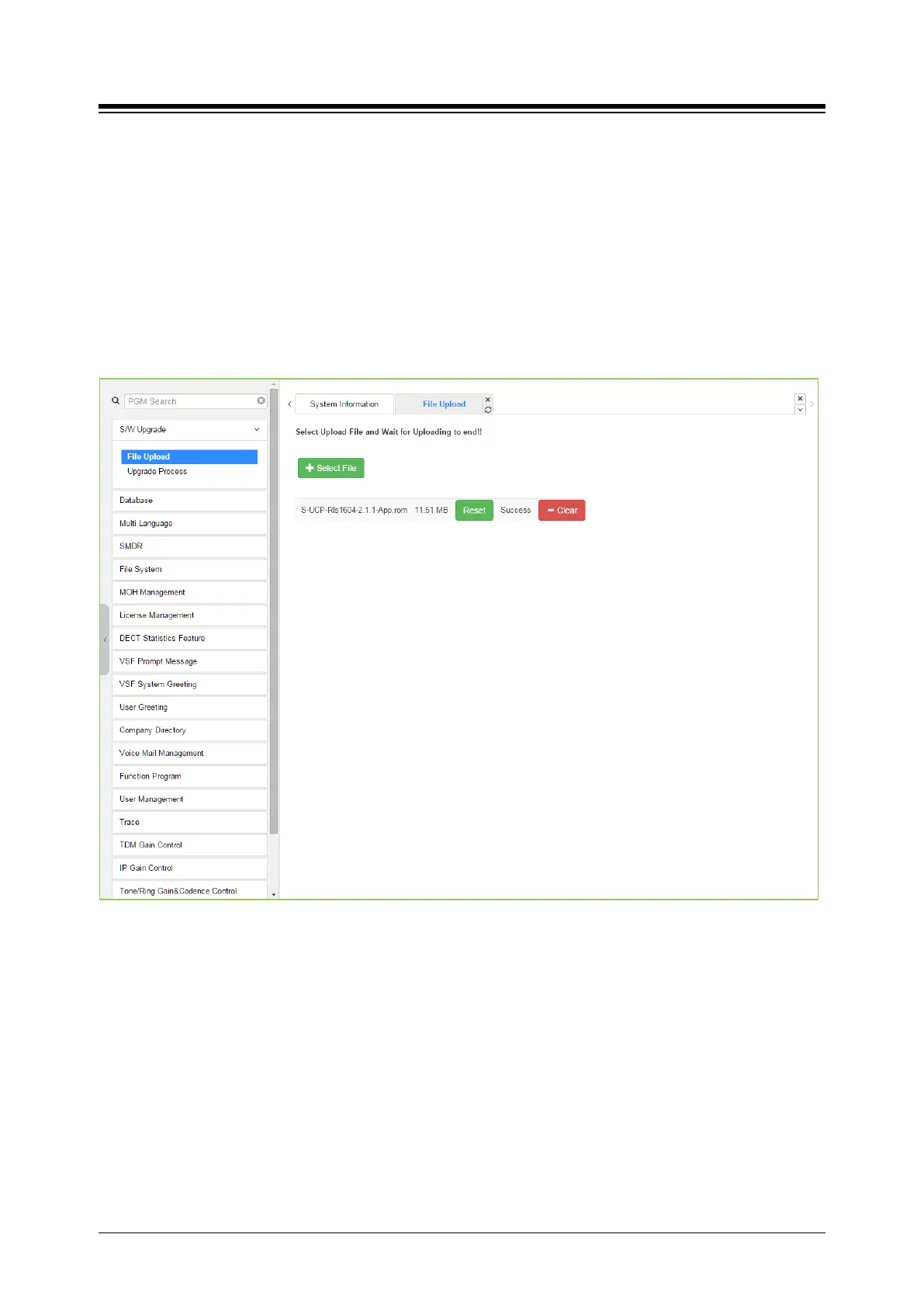
From the File Upload page, click [Select file] button and then open the pop-up folder. Select the
desired file to upload to the system’s memory and click the [Start] button. The file is sent to the
system’s memory, saved and automatically loaded upon a system reset or restart.
Prior to upload, verify sufficient memory is available in eMG/UCP File System for the files to be
uploaded. Refer to ‘File System section’ to view the free disk space and delete any unused files.
Note names of files required for normal system operation will be grey out and cannot be deleted.
Html image files are extracted and previous HTML files are deleted at completion of the upload
process. New VSF prompt files are also available immediately upon successful uploaded.
Figure 4.5.1.1-1 File Upload
* If file upload succeeds, a success page will be displayed.





 To Next Page