iPECS eMG80 & eMG800 & UCP
Administration and Programming Manual Issue 1.6
208
3.3.12.1 Zone Holiday Assignment – PGM 444
Holidays and vacation day intervals for each zone can be established to define a specified
Service mode (Day, Night, and Timed) Up to 40 holidays and 5 vacation intervals can be defined.
PROCEDURE:
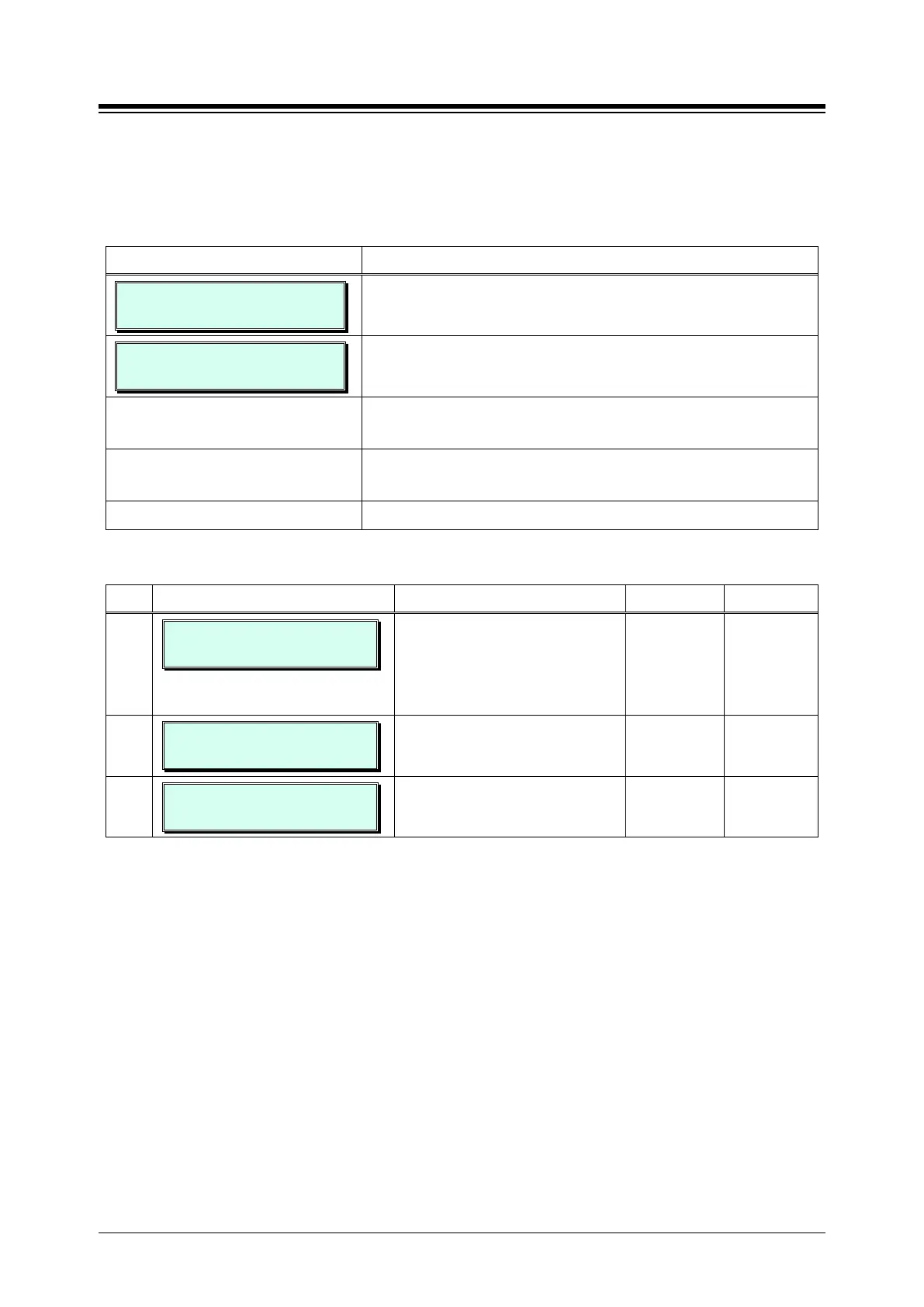
ZONE HOLIDAY ASSIGNMENT
ENTER BIN (01-32)
1. Press the [PGM] button and dial 444 and enter the bin
number (Ex.01).
ZONE(01) HOLIDAY ATTR
PRESS FLEX KEY (1-3)
Use the dial-pad to enter the bin (Zone) number (01~32).
Press the Flex button, 1 ~ 3, for the desired setting, refer to
Table 3.3.12.1-1.
Use the dial pad to enter the required data, refer to Table
Press the [Save] button to save any changes.
Table 3.3.12.1-1 ZONE HOLIDAY ASSIGNMENT (PGM 444)
BTN ATTRIBUTE/DISPLAY DESCRIPTION RANGE DEFAULT
1
ZONE(01) RING MODE(0-3)
TIMED-R
Enter the desired Service mode for
the Holiday or Vacation.
0 -3
0: DAY
1: NIGHT
2: TIMED
TIMED
2
ZONE(01) VACATION
ENTER BIN NO(1-5)
Assign a date range for the vacation
entering the start and end dates as
12 digits None
3
ZONE(01) HOLIDAY
ENTER BIN NO(01-40)
Assign a date for the holiday for the
Zone as MMDD.
None





 To Next Page