iPECS eMG80 & eMG800 & UCP
Administration and Programming Manual Issue 1.6
118
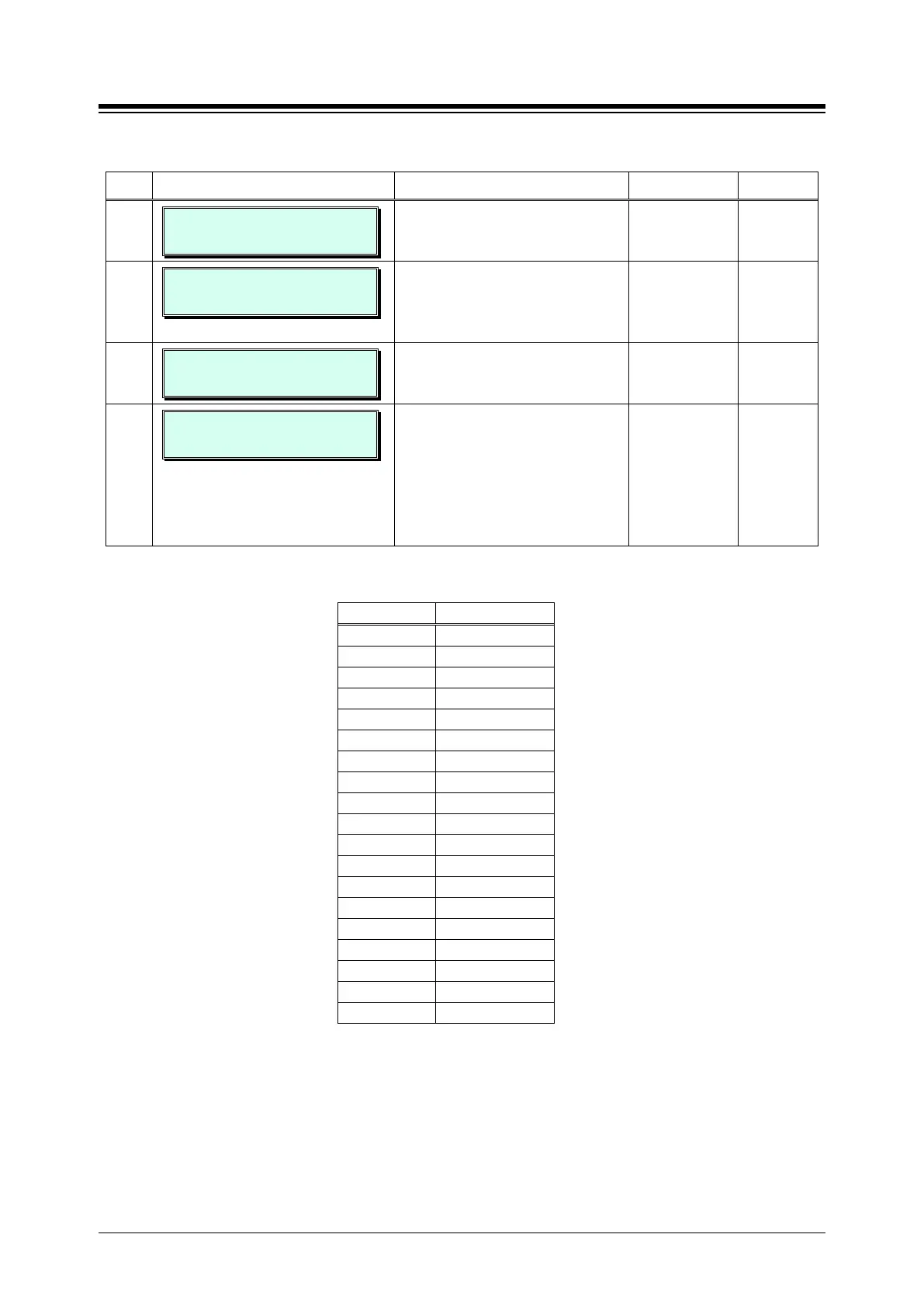
Table 3.3.6.9-1 LCD DISPLAY MODE (PGM 169)
BTN ATTRIBUTE/DISPLAY DESCRIPTION RANGE DEFAULT
1
LCD DATE MODE
(1:MMDD/0:DDMM): MMDDYY
Sets the Date display as month/day
or day/month.
0: DD-MM-YY
1: MM-DD-YY
MMDDYY
2
LCD TIME MODE
(1:12H/0:24H):12H
Sets the Time display mode as 12
hour or 24-hour (military) time.
0: 24 Hour
Mode
1: 12 Hour
12 Hour
3
LCD LANGUAGE (00-18)
ENGLISH (00)
Sets the Language used in the LCD;
Refer to Table 3.3.6.9-2 below.
00~18 00
(English)
4
LCD WEEKDAY MODE (0-2)
PGM 169 BTN 1 (0)
Sets the Day-of-Week (DoW)
display mode:
0: no DoW, see PGM 169-BTN1...
1: display MM/DD WDY, (alpha
month display, overrides button 1.
2: display MM DD WDY, numeric
month display, overrides button 1.
0: use button 1
1: MM/DD WDY
2: MM DD WDY
Use button
1
Table 3.3.6.9-2 LCD LANGUAGE SELECTION
00 English
02 Finnish
04 Swedish
06 Norwegian
08 German
10 Portuguese
12 Korean
14 Russian
16 Polish
18 Arabic





 To Next Page