iPECS eMG80 & eMG800 & UCP
Administration and Programming Manual Issue 1.6
234
4.3.5 Install wizard
After the system is initialized, the first time Web Admin is accessed, the Install Wizard is
displayed. The Wizard presents 9 pages in sequence with parameters that should be verified or
commonly need modification prior to operation of the system including:
1) System Upgrade
2) Nation Code
3) System Time & Date
4) Station Number
5) Flexible Numbering Plan
6) CO Ring Assignment
7) License Upload
8) Maintenance ID & Password
9) IP Information
4.3.5.1 System Upgrade
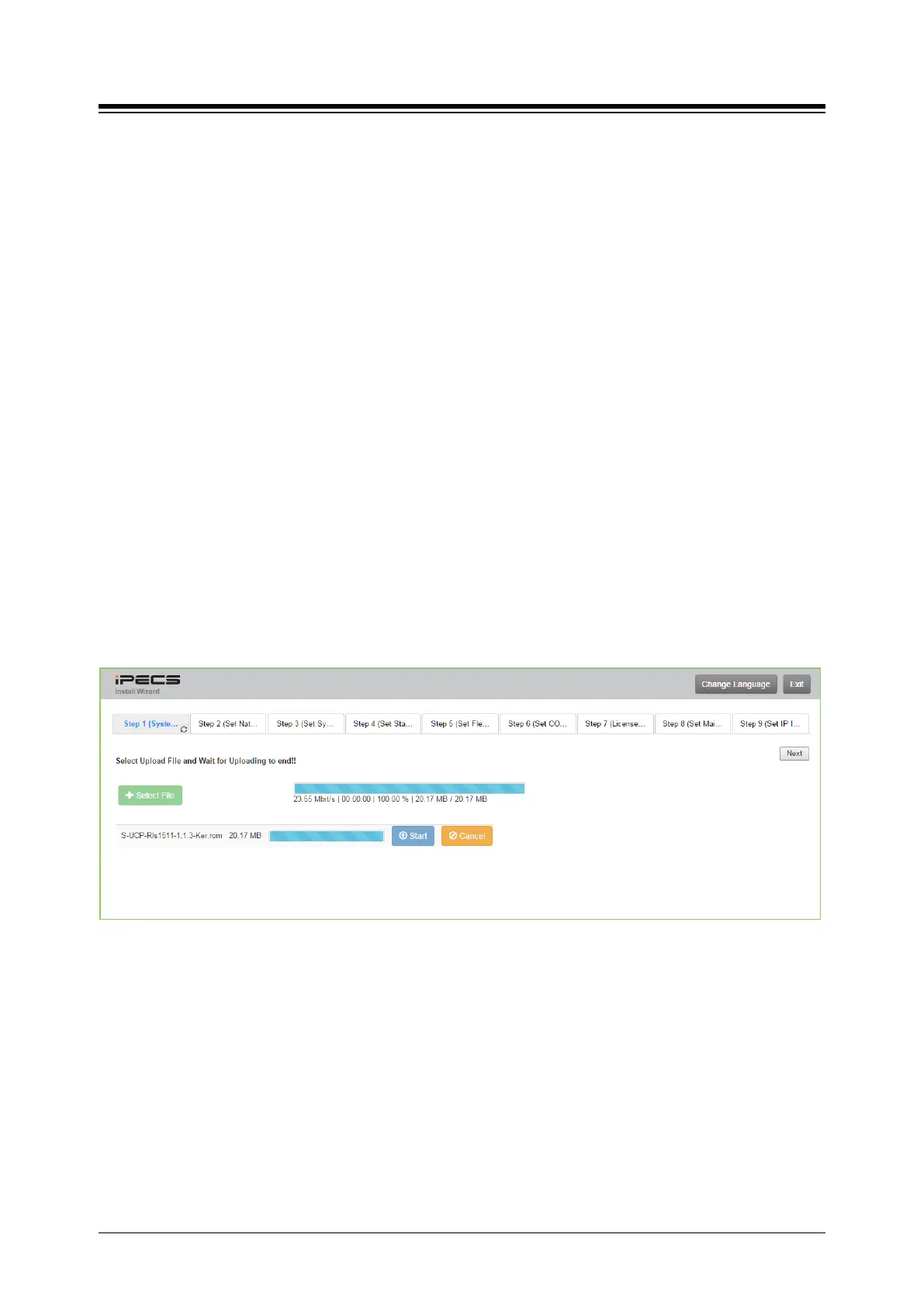
Click the Select files button and then open the pop-up folder. Select the desired file to upload to
the system’s memory and click the [Start] button. The file is sent to the system’s memory, saved
and automatically loaded upon a system reset or restart.
Figure 4.3.5.1-1 System upgrade





 To Next Page