iPECS eMG80 & eMG800 & UCP
Administration and Programming Manual Issue 1.6
582
4.5.1.3 Upgrade HTML Files
The “File View” Menu is used to upload file and reload the system’s html files. Upload time of html
will take 5 ~ 10 minutes.
4.5.1.3.1 Appliances Upgrade (Device and iPECS Phone)
Upload appliance image, and click [Upgrade process] button to select upgrade appliances. If
appliances are selected, click [Upgrade] button. The page shown in Figure 4.5.1.2-1 will be
displayed indicating the Upload command has been sent and upgrade process is working. This
page will display the Upload status. When the appliance upgrade process is successful, the
status is updated to “Success”. If the upgrade process fails, the process is attempted an
additional three (3) times before abandoned.
4.5.1.3.2 Direct Appliances Upgrade
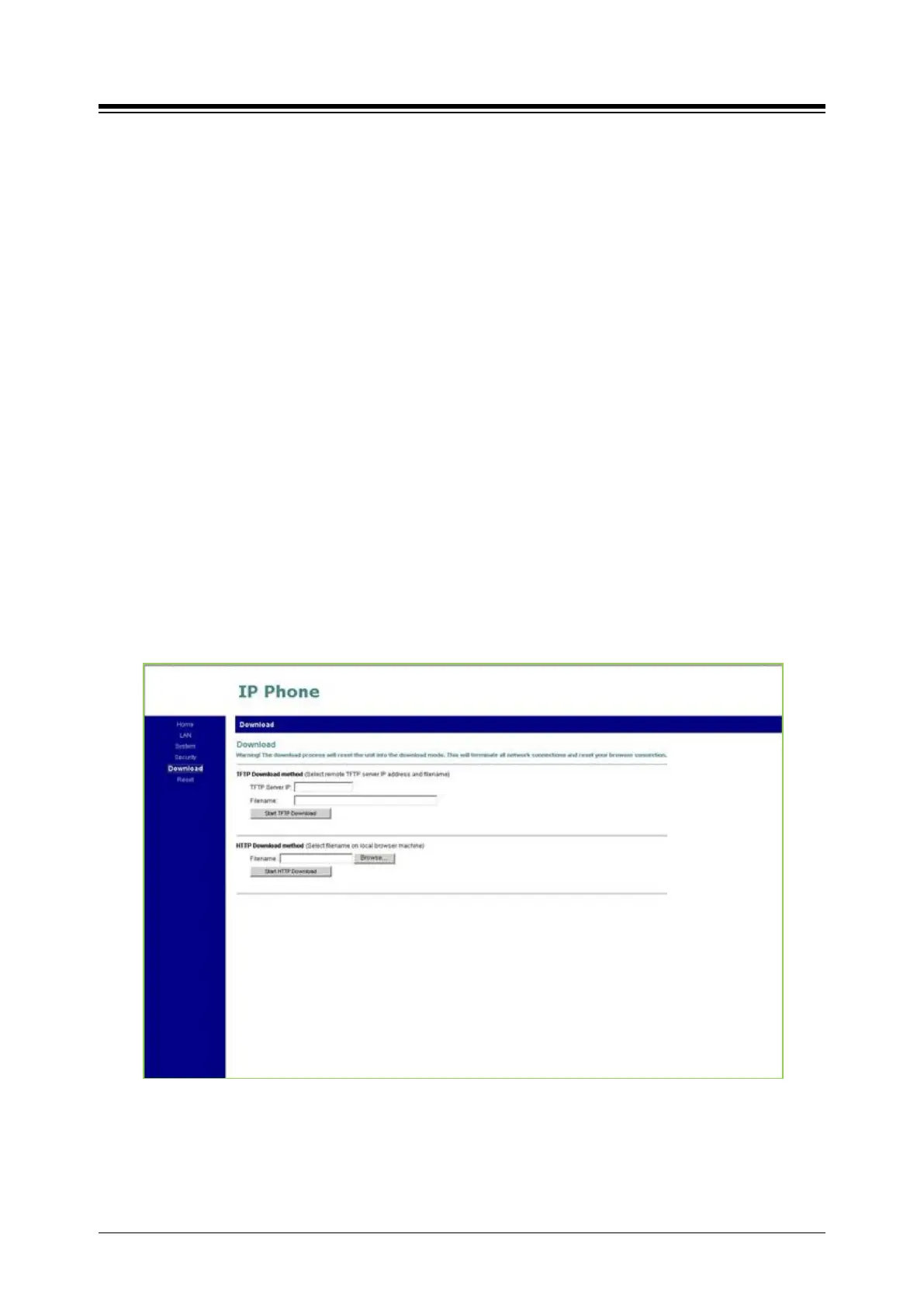
Should the above managed upgrade process fail, appliances (Devices and iPECS Phones) can
be upgraded directly using the appliance IP address as the upgrade destination address. Note
the later may require local access.
Figure 4.5.1.3.2-1 iPECS Phone Direct Connect Upgrade




 To Next Page