iPECS eMG80 & eMG800 & UCP
Administration and Programming Manual Issue 1.6
588
4.5.6 MOH (Music On-Hold) Management
4.5.6.1 MOH Delete & Download
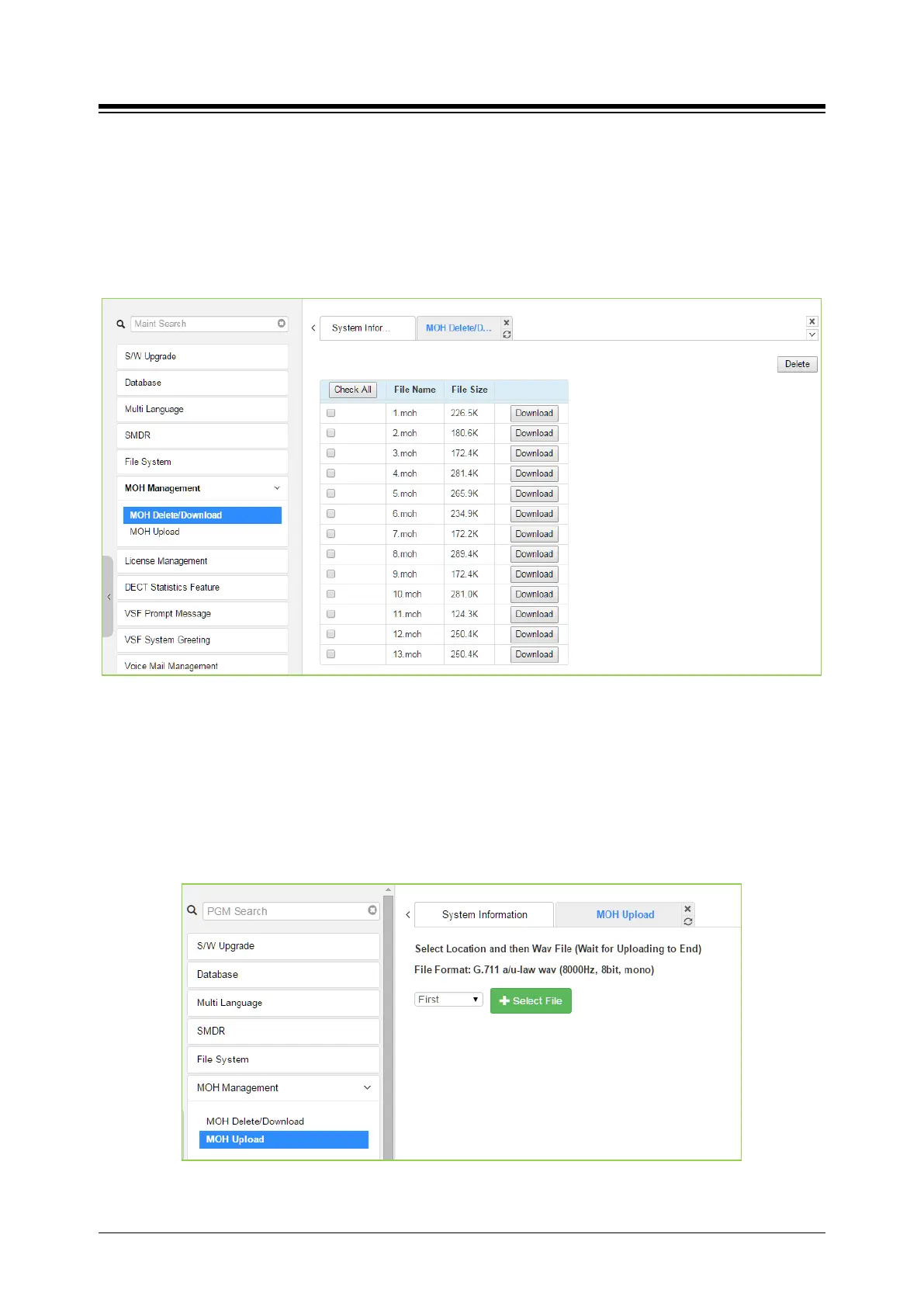
The MOH Delete & Download page displays a list of the thirteen files stored in the file system
memory. To delete a file, check the box for the file and click [Delete]. Files can also be
downloaded to the PC using the [Download] button to the right of the file name.
Figure 4.5.6.1-1 MOH Delete & Download
4.5.6.2 MOH Upload
Selecting “MOH Upload” will display the page shown in figure. Here MOH can be uploaded to the
system for each of up to thirteen (13) MOH. MOH files format must be followed as shown in the
page ‘G.711 a/u-Law wav (8000Hz, 16bit, mono)’.
Figure 4.5.6.2-1 MOH Upload




 To Next Page