iPECS eMG80 & eMG800 & UCP
Administration and Programming Manual Issue 1.6
603
4.5.13 Voice Mail Management
The Voice Mail Management permits the administrator to view the status of the built-in Voice Mail
boxes and delete the all messages, delete messages for specific stations, or back-up all the
messages to the PC.
4.5.13.1 Voice Mail Delete
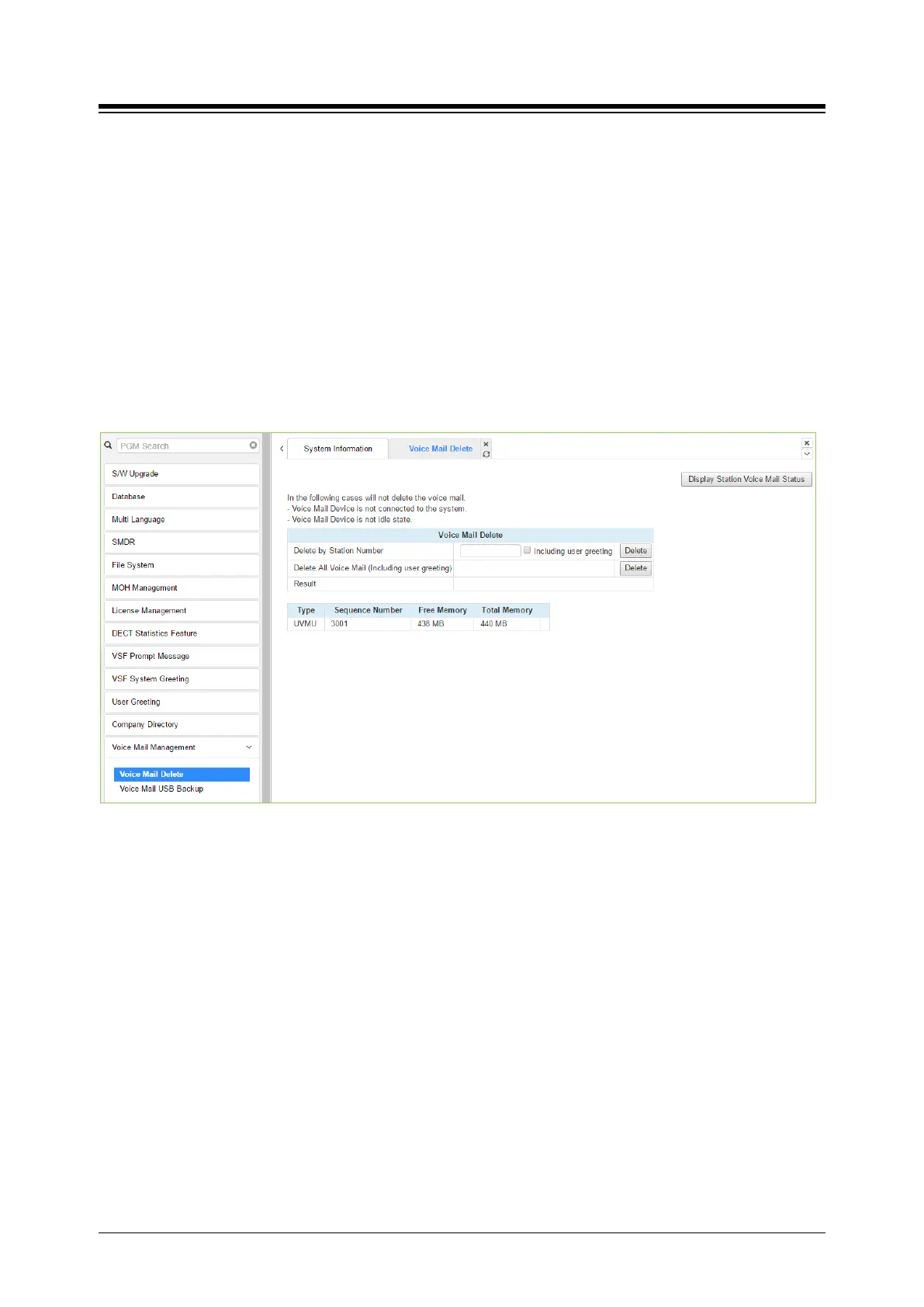
Selecting Voice Mail Delete displays the page as shown in figure. From this page, messages
stored in the VMIU (VMIB) can be deleted for all stations or a station range. In addition, using the
“Display Station Voice Mail Status” button, the number of messages for each station is displayed.
Figure 4.5.13.1-1 Voice Mail Delete
A user can delete user greeting if you set "Including user greeting" option when a user delete
voice mail.





 To Next Page