iPECS eMG80 & eMG800 & UCP
Administration and Programming Manual Issue 1.6
67
3.3.3.16 Station CCR Table – PGM 128
CCR Table can be assigned on a station basis. The description and valid inputs are given in
Table 3.3.3.16-1.
PROCEDURE:
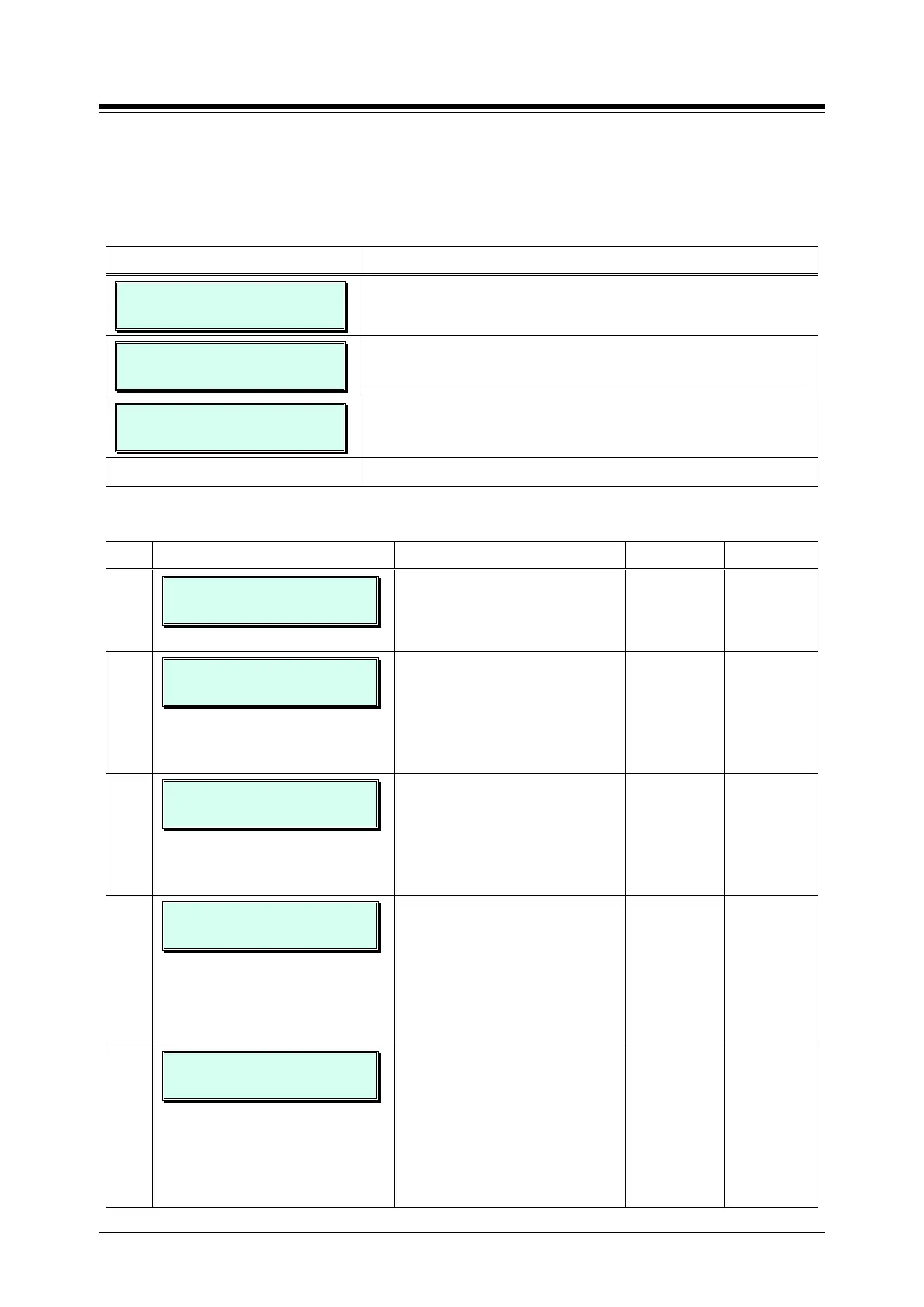
ENTER PGM NUMBER
1. Press the [PGM] button and dial 128.
STATION CCR
ENTER STA RANGE
Enter Station Range (Ex. 100~110).
100-110 STA CCR
PRESS FLEX KEY (01-14)
Press the desired Flex button.
Press the desired Flex button; refer to Table 3.3.3.16-1.
Table 3.3.3.16-1 STATION CCR Table (PGM 128)
BTN ATTRIBUTE/DISPLAY DESCRIPTION RANGE DEFAULT
1-10
101 – 110 STA CCR
INPUT 0 : NOT ASSIGNED
Button 1 to 10 means outside user
press 1 to 0. This dialing is matched
with this table destination.
The destination is 14 kinds.
NA
11
101 – 110 CCR TBLUSAGE
(1:ON/0:OFF) : OFF
If this option is set to ON, this CCR
table is worked.
If this option is set to OFF, this CCR
table is not worked, instead of that,
outside caller’s dialed digit can be
regarded as DISA dialing.
OFF
ON
OFF
12
101 – 101 CCR 1 DGT ONLY
(1:ON/0:OFF) : OFF
If this option is set to ON, Only the
first digit that is user entered is
affected to the CCR routing.
If this option is set to OFF, the
following next digits are also
affected to the DISA routing.
ON/OFF OFF
13
101 – 101 * USED AS
(0-3): NUMBERING PLAN
While listening User Greeting, *
button working is followed by this
attribute.
0 : Numbering
Plan
1 : Replay
Greeting
2 : Access
Mail Box
3 : Leave
Numbering
Plan
14
101 – 101 # USED AS
(0-3): ACCESS MAILBOX
While listening User Greeting, #
button working is followed by this
attribute.
0 : Numbering
Plan
1 : Replay
Greeting
2 : Access
Mail Box
3 : Leave
Access
Mailbox





 To Next Page