iPECS eMG80 & eMG800 & UCP
Administration and Programming Manual Issue 1.6
63
3.3.3.13 Linked Station Table – PGM 124
A station can be linked to another station so that the two stations effectively act as a single station
with the attributes of the primary station number. An unregistered or registered station may be
linked to a primary station. When unregistered station linking is used, the linked station does not
reduce the system’s capacity.
PROCEDURE:
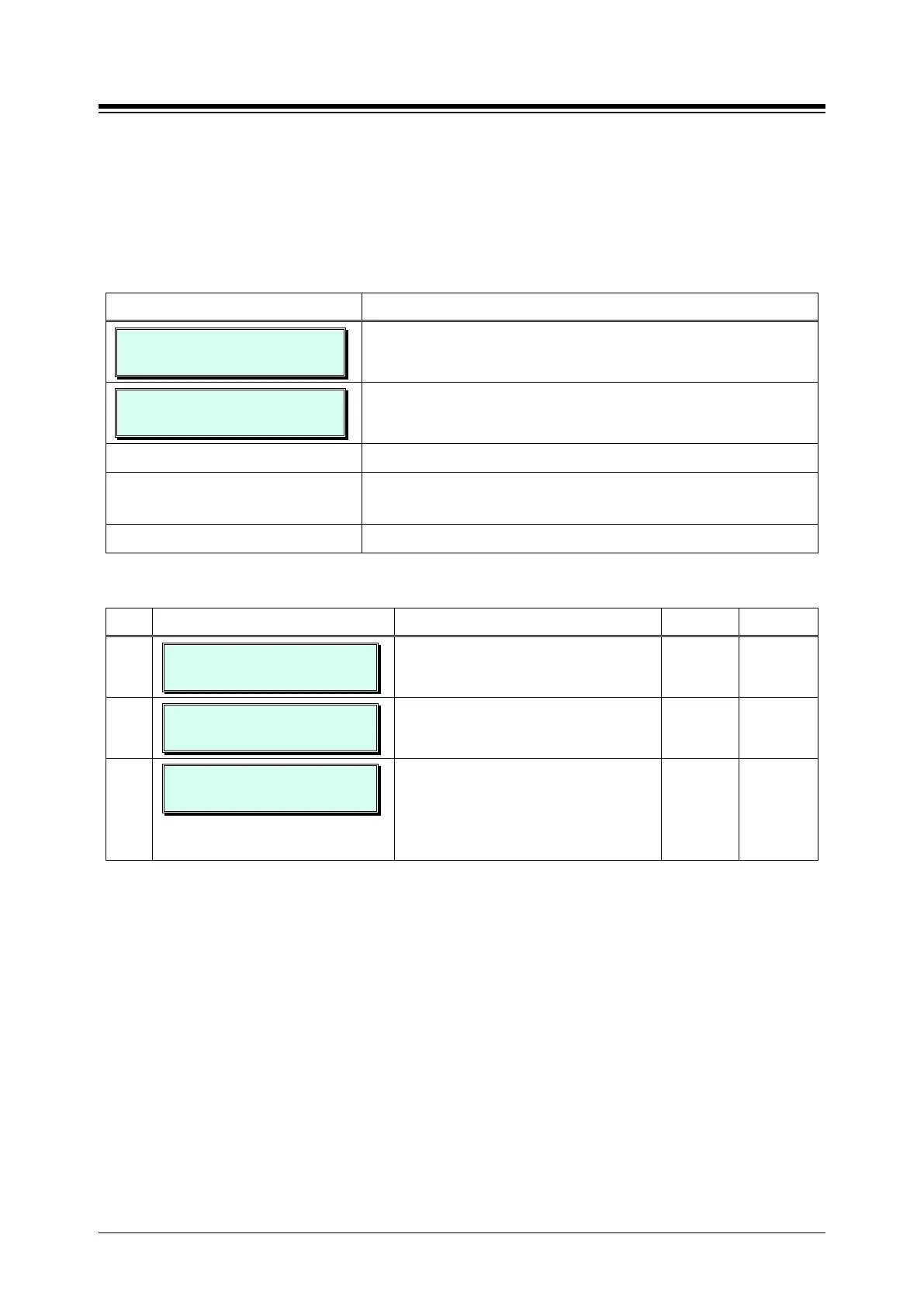
LINKED STA TABLE
ENTER STA NUMBER
1. Press the [PGM] button and dial 124.
STA 110 IS LINKED PAIR
PRESS FLEX KEY (1-3)
Use the dial-pad to enter primary station number for the
Linked pair (Ex. 110).
Press the desired Flex button.
Use the dial-pad to enter desired data, refer to Table
Press the [Save] button to store the data entry.
Table 3.3.3.13-1 LINKED STATION ATTRIBUTES (PGM 124)
BTN ATTRIBUTE/DISPLAY DESCRIPTION RANGE DEFAULT
1
SET IP ADDRESS
IP: IP NOT ASSIGNED
IP Address of the linked station not
required.
2
ROUTER IP ADDRESS
IP: ROUTER IP NOT ASSIGN
Set Router IP address associated with
linked station.
3
STA 110 : SET MAC ADDR
MAC: NOT ASSIGNED
Set MAC address of linked un-registered
station, required data. Note the
secondary station must not be registered
in the system prior to linking. If needed,
delete the device from the system.





 To Next Page