iPECS eMG80 & eMG800 & UCP
Administration and Programming Manual Issue 1.6
559
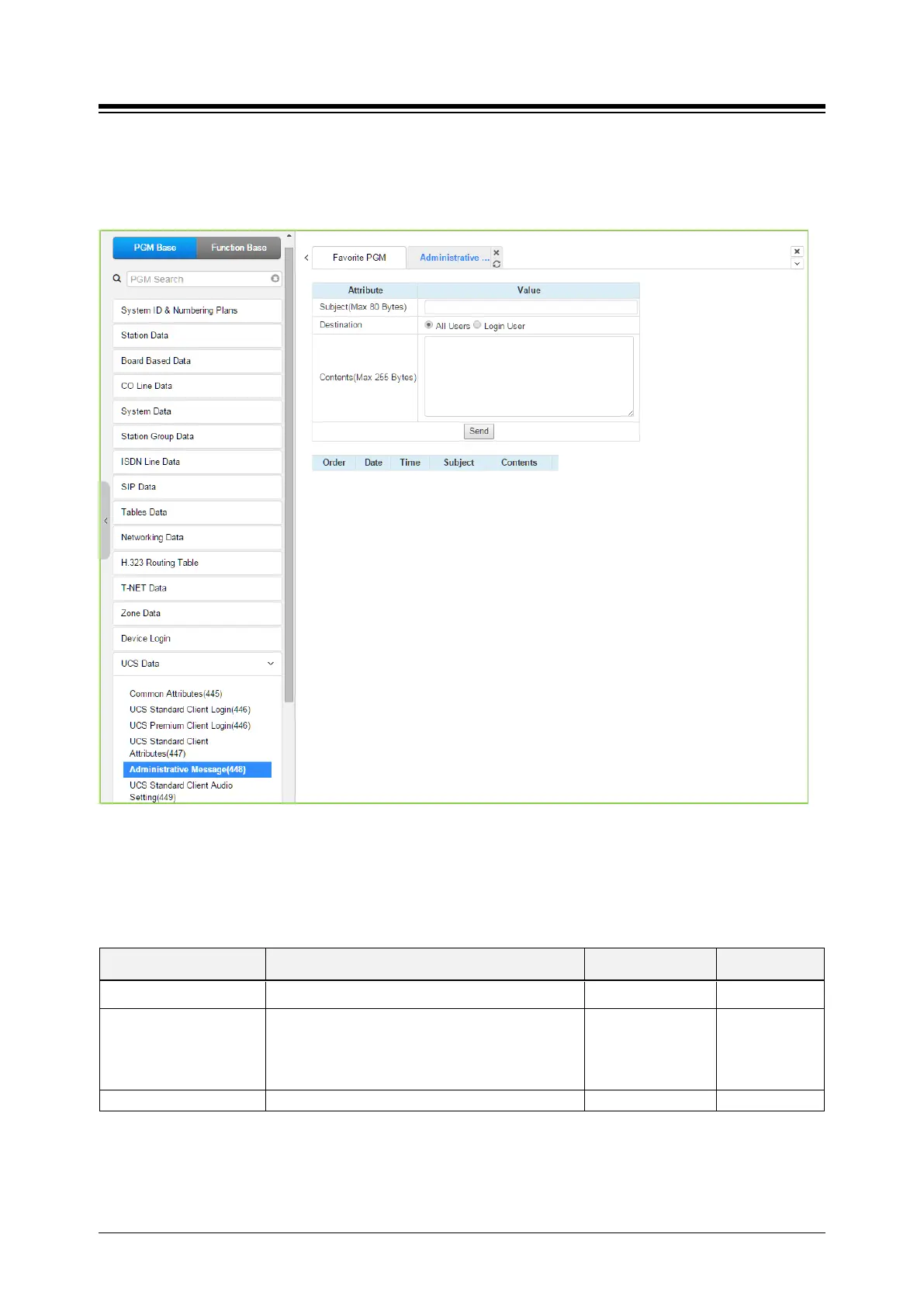
4.4.15.5 Administrative Message – PGM 448
Selecting Administrative Message will display the administrative message input page. Click
[Send] button after filling out the subject and Contents and checking the destination.
Figure 4.4.15.5-1 Administrative Message
An administrator can send a message to UCS Clients such as a Welcome message.
Table 4.4.15.5-1 Administrative Message
ATTRIBUTE DESCRIPTION RANGE DEFAULT
Subject Message subject. Max. 80 bytes
Destination
The message can be sent to currently active UCS
Clients or to All Clients. For the All Clients
selection, the message is sent to all active Clients
and as each Client logs in.
Login user
All users
All





 To Next Page