iPECS eMG80 & eMG800 & UCP
Administration and Programming Manual Issue 1.6
177
3.3.9.2 Toll Tables – PGM 224
There are five Toll restriction Tables and each has a pair of Table entries. Each pair consists of
an Allow and a Deny entry. Allow and Deny entries for Table ‛A’ apply to Station and DISA Class
of Service 2, 4 and 11. Allow and Deny entries for Table ‛B’ apply to Station and DISA Class of
Service 3, 4 and 11. Allow and Deny entries for Table ‛C’ apply to Station and DISA Class of
Service 5 and 6. Allow and Deny entries for Table ‛D’ apply to Station and DISA Class of Service
8, 10 and 11. Allow and Deny entries for Table ‛E’ apply to Station and DISA Class of Service 9,
10 and 11.
For each Table, there can be up to 50 separate Allow and Deny entries (total of 100) of up to 20
digits. Entries in the Tables can be any digit (0-9), “#” as a wild card (don’t care) digit, or “*” as an
end of entry digit.
Based on Table entries, stations or DISA users are allowed or denied dialing specified numbers.
The following rules apply to establishing restrictions based on the Table entries:
- If the appropriate Allow/Deny Table pair has no entries and COS is 2 to 4, or 8 to 9, no
restrictions are applied. If the COS is 5 or 6, no Long Distance dialing is allowed.
- If entries are only made in the Allow Table, only those numbers entered can be dialed,
all other dialed numbers will be restricted.
- If entries are only made in the Deny Table, only those numbers entered will be
restricted and all other numbers can be dialed.
- When there are entries in both the Allow and Deny Table pair, if the number is in the
Deny Table, the number will be restricted otherwise the number can be dialed without
restriction.
PROCEDURE:
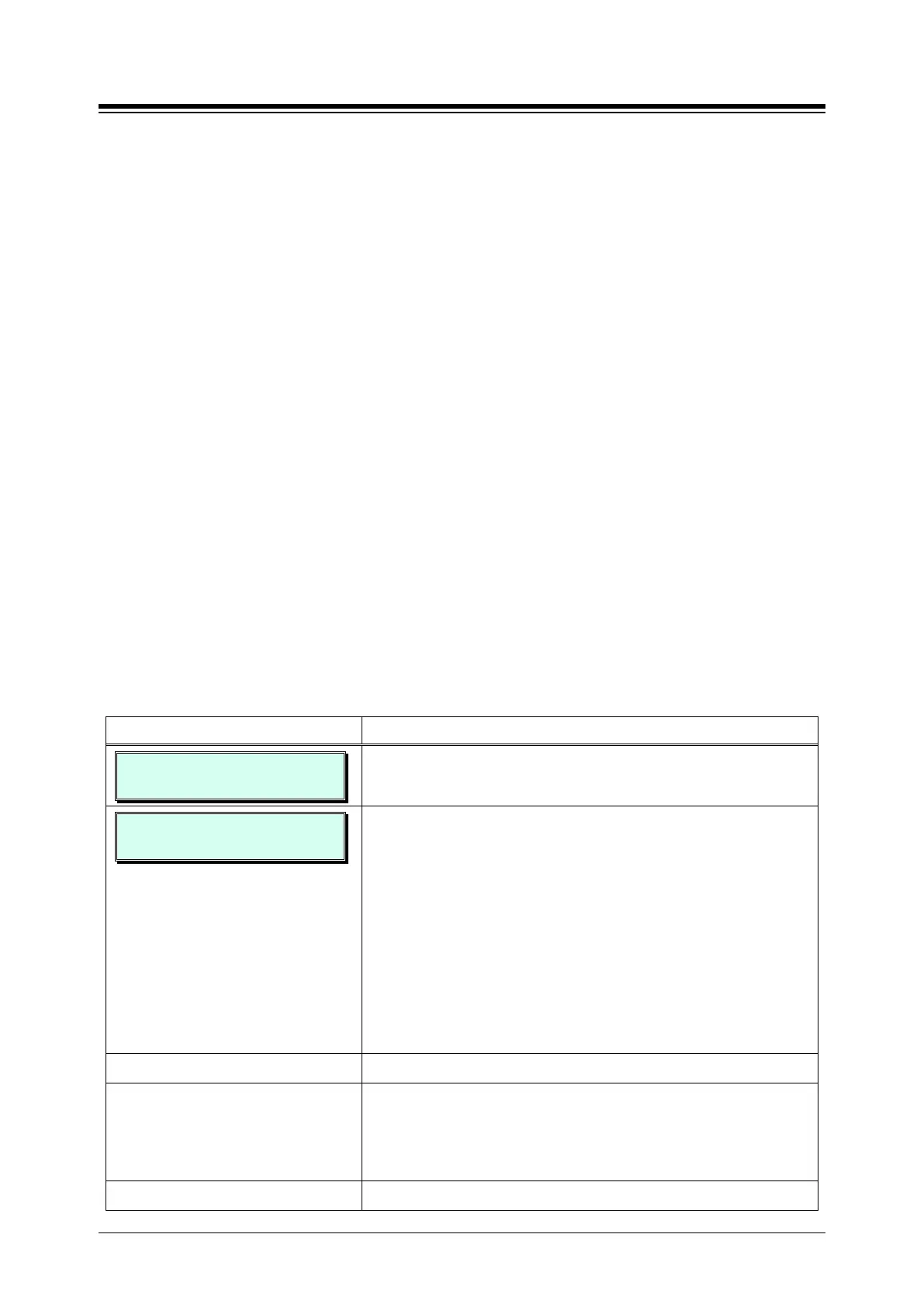
TOLL EXCEPTION TABLES
PRESS FLEX KEY (01-10)
1. Press the [PGM] button and dial 224.
ALLOW TABLE A
ENTER BIN NO (01-50)
Press Flex button 1~10:
Button 1: Allow Table A
Button 2: Deny Table A
Button 3: Allow Table B
Button 4: Deny Table B
Button 5: Allow Table C
Button 6: Deny Table C
Button 7: Allow Table D
Button 8: Deny Table D
Button 9: Allow Table E
Button 10: Deny Table E
Use the dial-pad to select a bin number (01~50).
Use the dial-pad to enter the dialed number desired (up to
20 digits). Use “#” as a wild card to represent any digit and,
at the end of an entry, dial “*” to end the entry. To delete a
Toll Table entry, press the [SPEED] button.
Press the
button to store the data entry.





 To Next Page