iPECS eMG80 & eMG800 & UCP
Administration and Programming Manual Issue 1.6
241
4.4.1.1 System ID – PGM 100
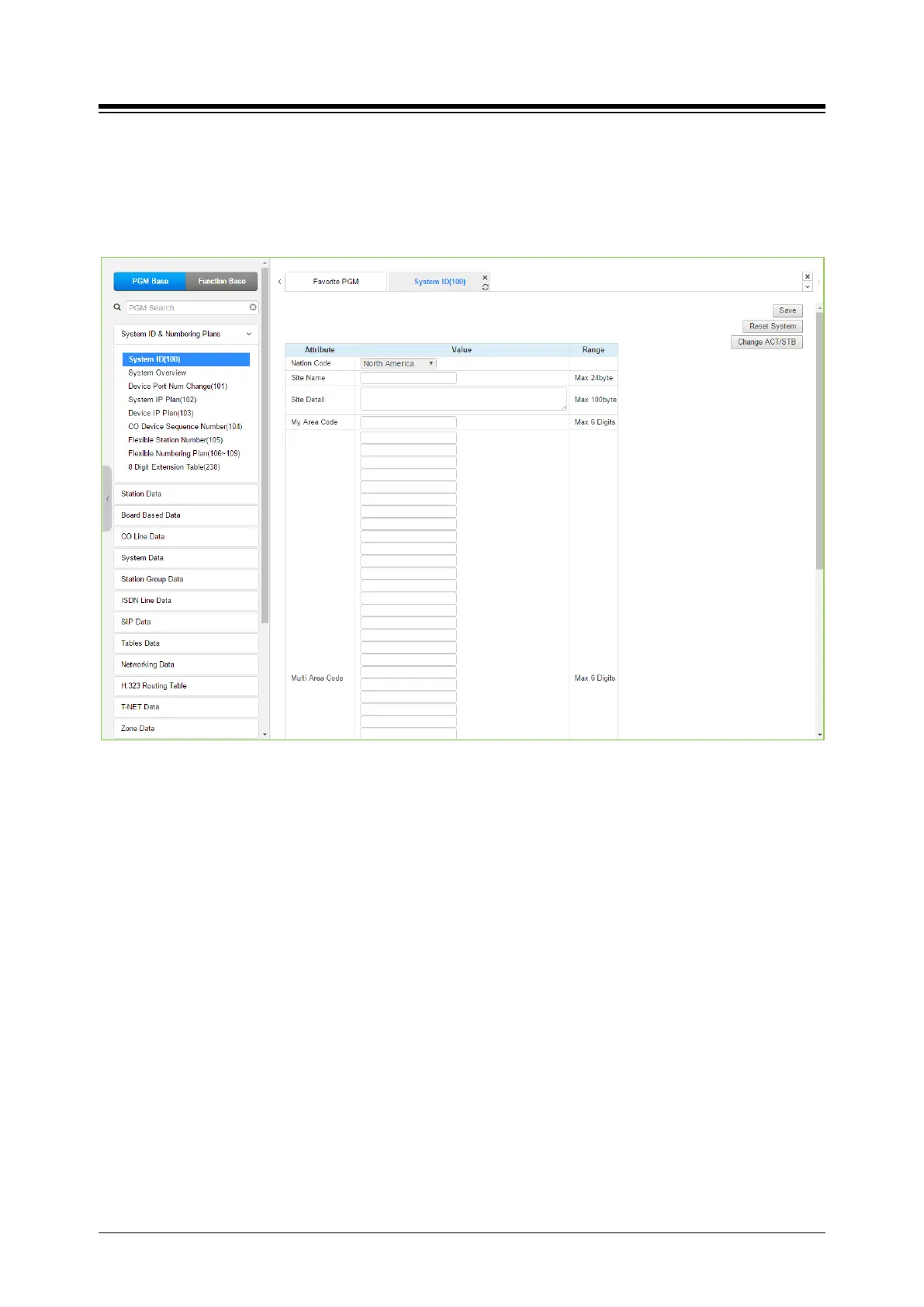
Selecting System ID will display the following Input Entry page. Click [Reset System] to restart
the system after changing Nation code, Site name, Site detail, My area code, Multi area code,
Numbering Plan, etc.
Figure 4.4.1.1-1 System ID
Under System ID, the country is identified using the international dial codes (Nation Code). A
twenty-four (24) character Site Name, Site detail and the local My Area Code maybe defined.
This information is used to set gain, frequencies and other system characteristics specific to the
country and regional regulatory requirements. The Site Name is primarily useful for the
installer/programmer as a reference to customer.
Note
1) In case of eMG, to change Nation code, Dip-switch 1 pole # 2 is ON; you cannot change the
Nation code while the switch is OFF.
2) In case of UCP, to change the Nation Code or disable the VOIU, the UCP Module “Mode”
dip switch pole 4 must be ON; you cannot change the Nation code while the switch is OFF.
3) The rest attributes are additional options for Customer’s convenience.
4) In case of UCP, the built-in VoIP DSP channels (VOIU) can be disabled allowing use of the
DSPs for the Multi-party Conference function. Note the capability to disable the VOIU is only
available when dip switch 4 of the UCP module is in the ON position.





 To Next Page