iPECS eMG80 & eMG800 & UCP
Administration and Programming Manual Issue 1.6
68
Table 3.3.3.16-1 CCR DESTINATIONS (PGM 128)
TYPE
DESCRIPTION
1
2
3
Route with System Speed Dial
4
Route as PBX Transfer with System Speed Dial (Flash then dial speed dial digits)
5
Route to VSF Announcement
6
Route to VSF Announcement and disconnect
7
Route to Networked Station
8
9
10
11
12
Route to voice mail (Hunt group/station number)
13
Company Directory (USA Only)
14
Record VM Greeting (USA Only)
3.3.3.17 LSS Label Edit – PGM 129
The LIP-8012 LSS 12 button DSS Console incorporates an LCD used to label the function of
each button. The label, which can be up to 12 characters, is assigned in this program.
PROCEDURE:
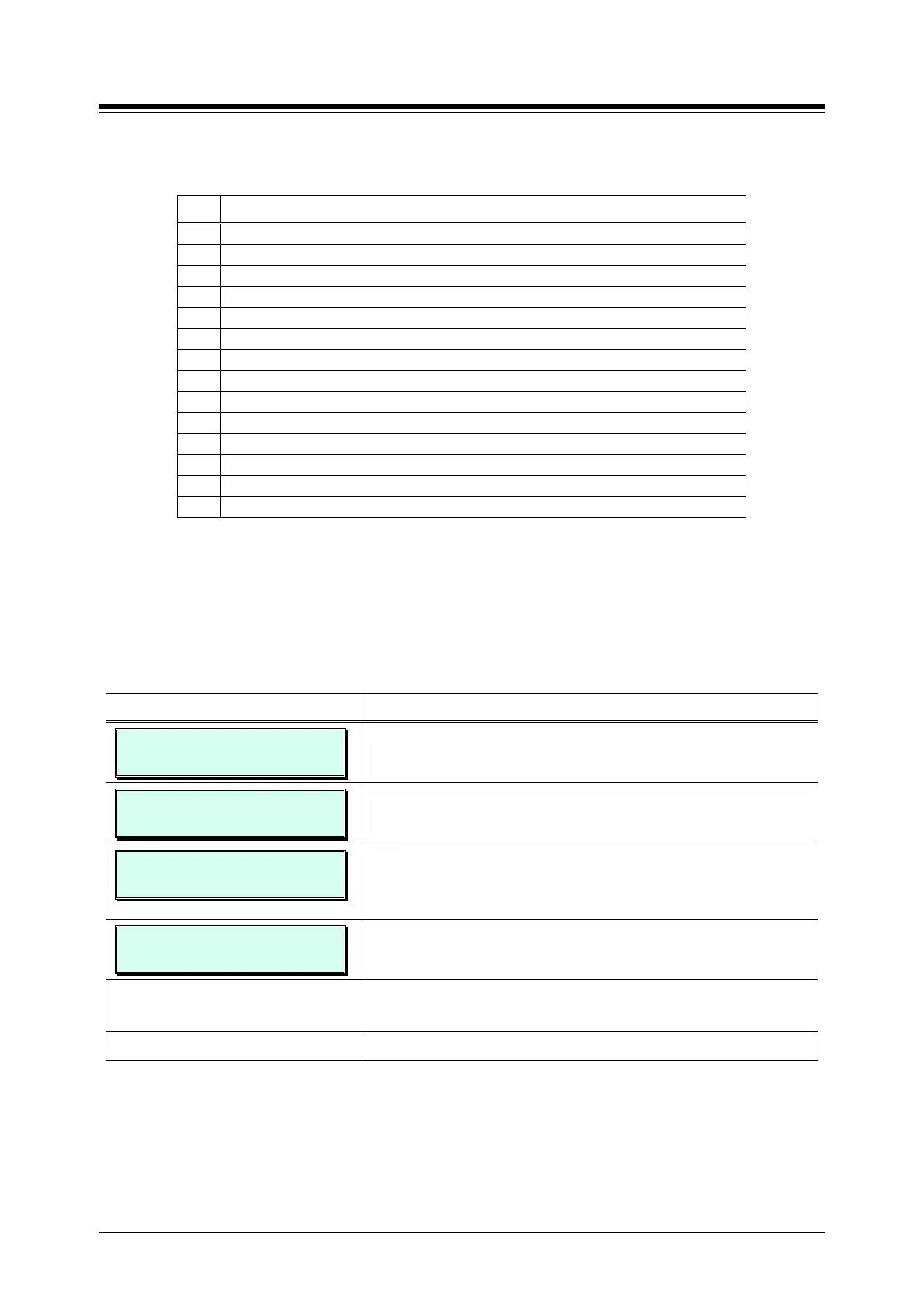
LSS LABEL EDIT
ENTER STA NUMBER
1. Press the [PGM] button and dial 129.
STA 100 LSS LABEL
ENTER LSS IDX(1-4)
Use the dial-pad to enter the station number associated with
the console (Ex. 100).
STA 100 LSS 1
ENTER BTN NO (01 – 12)
Consoles are indexed, allowing multiple consoles to be
associated with a station. Use the dial-pad to enter the index
of the LSS console (1 ~ 4).
STA 100 LSS 1 BTN 1
LABEL IS EMPTY
Use the dial-pad to enter the desired LSS console button
number (1 ~ 12).
Edit the label referring to Table 2.1.2-1 Alpha-numeric Entry
Press the
button to store the data entry.





 To Next Page