iPECS eMG80 & eMG800 & UCP
Administration and Programming Manual Issue 1.6
132
3.3.6.18 System Date, Time and Daylight Saving Time (DST) – PGM 178
The system Date, Time and DST feature are established by this entry. The date and time are
employed for several features and functions including; LCR, LCD displays, SMDR outputs, Auto
Ring Mode Selection, Wake-Up Alarm, etc. If DST is enabled the system time will be adjust one-
hour forward and back at the DST start and end times, respectively.
PROCEDURE:
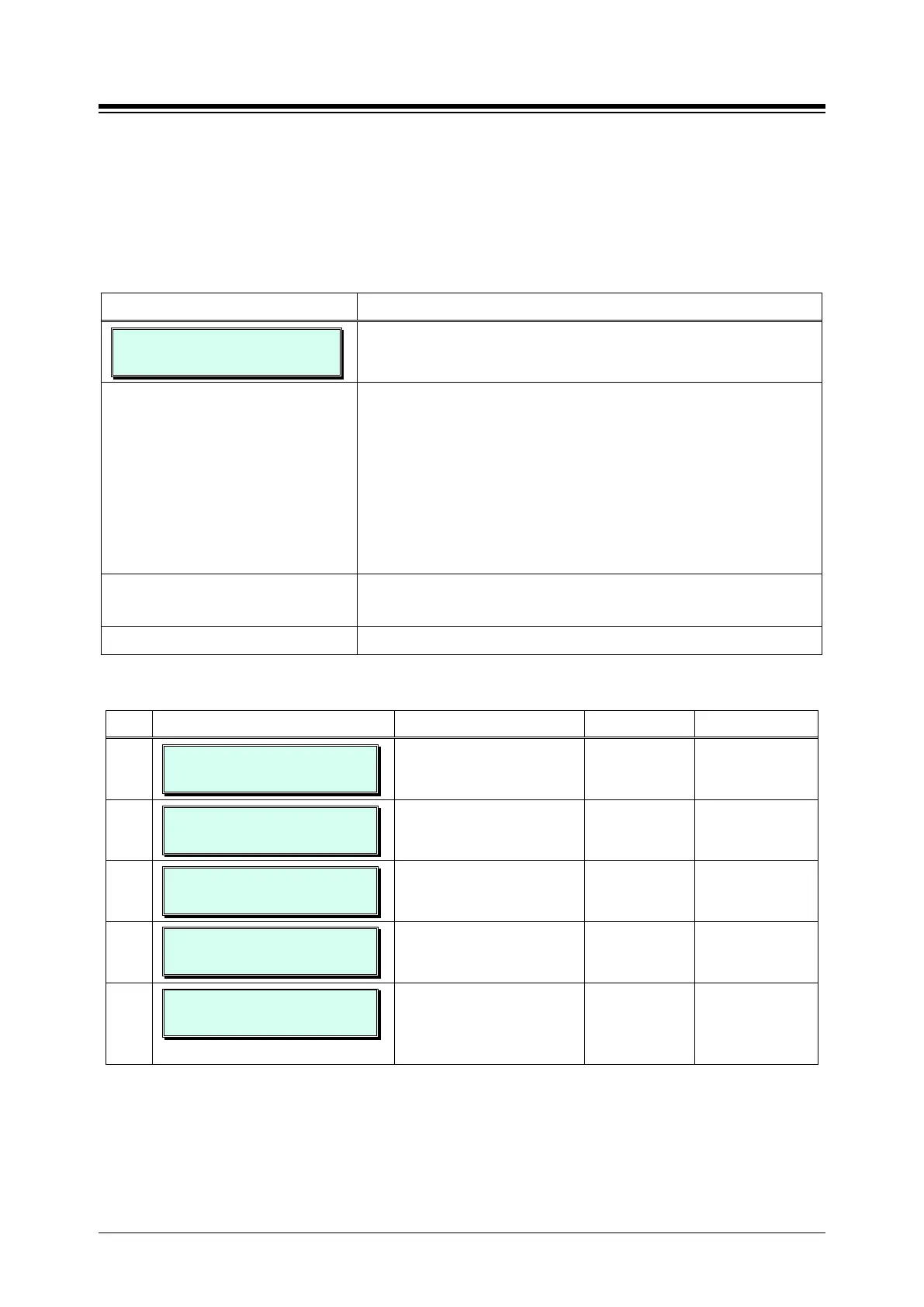
SET TIME/DATE & DST
PRESS FLEX_KEY (1 - 5)
1. Press the [PGM] button and dial 178.
Press the Flex button for the desired Attribute; refer to Table
3.3.6.18-1.
Button 1: Time
Button 2: Date
Button 3: DST enable mode
Button 4: DST start time
Use the dial-pad to enter desired data for the Attribute, refer
to Table 3.3.6.18-1.
Press the [Save] button to store the data entry.
Table 3.3.6.18-1 SYSTEM TIME, DATE & DST (PGM 178)
BTN ATTRIBUTE/DISPLAY DESCRIPTION RANGE DEFAULT
1
SET TIME
TIME 00:22(HH:MM)
Sets the system time. HH:MM
2
SET DATE
DATE : 07/24/13(MMDDYY)
Sets the system date. MMDDYY
3
DST ENABLE MODE
(1:ON/0:OFF) : OFF
Enables DST feature for
System Time.
0: OFF
1: ON
OFF
4
DST START TIME
ONLY POSSIBLE BY WEBADM
The DST start time.
This can be set only via WEB
See DST Table
2
Sunday of March
5
DST END TIME
ONLY POSSIBLE BY WEBADM
The DST end time.
This can be set only via WEB
Admin.
See DST Table
1
Sunday in
Nov., at





 To Next Page