iPECS eMG80 & eMG800 & UCP
Administration and Programming Manual Issue 1.6
180
PROCEDURE:
CCR TABLE 01
INPUT 1 : NOT ASSIGNED
2. Press a Flex button (1~13, 10=0) to assign a route for the
associated CCR dialed digit. (11~13 is assigned to busy,
no answer, error destinations)
− Flex button 01-10 is matched with input dial digit from
outside user. The flex key number 10 is matched with dial
digit 0.
− Flex button 11-13 is related with CCR re-route Busy / Error /
No Answer destination – The destination type is Tone /
Attendant / Hunt Group / VSF Announcement.
Flex button 14 is CCR One Digit Only option. If this option is
set to ON, user can dial only one digit. If this option is set to
OFF, user can dial more than one digit. That means CCR or
DISA service can be possible.
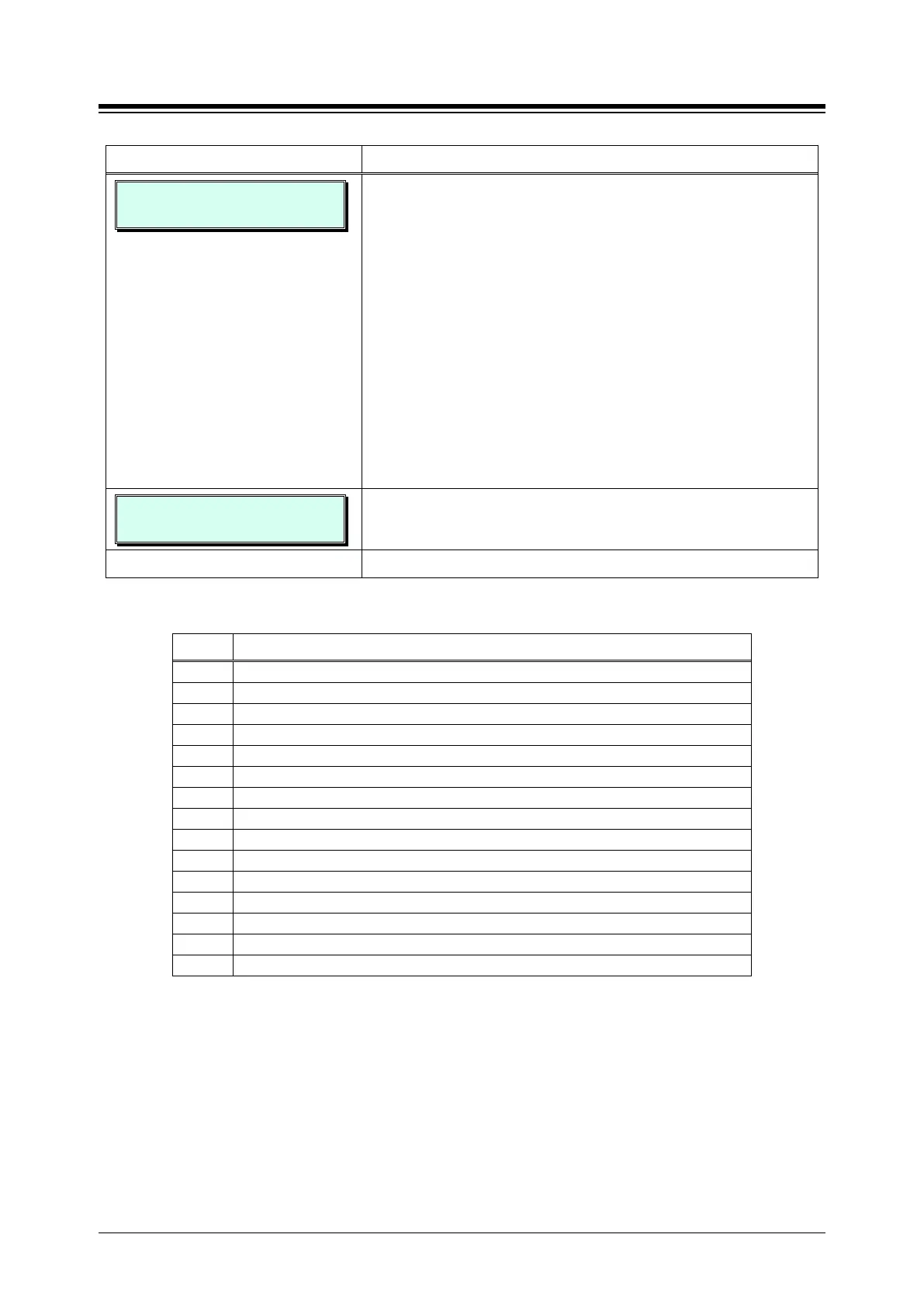
CCR TABLE 01
INPUT 1 : ...
Use the dial-pad to enter the Type and Value for Destination,
refer to Table 3.3.9.5-1 for Type and value codes.
Press the
button to store the data entry.
Table 3.3.9.5-1 CCR DESTINATIONS (PGM 228)
TYPE DESCRIPTION
Route with System Speed Dial
Route as PBX Transfer with System Speed Dial (Flash then dial speed dial digits)
Route to VSF Announcement
Route to VSF Announcement and disconnect
Route to Networked Station
Internal Page (eMG80:1~35 / eMG800:1~100)
Route to voice mail (station group/station number)
Company Directory (USA Only)
Record VM Greeting (USA Only)
UCS system conference group (eMG80:100~139 / eMG800:100~259)





 To Next Page