iPECS eMG80 & eMG800 & UCP
Administration and Programming Manual Issue 1.6
402
4.4.5.34 System Speed Dial
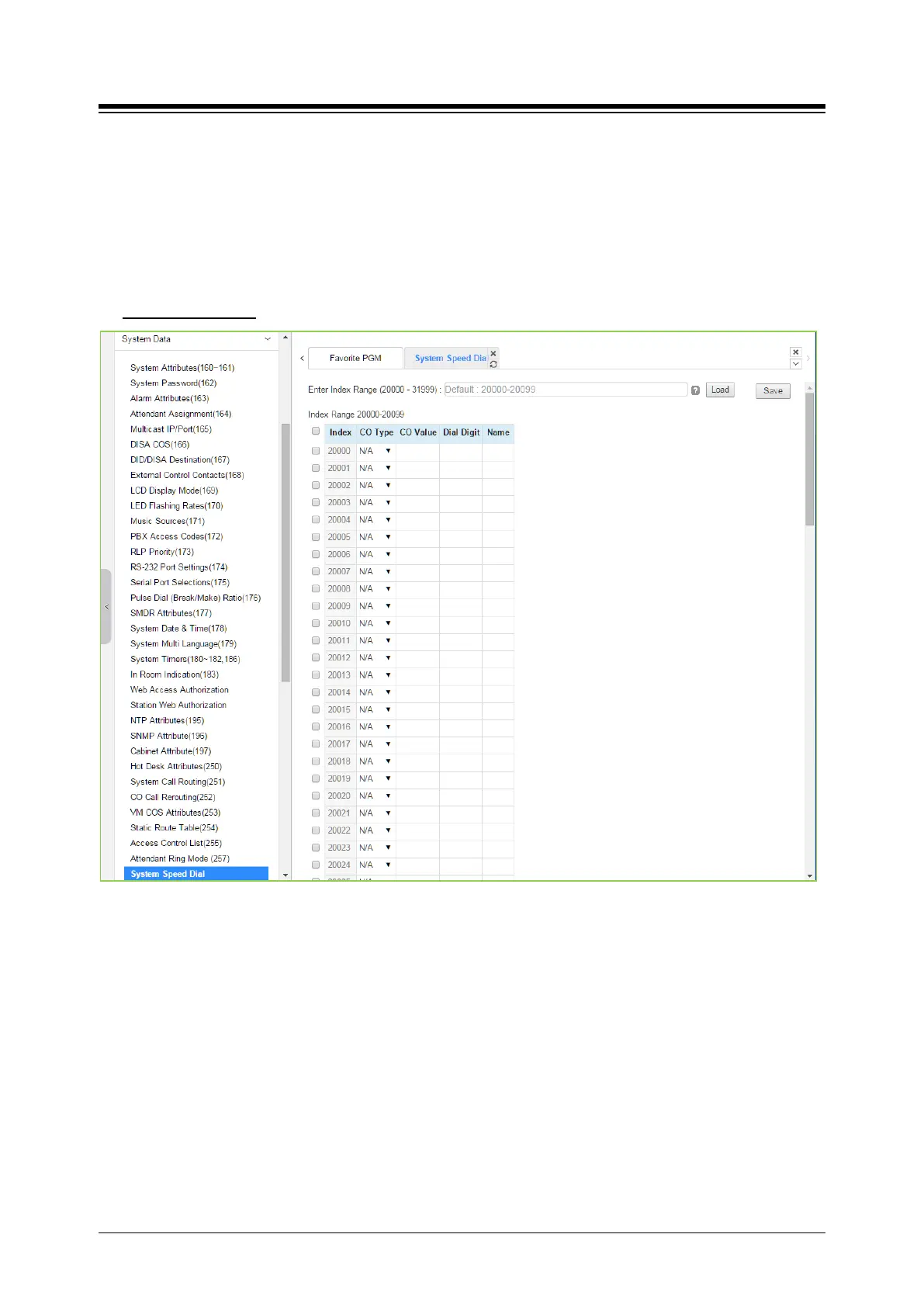
Selecting System Speed Dial will display the System Speed Dial entry page. Enter a valid range
of System Speed Dial numbers and click [Load] to enter Speed Dial data. For convenience, the
copy, paste, and drag is available to enter or modify data. Click [Save] button after changing
Value.
The index range is flexible according to selecting ‘Speed Numbering’ in ‘System ID (100)’.
Enter Index range
: eMG80: 2000-4999 / eMG800: 2000-9999 / UCP: 20000-31999
Figure 4.4.5.34-1 System Speed Dial List
The eMG80 (eMG800/UCP) has memory for 3000(8000/12,000) Speed Dial numbers of up to 25
digits each. Each System Speed bin (index) is assigned the CO/IP Line for the Speed Dial, the
number to be dialed and a name for Dial-by-Name.





 To Next Page