iPECS eMG80 & eMG800 & UCP
Administration and Programming Manual Issue 1.6
615
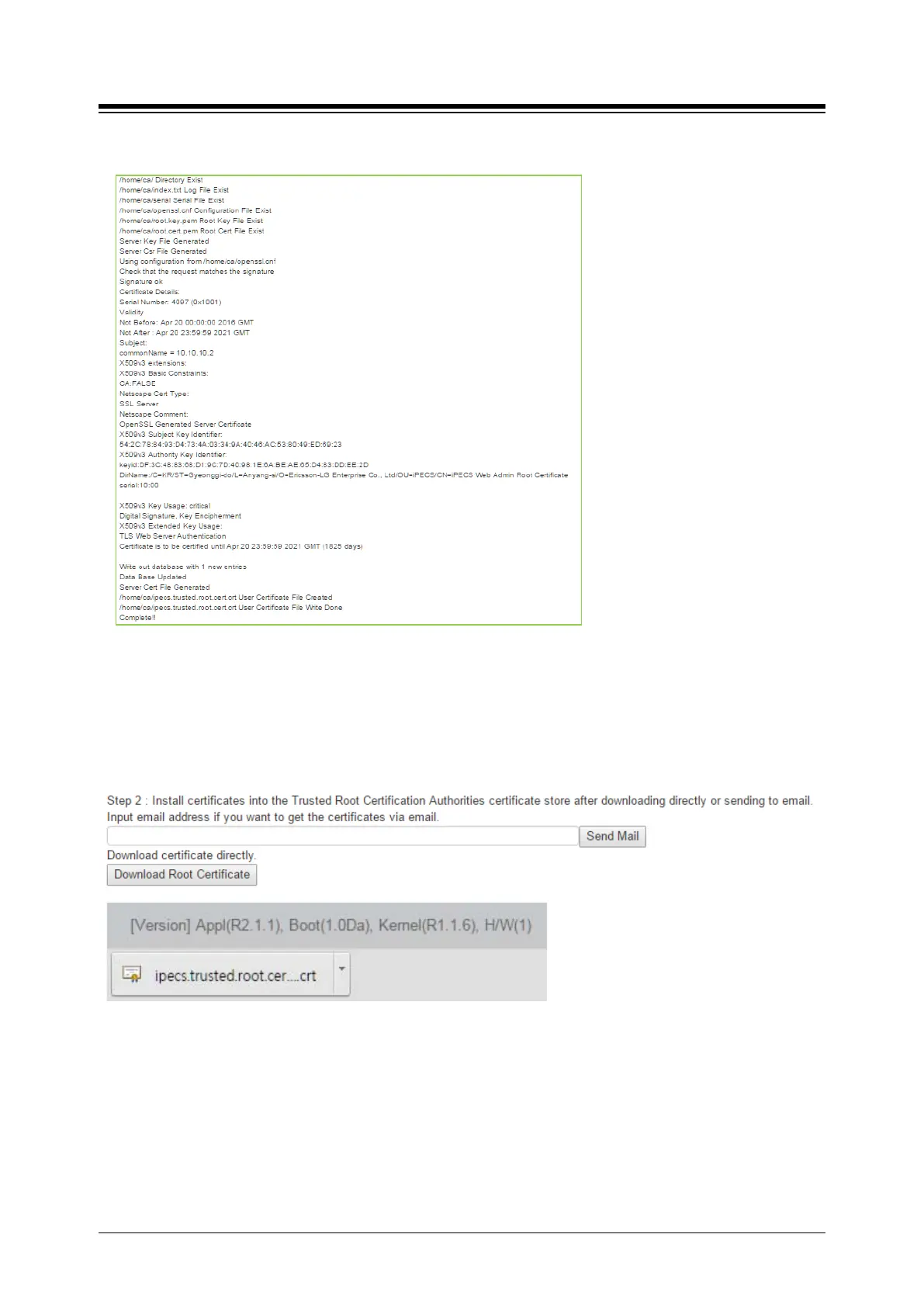
The following result is displayed on browser.
Step 2: Install Certificates into the Trusted Root Certification Authorities certificate store after
downloading directly as below picture or sending to email for installing the desired devices if you
want to get the certificates via email.
The way to install Certificates is followed by the type of Windows OS, Android OS, or iOS OS.
Step 3: Restart Web server to apply New certificate by clicking [Web Server Restart] button.
Note
Clean up all certificate and files by clicking [Server Certificate Clean up] button.





 To Next Page