iPECS eMG80 & eMG800 & UCP
Administration and Programming Manual Issue 1.6
38
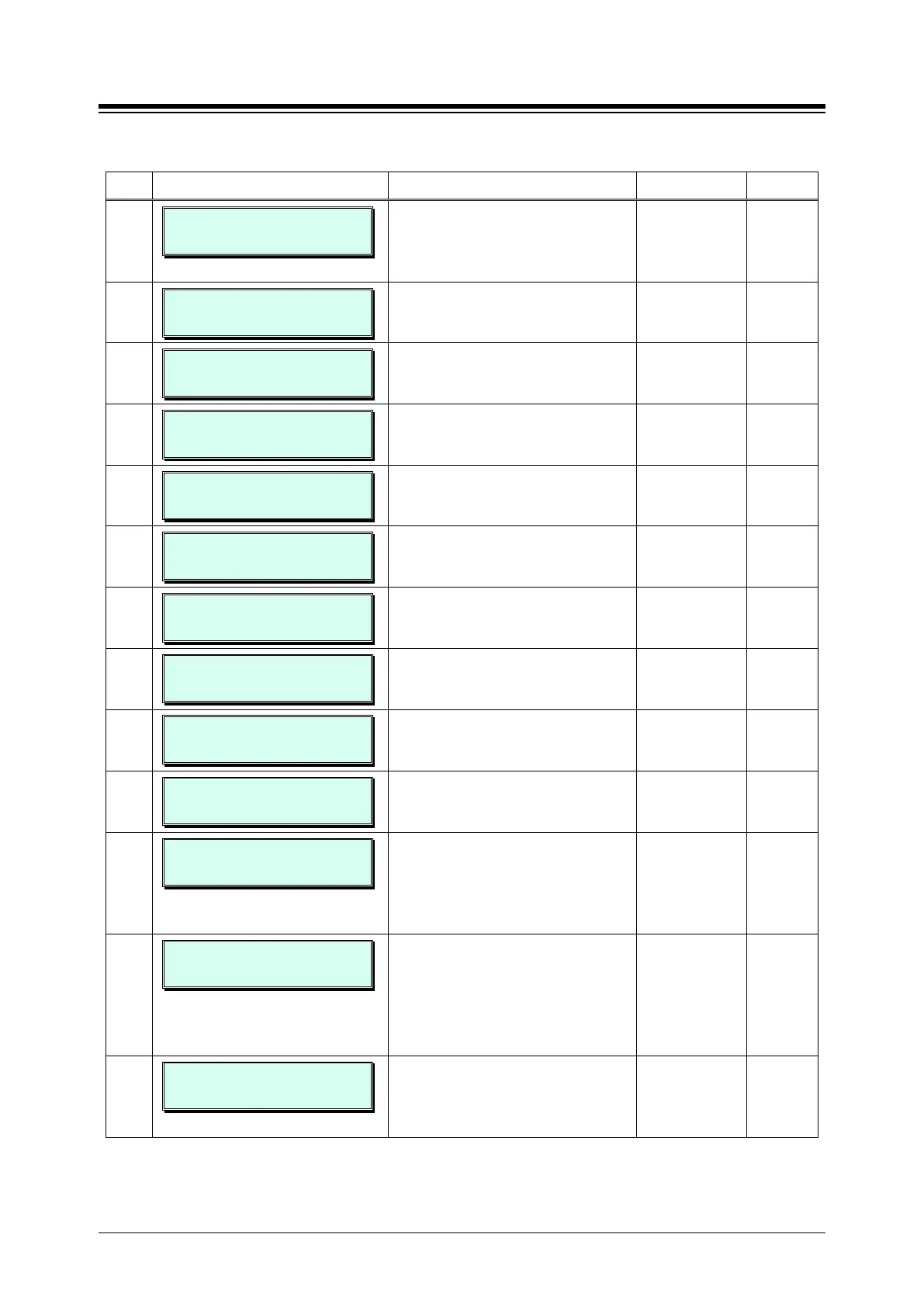
Table 3.3.3.2-1 STATION ATTRIBUTES I (PGM 111)
BTN ATTRIBUTE/DISPLAY DESCRIPTION RANGE DEFAULT
3
100-110 DND
(0-3) : 0(OFF)
Enables DND activation by the station. 0: OFF
1: ALL
2:ICM call only
OFF
4
100-110 DATA SECURITY
(1:ON/0:OFF) : OFF
Disables override and camp-on tones
to the station when busy.
0: OFF
1: ON
OFF
5
100-110 HOWLING TONE
(1:ON/0:OFF) : ON
Permits Howler tone to be sent to a
SLT when left off-hook.
0: OFF
1: ON
ON
6
100-110 NO TCH ANS
(1:ON/0:OFF) : OFF
Enables No-touch answer; this will
automatically connect transferred calls
to the station‘s speakerphone.
0: OFF
1: ON
OFF
7
100-110 PAGE ACCESS
(1:ON/0:OFF) : OFF
Allows station to access paging. 0: OFF
1: ON
OFF
8
100-110 HEADSET RING
(1:S/2:H/3:BOTH) : SPKR
This item selects device to receive
incoming ring signals, Speaker,
1: Speaker
2: Headset
SPKR
9
100-110 SPKR/HEAD
(1:SPKR/0:HEAD): SPKR
Selects Speakerphone mode or
Headset mode
0: Headset
1: Speaker
SPKR
10
100-110 LCD DISP LED
(1:RING/0:MWI): MWI
The LCD LED, upper left of LCD, may
be used for Intercom Call ring
Indication or Message Wait Indication.
0: MWI
1: Ring
MWI
11
100-110 LOOP LCR ACCT
(1:ON/0:OFF) : OFF
Station based LOOP LCR
authorization; this is used for LOOP
0: OFF
1: ON
OFF
12
100-110 CALL COVERAGE
(1:ON/0:OFF) : OFF
The Call Coverage feature permits an
iPECS Phone user to receive ring and
answer calls to other stations.
0: OFF
1: ON
OFF
13
100-110 CALL COVERAGE
DELAY RING: 0
When a covered station rings, the
{CALL COVERAGE} button LED will
flash at the covering station and will
receive ring (immediate or delayed, 0
0~9 0
14
100-110 OFFNET FWD
(1:DIS/0:EN):ENABLE
A station must be allowed Off Net Fwd
to forward external incoming calls
outside the system or otherwise
establish a CO-to-CO connection
(Unsupervised Conference). (Except
0: Enable
1: Disable
Enable
15
100-110 FORCED ICM
(1:ON/0:OFF) : OFF
When placing an intercom call, a user
can change the ICM signaling mode,
Tone Ring to Hands free answer mode
or HF Answer to Tone Ring.
0: OFF
1: ON
OFF





 To Next Page