3.2 Setting Up Editing Environment
3-10
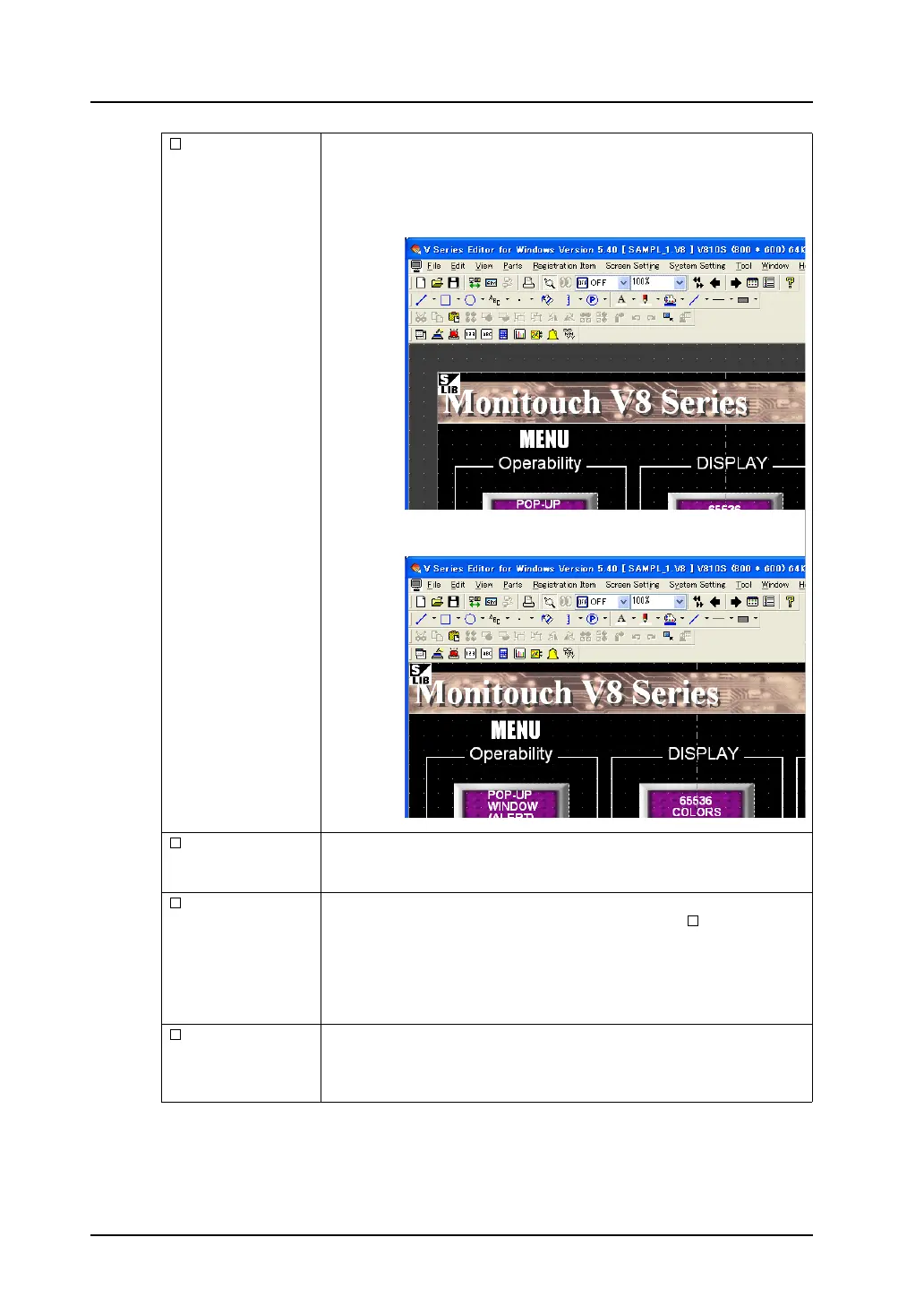
Margin Display When this option is checked, the space (margin) is created at the left and
the upper side of the editing area with the color set for [Margin Color].
If you uncheck this option, the margin area disappears.
Graphic Relay Dsp. This option is valid only for the graphic relay display.
When this option is checked, the ON/OFF status in the graphic relay display
can be checked.
Graphic Library
Dsp.
This option is valid when the entry mode or graphic display is set.
For the entry mode display, this option is enabled when [ Graphic] is
checked.
When [Graphic] is checked, graphics registered in the graphic library can be
displayed on the character entry key.
For the graphic display, graphics can be displayed on the screen provided
that [Internal] is chosen for [Designate].
Base Screen Dsp. This option is valid during the editing of the graphic library, overlap library, or
data block.
When this option is checked, a screen or overlap library is displayed on the
editing window.
Checked:
Unchecked:



 To Next Page