2.2 Menu Bar
2-7
2
Editor
[Edit] Menu
For more information on the [Edit] menu, refer to “3.8 Useful Functions for Screen Editing” (page 3-95).
[View] Menu
[Parts] Menu
For more information on the [Parts] menu, refer to page 3-51.
Toolbar Shows or hides toolbars.
For more information, refer to page 2-19.
View Shows or hides list-view windows.
For more information, refer to page 2-11.
Status Bar Shows or hides the status bar.
Jump Calls a screen.
Preview Calls the previous screen.
Next Calls the next screen.
Skip Non-registered
Screen
Skips screens that are not registered when scrolling screens.
Screen List Brings up current screens or graphics in the graphic library in a list form.
For more information, refer to page 3-12.
Grid Sets the properties for the grid display.
For more information, refer to page 3-3.
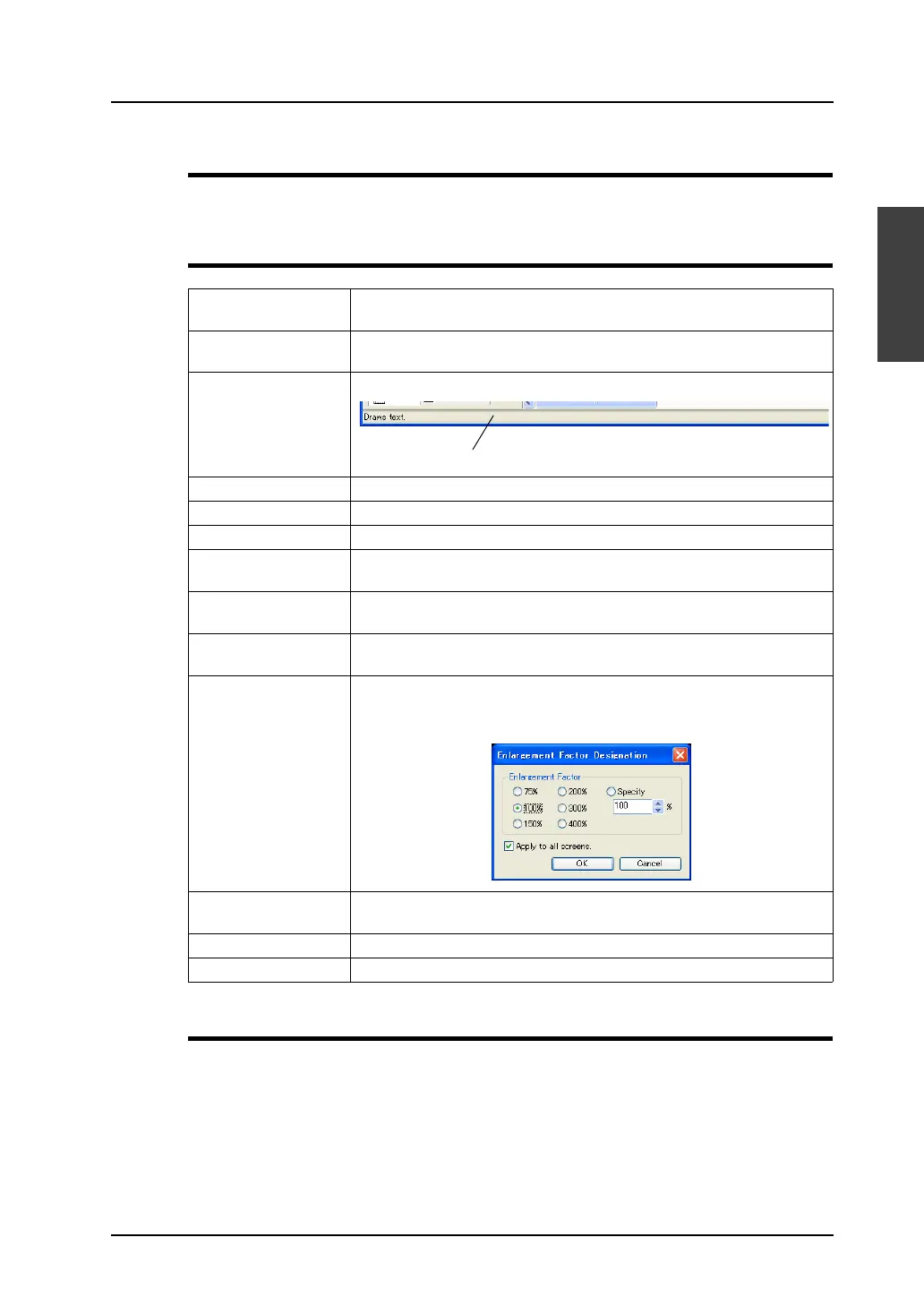
Zoom Allows you to specify the zoom factor.
Check [Specify] to specify the desired factor.
When the following dialog is brought up, enter your desired factor here.
Display Environment Allows you to set the display environment. For more information, refer to
page 3-7.
Detail Shows or hides the center line.
Redraw Refreshes the screen display.
Status bar



 To Next Page