5.14 Screen Block
5-67
5
Registration
5.14 Screen Block
When [Screen Call] (in the [Bit Order Alarming] dialog) is chosen in the bit order alarming mode (parts),
screen blocks must be specified.
Screen Block Structure
A maximum of 1,024 screen blocks can be registered.
Calling a Screen Block
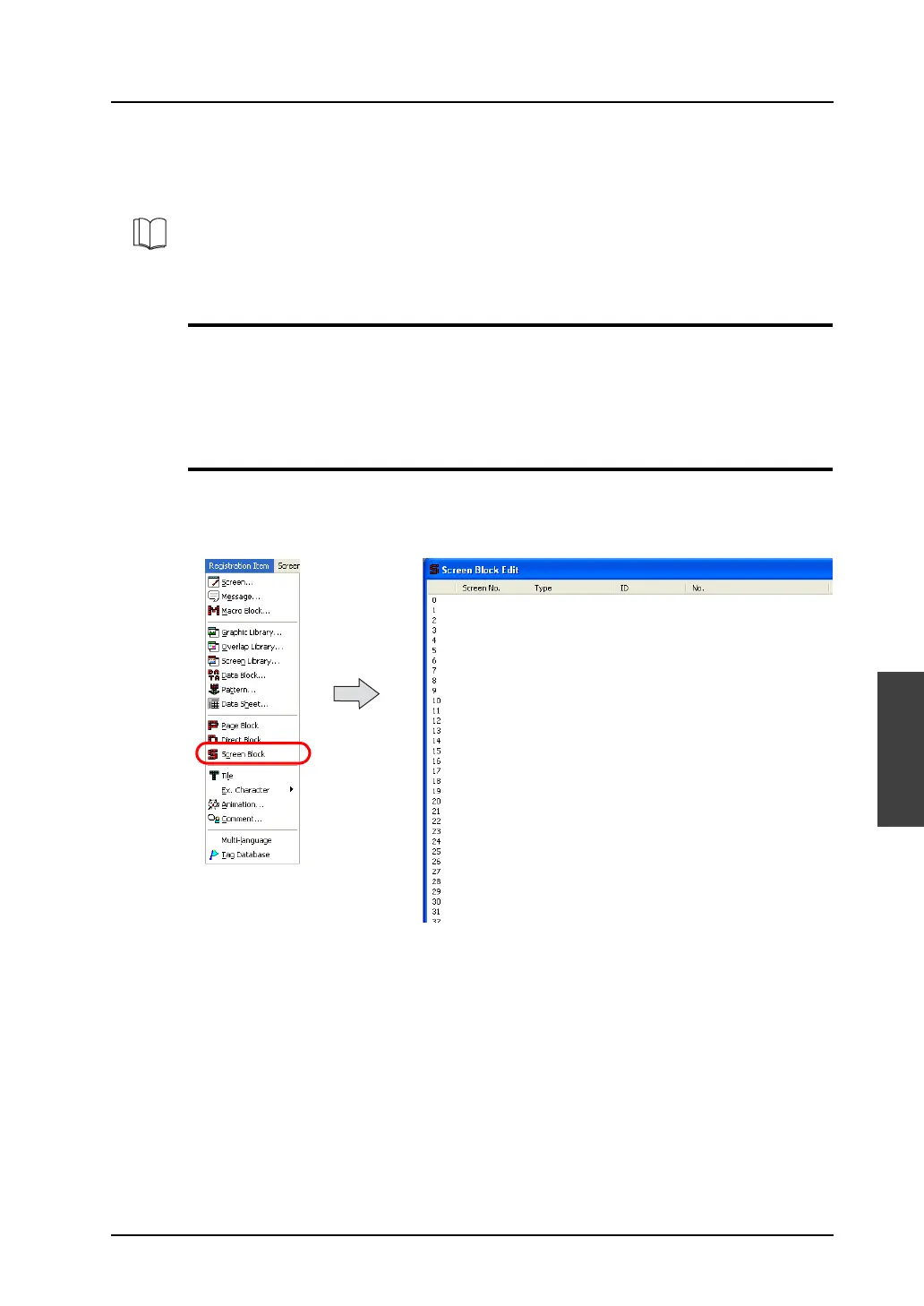
Select [Screen Block] from the [Registration Item] menu.
The [Screen Block Edit] window is displayed.
(Alternatively, you can call the screen from the [Screen] menu in Project View.)
For more information on the screen call function, refer to “Chapter 10 Alarming” in the V8 Series
Reference Manual.



 To Next Page