8.3 Useful Tools for Creating a Manual
8-41
8
Useful Functions
Converting to Rich Text Format
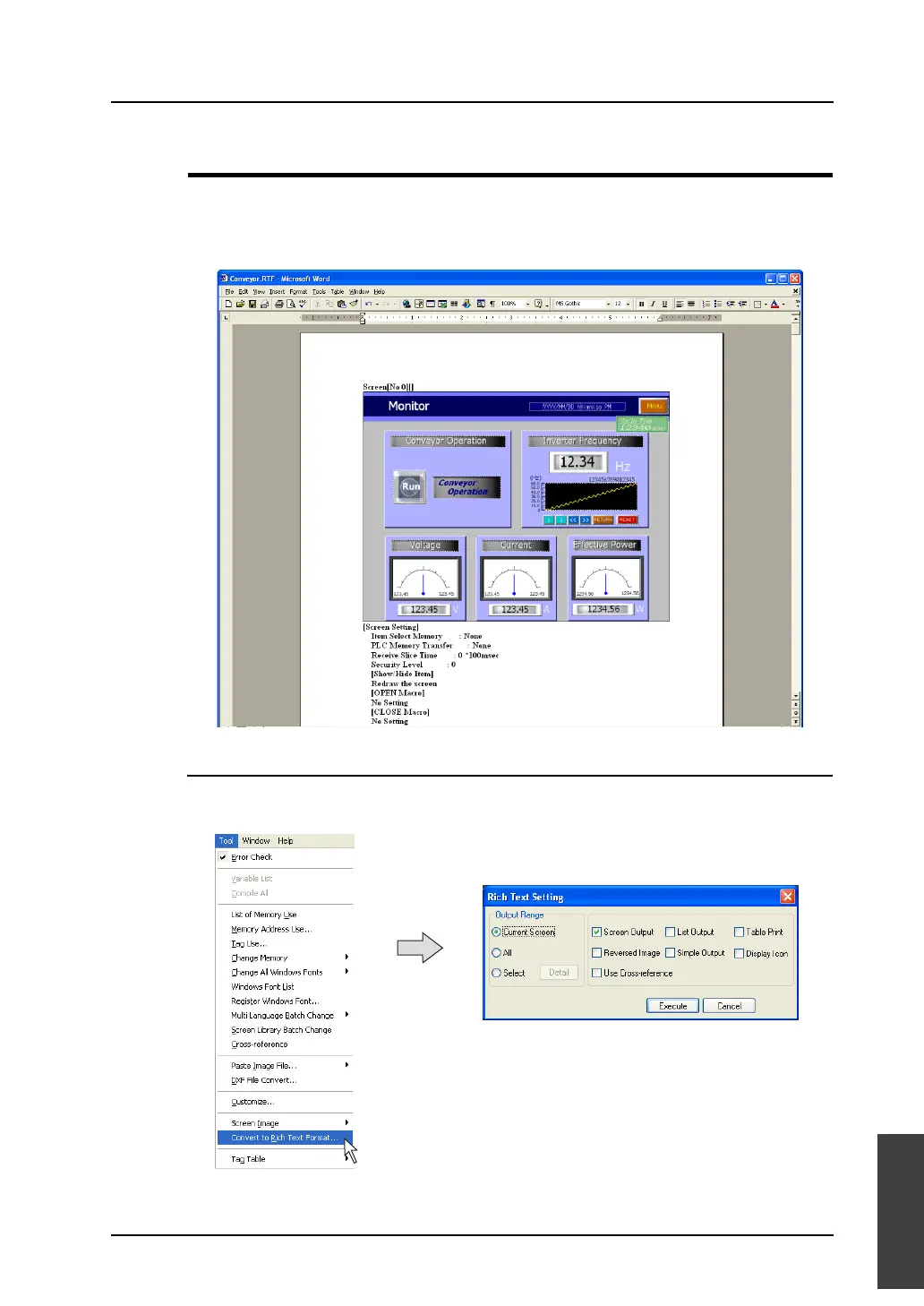
The contents of the screen data file can be converted to the Rich Text file (with a extension [.rtf]) as the
same image as printing from the editor.
This function makes it possible to check the screen setting or the image picture and to avoid wasting
paper. By using this function, only the necessary data can easily be selected and printed out.
Operating Procedure
1. Click [Convert to Rich Text Format] from the [Tool] menu.
The [Rich Text Setting] dialog is displayed.
* The setting items are almost the same as those in [Print] window selected from the [File] menu.
For more information, refer to “7 Print” (page 7-1).



 To Next Page