5.12 Page Block
5-62
Page Block Editing
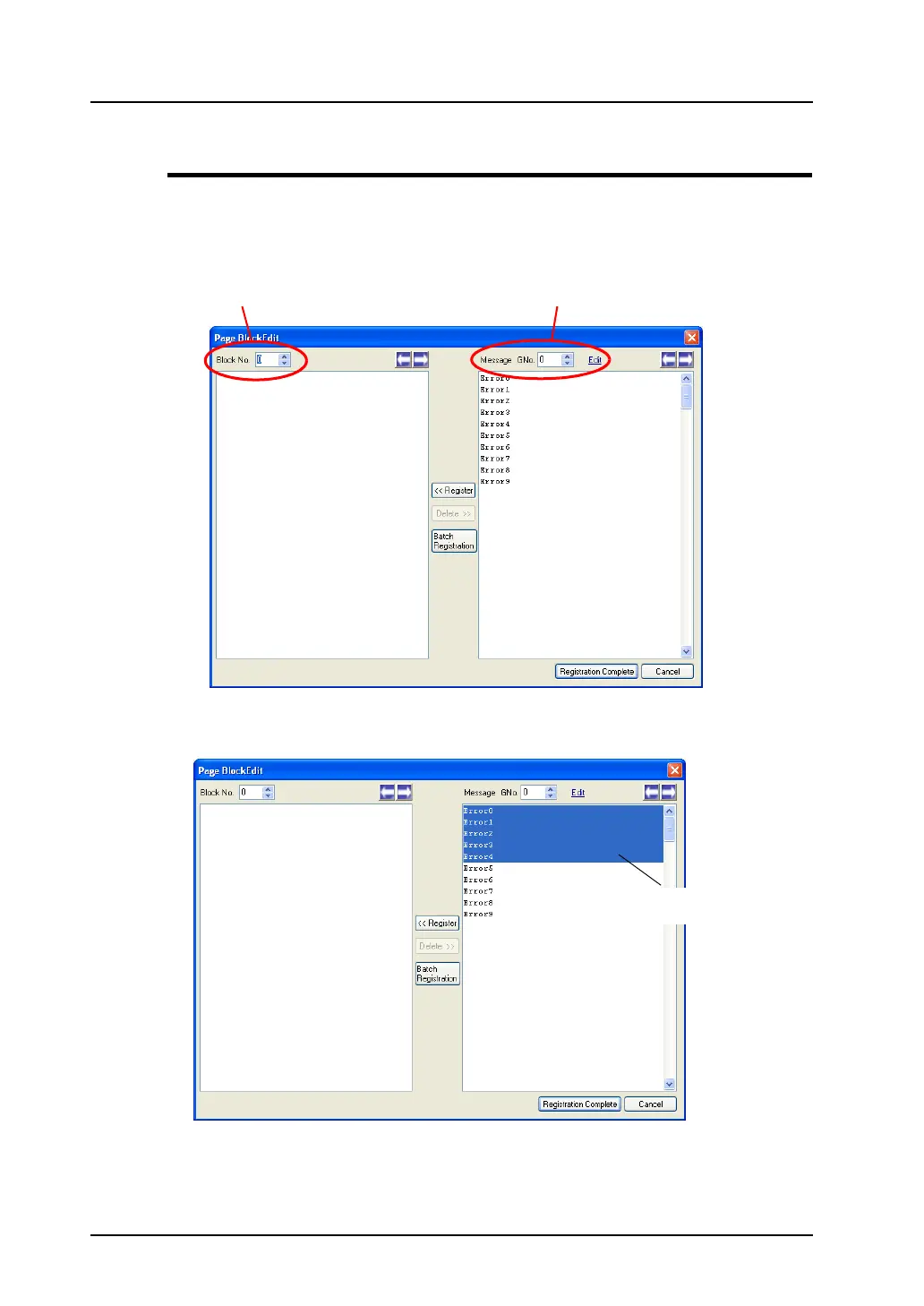
In the [Page Block Edit] window, editing is performed on a block-by-block basis.
Follow the procedure below.
1. Check the current block number and also the message group number you are going to use.
2. In the right area under [Message GNo.], select the lines to be used for a page block by clicking the
first line and then the last line while you are holding down the Shift key.
Page block No. Message group No.
Click the last line with the
Shift key held down.



 To Next Page