8.3 Useful Tools for Creating a Manual
8-40
Pasting the Copied Image on another Application Software
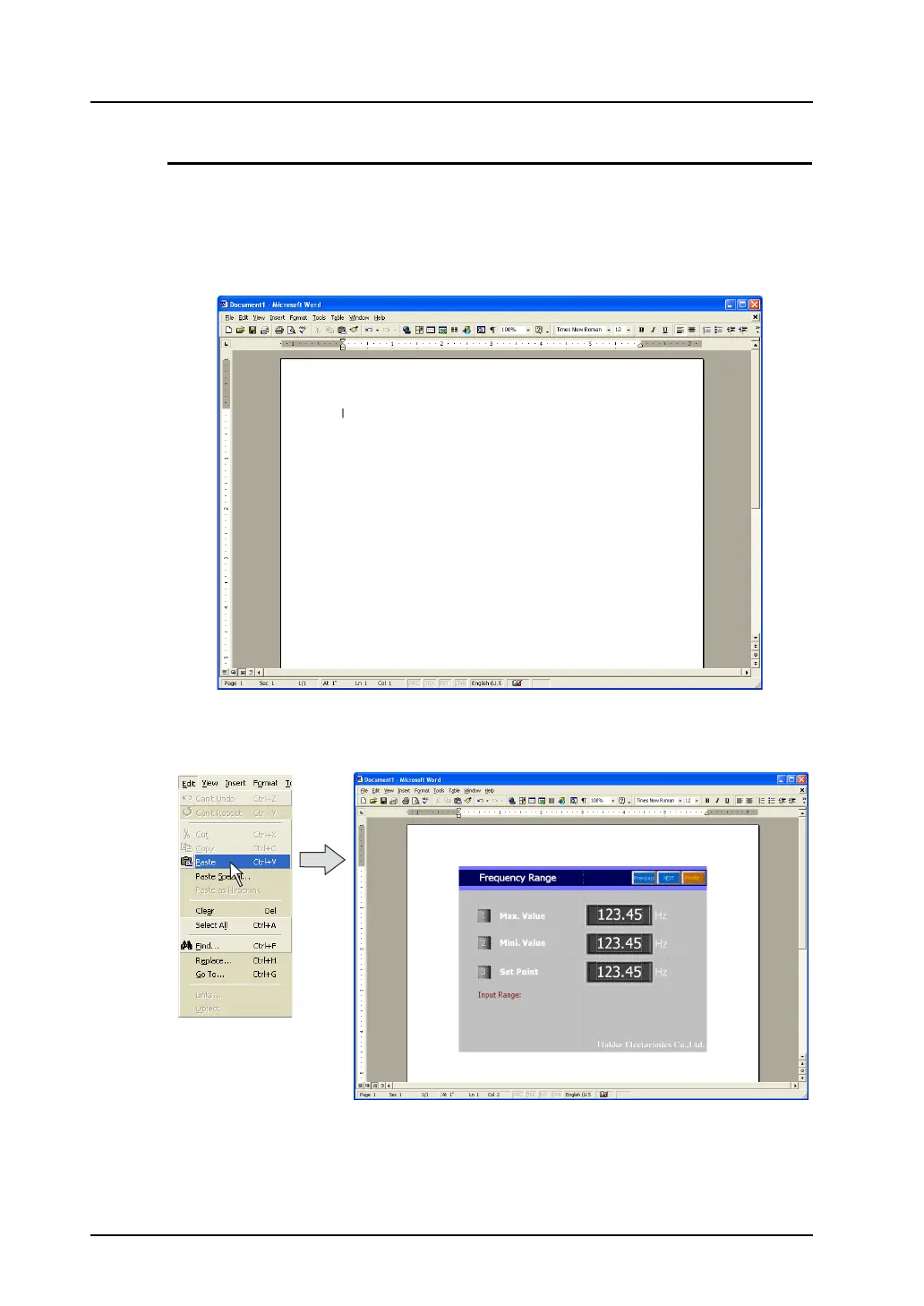
Next, paste the copied image on a screen of another application software. (This section explains how
to paste the copied image to the screen of Microsoft Office Word.)
1. Start up the Word software.
2. Move the cursor to the position to place the copied image.
3. Click [Paste] from the [Edit] menu.
The copied image is pasted on the Word document.



 To Next Page