8.1 Simulator
8-1
8
Useful Functions
8 Useful Functions
8.1 Simulator
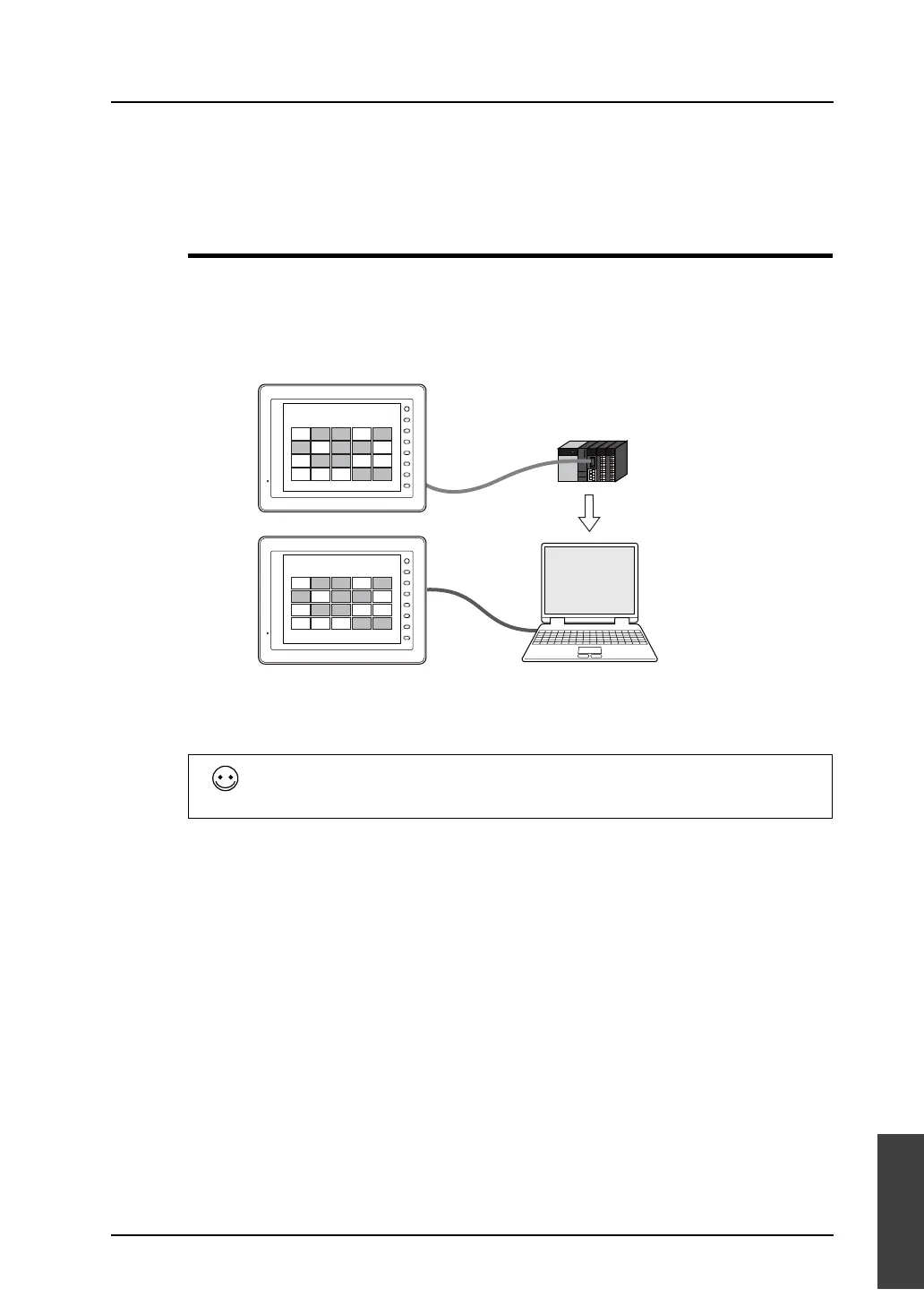
Overview
• Normally, when a MONITOUCH screen has been created, an operation check is performed while
MONITOUCH is connected to the PLC.
However, it is possible to perform an operation check without the PLC using Simulator function.
The Simulator runs on Windows, and it is possible to set/reset bit device as well as input data to
word device.
* Simulator is enabled only in connection format of 1:1 between the V8 unit and its connected
device.
Therefore, Simulator is disabled in connection formats of 1:n and n:1.
* Simulator is also disabled where connection is established with a barcode reader or the V8
unit and its connected device are in slave communication (V-Link or MODBUS slave).
If neither PLC nor MONITOUCH are present, use “Emulator” to perform an operation
check.
For more information, refer to page 8-43.
PLC
F 1
F 2
F 3
F 4
F 5
F 6
F 7
SYSTEM
A-1 A-2 A-3 A-4 A-5
B-1 B-2 B-3 B-4 B-5
C-1 C-2 C-3 C-4 C-5
D-1 D-2 D-3 D-4 D-5
F 1
F 2
F 3
F 4
F 5
F 6
F 7
SYSTEM
A-1 A-2 A-3 A-4 A-5
B-1 B-2 B-3 B-4 B-5
C-1 C-2 C-3 C-4 C-5
D-1 D-2 D-3 D-4 D-5
MONITORING
Use Simulator instead
of the PLC.
Simulator
If the operation is simple, it can
be checked on Simulator as on
the PLC.
MONITORING
V-CP
Ethernet
USB



 To Next Page