1.1 Installation
1-1
1
Introduction
1 Introduction
1.1 Installation
Before Installing V-SFT
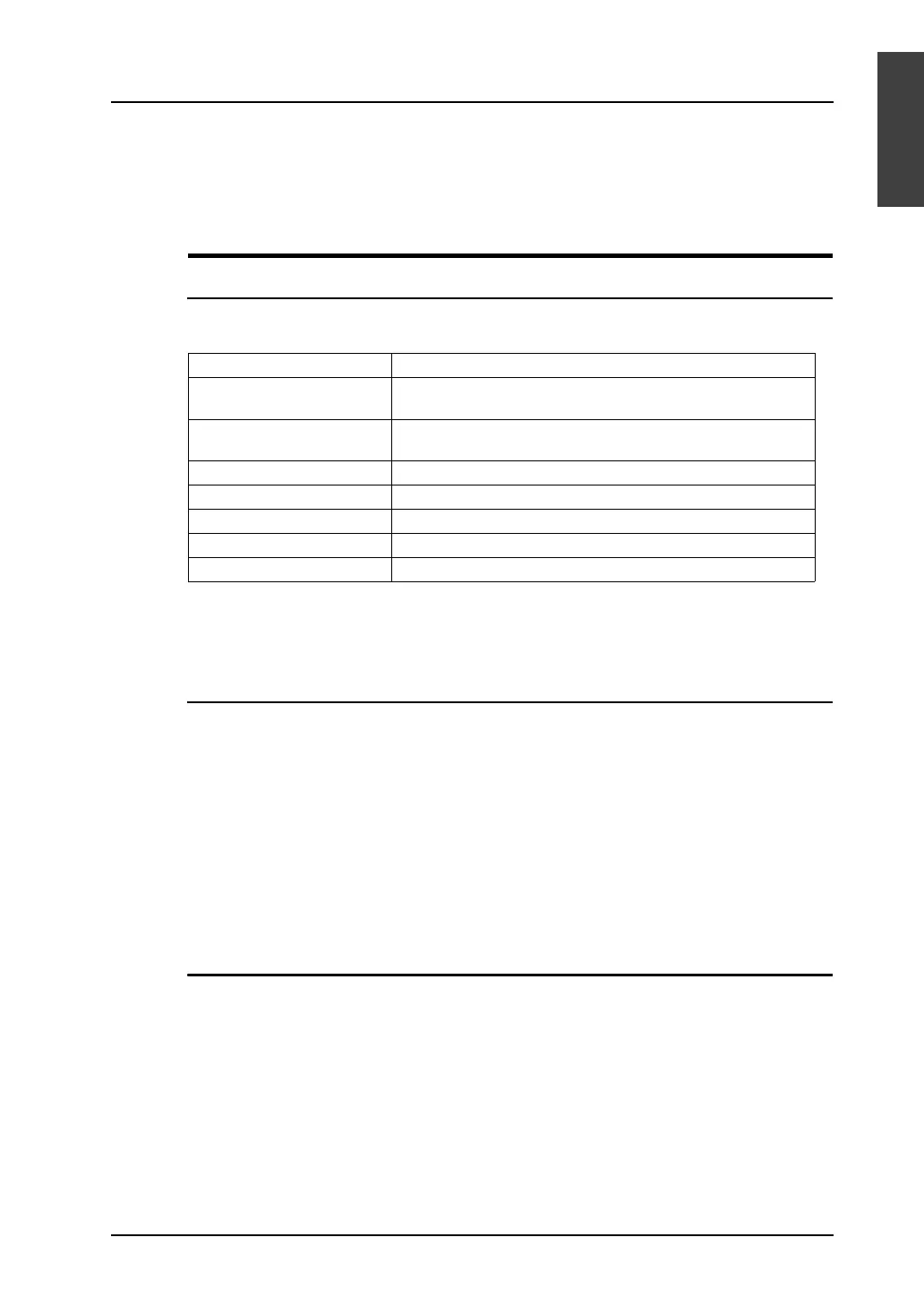
Operating Environment
Make sure that your system meets the system requirements given in the following table before starting
the V-SFT Ver. 5.
* In the case of Windows NT Version 4.0/2000/XP/XP64 Edition/Vista (32-bit, 64-bit)/
7 (32-bit, 64-bit), install the V-SFT editor with authorization of administrator.
Copyright
• The software as well as its copyrights or all other rights related to the software is the property of
Hakko Electronics Co., Ltd.
• The software may not be used or copied, in whole or in part, without permission of Hakko
Electronics Co., Ltd.
• The specifications and components of the software are subject to change without prior notification.
• Hakko Electronics Co., Ltd., bears no responsibility for the results of using the software.
• You must purchase one set of software for each computer in principle.
• Windows is the registered trademark of Microsoft Corporation in the United States.
• All other company names or product names are trademarks or registered trademarks of their
respective holders.
Notes on Usage
• The software may not be correctly installed if resident programs such as a virus scanning program
are running. Be sure to close all applications before installing the software.
• For the CD-ROM, the side on which the product name is printed is front and the other side on
which nothing is printed is back.
If the CD-ROM is scratched with a sharp object, it may not be read correctly. The computer reads
backside of the CD-ROM. Touching backside of the CD-ROM and leaving fingerprints will result in
malfunction. Handle both sides of the CD-ROM with care.
• When placing the CD-ROM in the CD-ROM drive, pay attention to the orientation of the disc and
place the disc in the drive as instructed in the instruction manual of your computer.
• If the free space for memory becomes insufficient during running the configuration software,
Windows may forcefully terminate the software.
To prevent data from being deleted due to forced termination, save the screen data file regularly.
Computer PC/AT compatible computer for Windows
OS* Windows98 SE/Me/NT Version 4.0/2000/XP/XP64 Edition/
Vista (32-bit, 64-bit)/7 (32-bit, 64-bit)
CPU Pentium III processor with 800 MHz or above
(Pentium IV 2.0 GHz or above recommended)
Memory 512 MB or above
Hard disk Free disk space before installation: 1 GB or above
CD-ROM drive 24× or above recommended
Display Resolution 1024 × 768 (XGA) or above recommended
Display colors High color (16-bit) or above



 To Next Page