2.5 Toolbar
2-28
Parts Mini
Pattern
This toolbar is available when [Pattern] is selected from the [Registration Item] menu.
34. Video Display Places video display.
35. JPEG display Places JPEG display.
36. Sound Places sound item.
37. Comment Display Places comment display.
38. Recipe Places recipe mode.
39. Display Area Places display area.
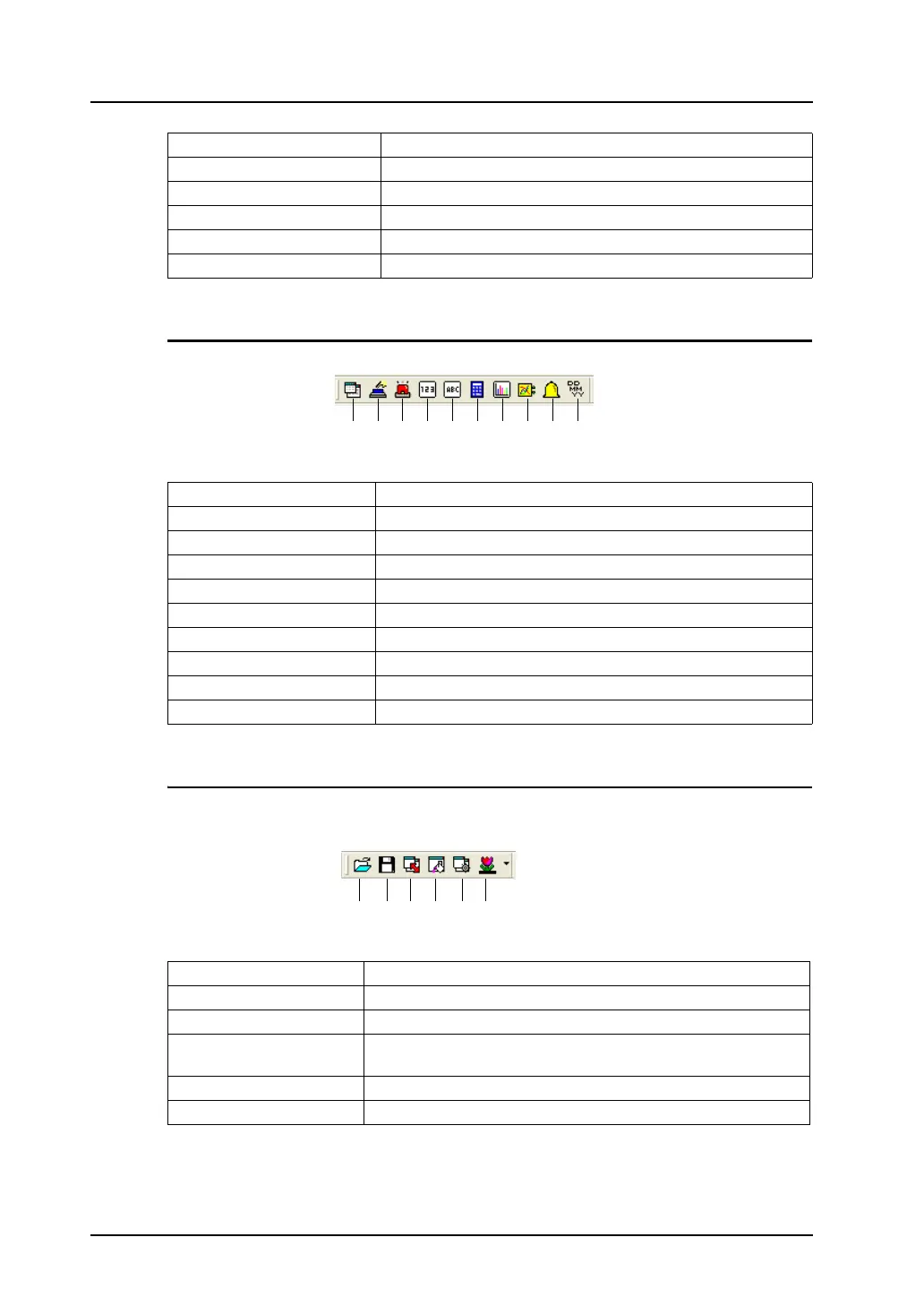
1. Normal Overlap Places normal overlap display.
2. Switch Places switch.
3. Lamp Places lamp.
4. Numerical Data Display Places numerical data display.
5. Text Display Places text display.
6. Entry Mode Places entry mode.
7. Bar Graph Places bar graph.
8. Trend Sampling Places trend sampling.
9. Alarm Tracking Places alarm tracking.
10. Time Display Places time display.
1. Read from Image File Imports an image file into pattern.
2. Save in Image file Saves current pattern as a BMP or JPEG file.
3. Change Size Changes pattern size.
4. Transparent Color
Setting
Sets transparent color.
5. Display Environment Sets display environment.
6. Background Sets margin color of the pattern editing.
1. 2. 3. 4. 5. 6. 7. 8. 9. 10.
1. 2. 3. 4. 5. 6.



 To Next Page