8.6 Customizing the Toolbar
8-59
8
Useful Functions
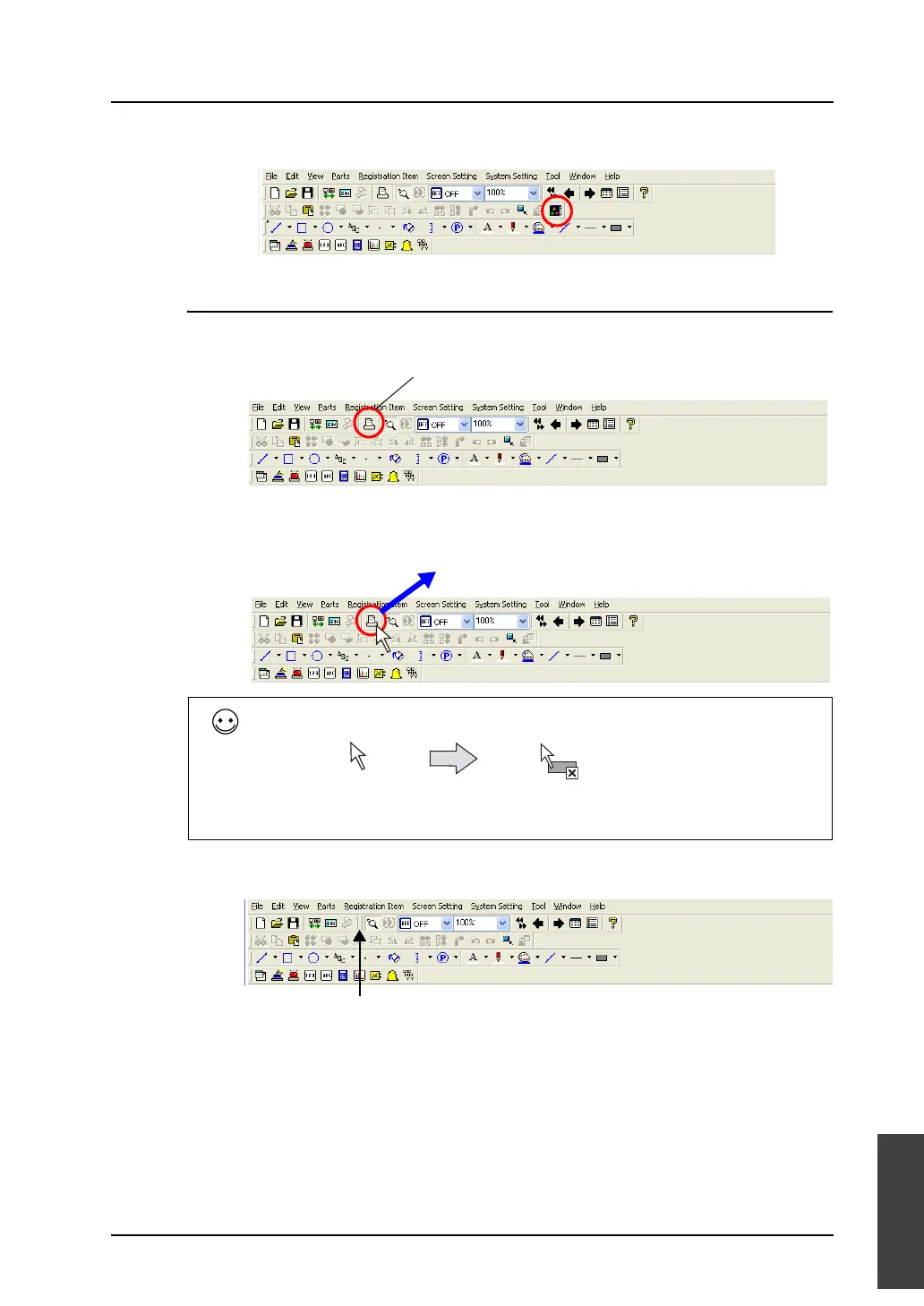
5. When the mouse is released, the [Parts List] icon is added to the toolbar.
How to Delete
As an example, delete the [Print] icon on the [Standard] toolbar.
1. Hold down the Alt key and drag the [Print] icon out of the toolbar.
2. The [Print] icon disappears.
When the icon can be removed, the cursor shape is changed as shown below.
Delete.
Hold down the Alt key and drag
the icon out of the toolbar.
When the icon is dragged out of the toolbar
while the Alt key is held down.
The [Print] icon is removed.



 To Next Page