8.1 Simulator
8-11
8
Useful Functions
Starting and Quitting
Starting
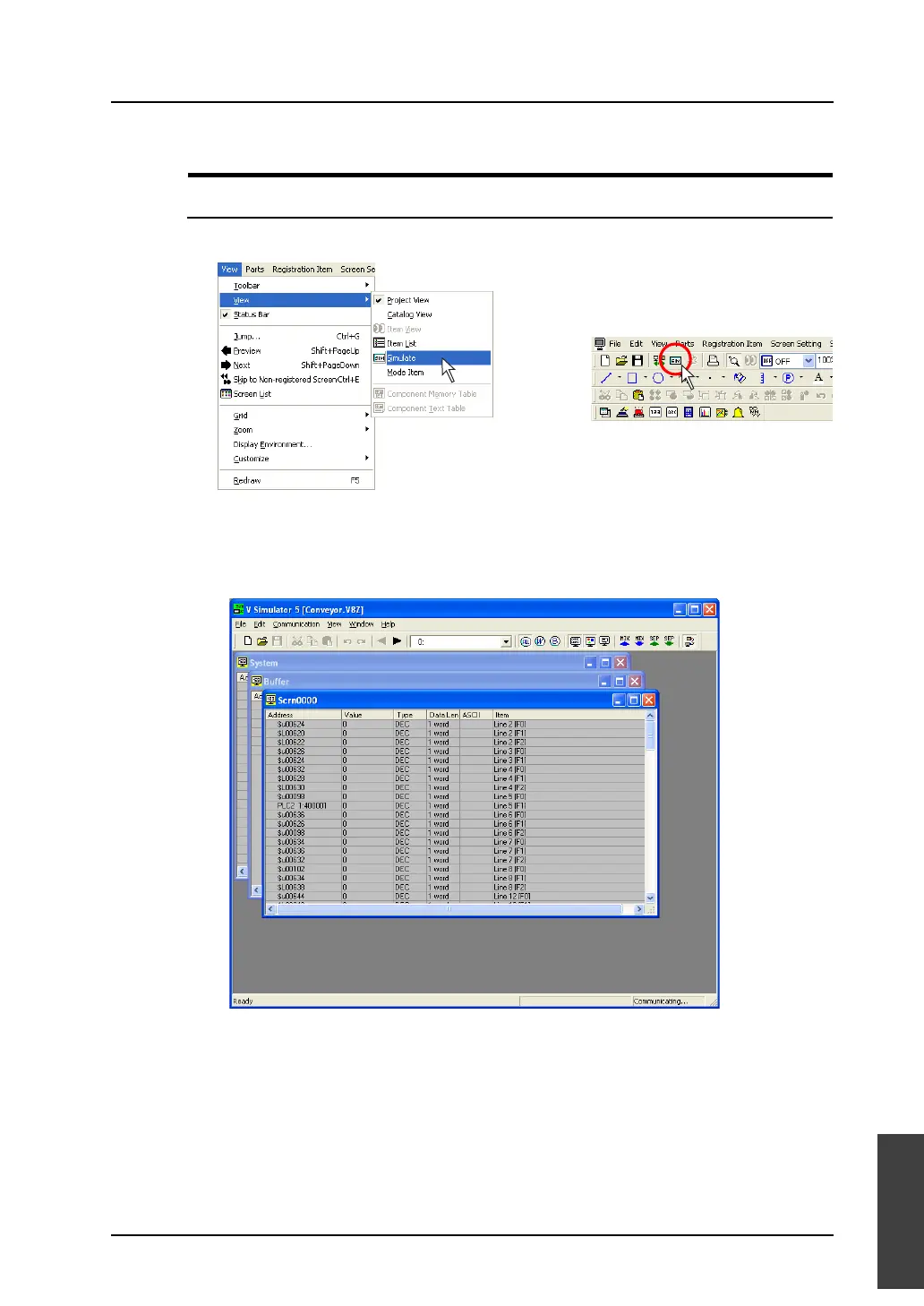
1. Click [View] → [View] → [Simulate], or click the [Simulate] icon on the toolbar.
2. Simulator is started.
Communication with MONITOUCH is started at this time.
Addresses assigned to the screen data currently opened on the editor are automatically displayed
in the [Simulator] window.
If the Main Menu screen is displayed on the V series, switch it to the RUN screen by pressing the
[SYSTEM] switch and then the [F1] switch or pressing the [Main Menu] switch and then the [RUN]
switch.
Simulator starts to communicate with MONITOUCH.
OR



 To Next Page