Parts Editing
A3-12
Graph
There are seven kinds of graph parts: bar graph, pie graph, panel meter, statistic bar graph, statistic
pie graph, trend graph, and closed area graph parts. Graph editing method varies with the kinds of
parts.
Bar Graph
Structure
Procedure
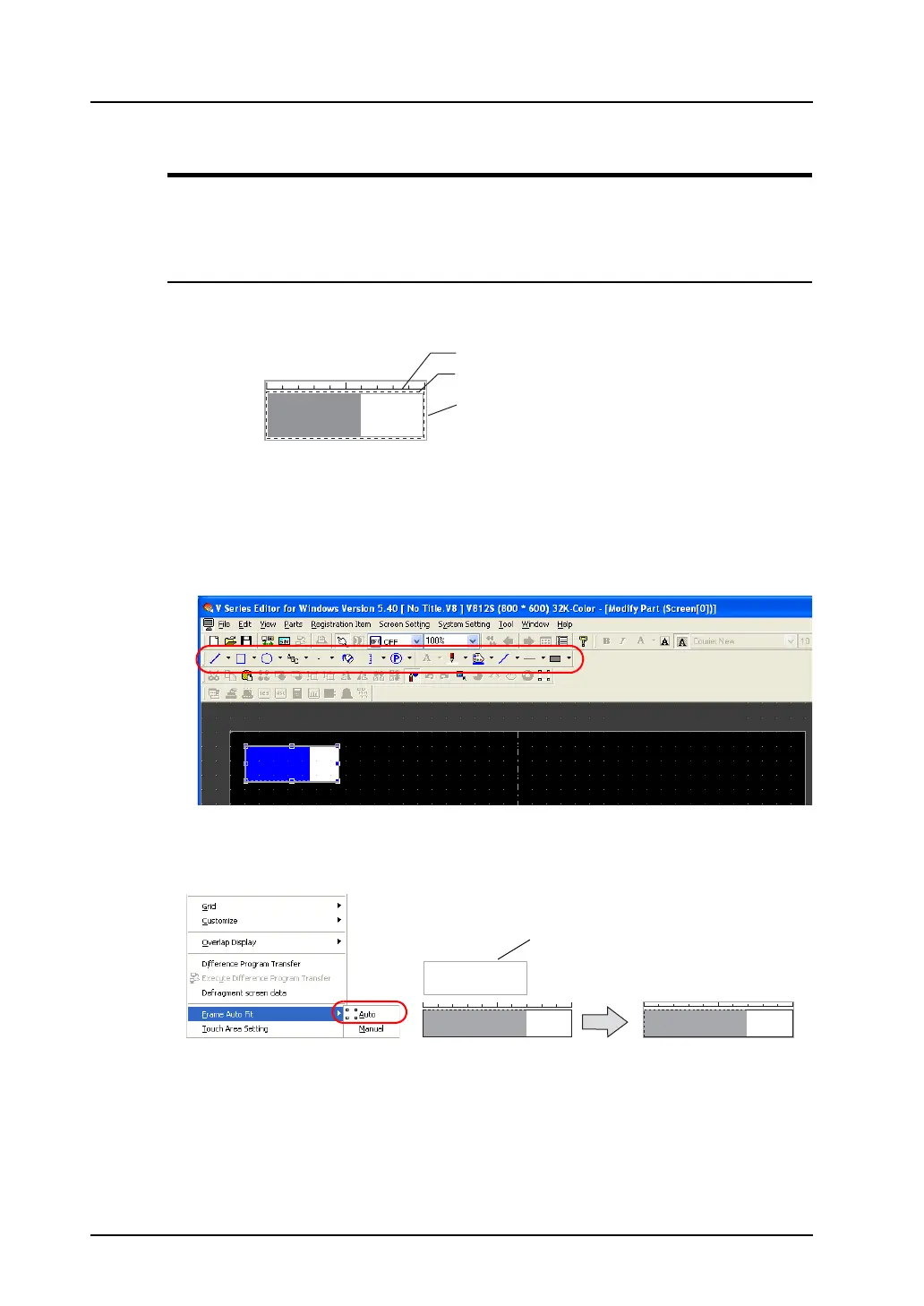
1. Select the bar graph part you wish to edit, and open the [Modify Part] window.
2. Using drawing icons, etc., edit its design as desired.
For editing procedure with icons, refer to “4 Drawing” page 4-1.
3. On completion of editing, click [Frame Auto Fit] in the right-click menu.
For more information on the frame and its setting method, refer to “Re-setting the frame” (page
A3-9).
4. Go back to the base screen.
Graphic data
Part basic area
Frame (part area)
Frame



 To Next Page