2.3 Menu Item [View]
2-12
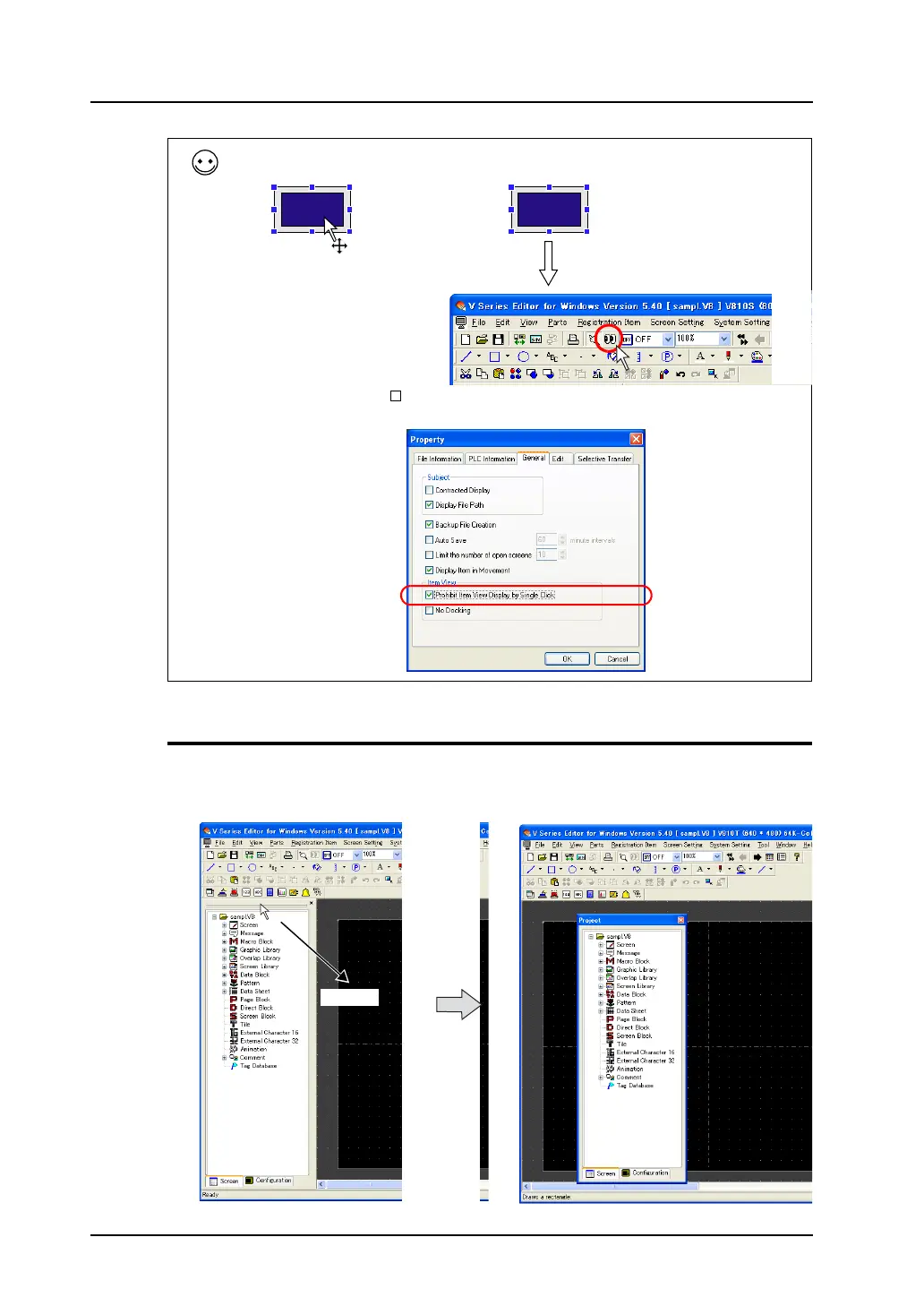
How to Move
The displayed list-view window can be moved on the editor.
By double-clicking the upper side of the list-view window or dragging it to a desired position, the
window turns to the “floating” status.
When the item dialog is not displayed by single clicking, double-click the part or click the [Detail
Setting] icon.
(This is caused when the [ Prohibit Item View Display by Single Click] is checked in the [General]
tab window selected from [File] → [Property].)
OR
Double-click.
Click the [Detail Setting] icon
while the item is selected.
Drag.



 To Next Page