3.8 Useful Functions for Screen Editing
3-111
3
Screen Editing
Detail Setting
While multiple parts, such as switches, are selected, changes can be made in a batch to their functions
or memory locations.
Batch changes in this manner are executable for the parts below:
switches, lamps, data displays (numerical data display, character display, message display),
graphs (bar graph, pie graph, closed area graph, panel meter, statistic bar graph, statistic pie
graph)
Setting Method
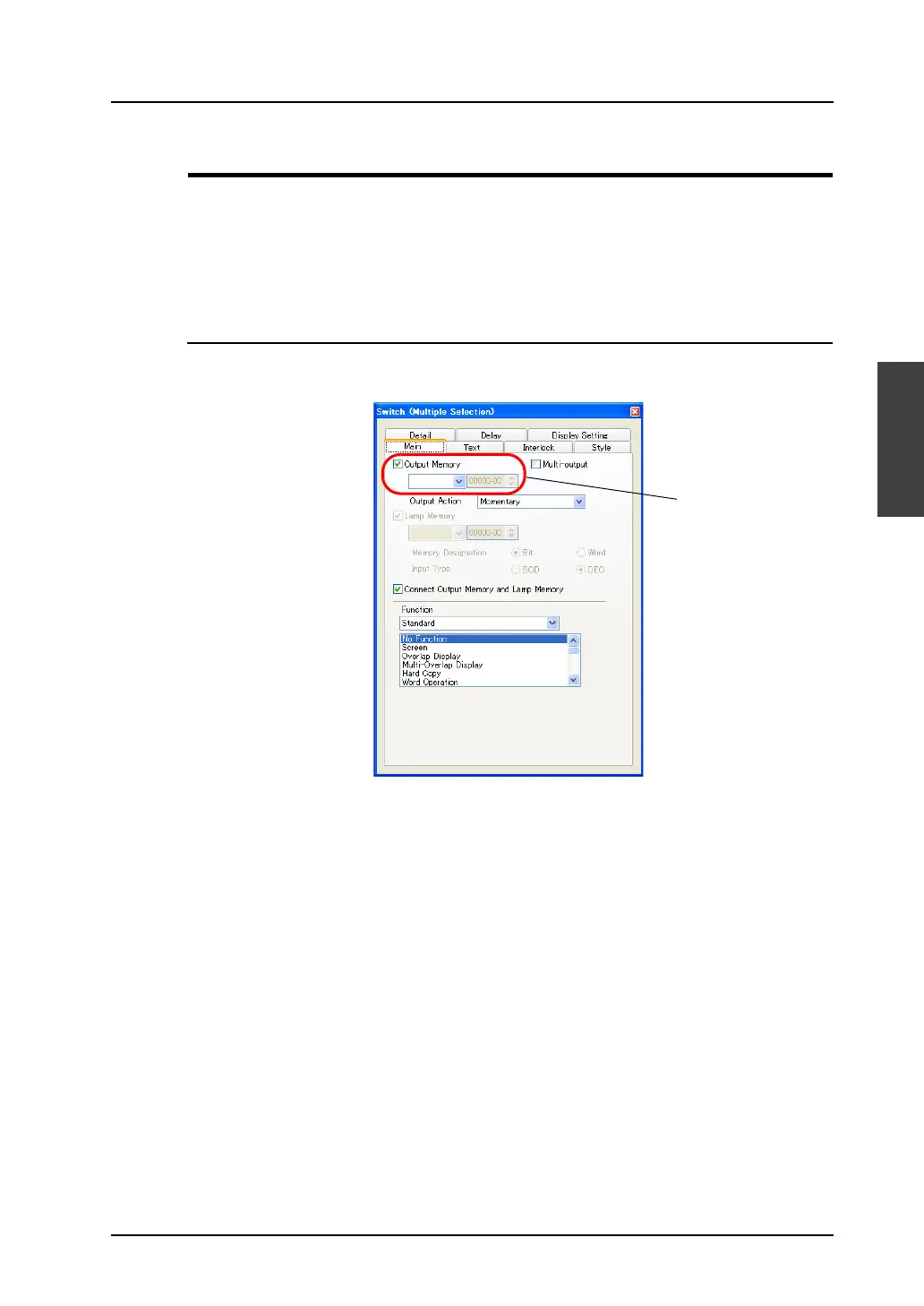
Select two or more parts as necessary, and right-click → [Detail Setting], or click [Edit] → [Detail
Setting]. When multiple switches are selected, the following dialog appears.
Nothing is displayed
because the setting
varies with the
switches.



 To Next Page