3.4 Setting Menu
3-25
3
Screen Editing
3.4 Setting Menu
There are several types of setting menus on the list-view window or dialog of the editor.
This section provides some examples of these menu types.
Menu Types
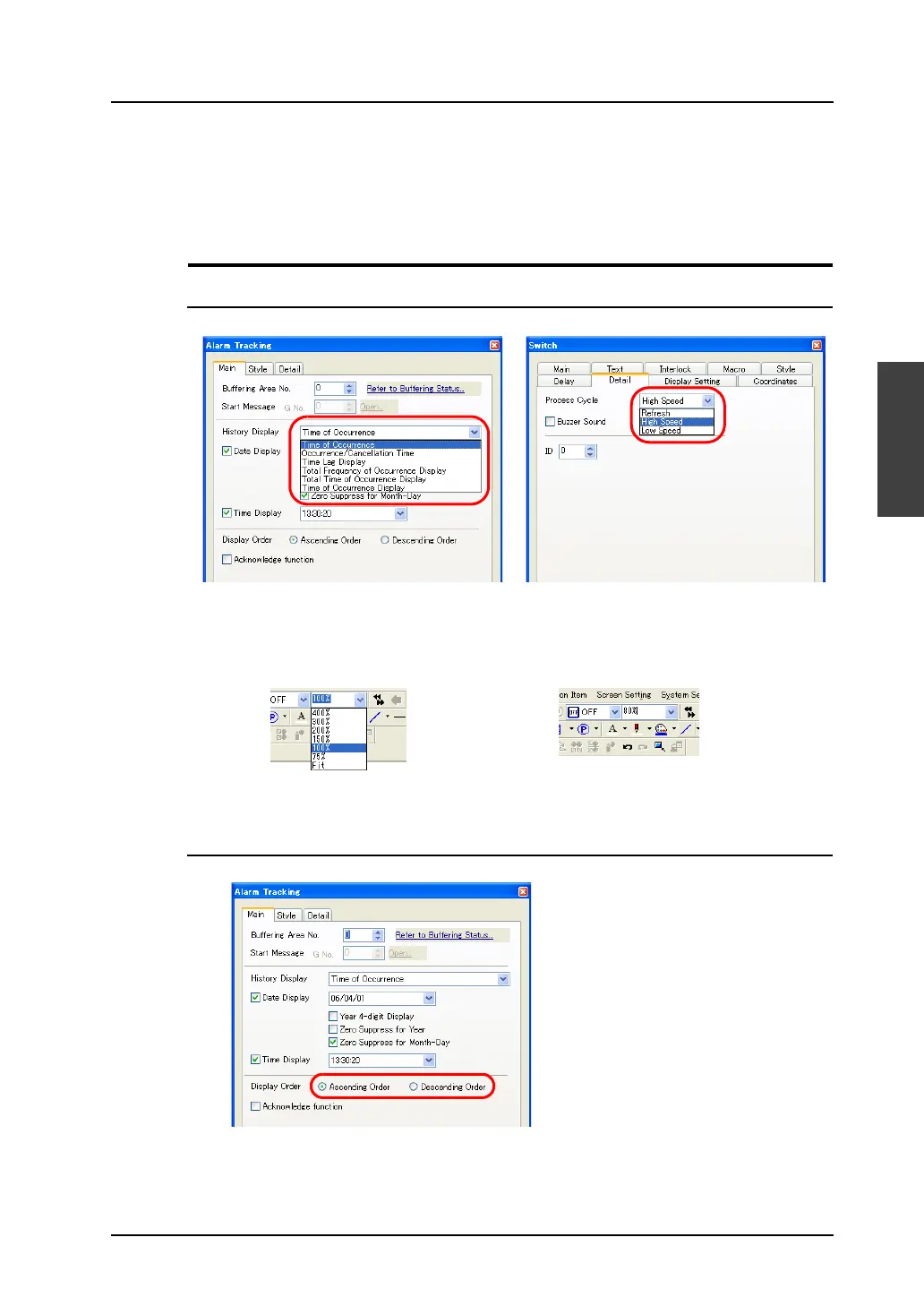
Pull-down Type
• Click the arrow button or item itself to bring up the pull-down menu.
• Click the desired item and then click [OK].
• In the case of the pull-down menu for zoom, you can directly enter the zooming factor in the field.
Option Button
• This button is used when there are two or three choices.
Select from the pull-down menu.
OR
Enter the desired value directly.



 To Next Page