5.11 Data Sheet
5-60
Grid Setting
On data sheets, graphics, texts, and data display parts can be placed based on the fixed grids.
Texts and data displays are placed along grid dots.
Lines and boxes are placed on spaces between grid dots.
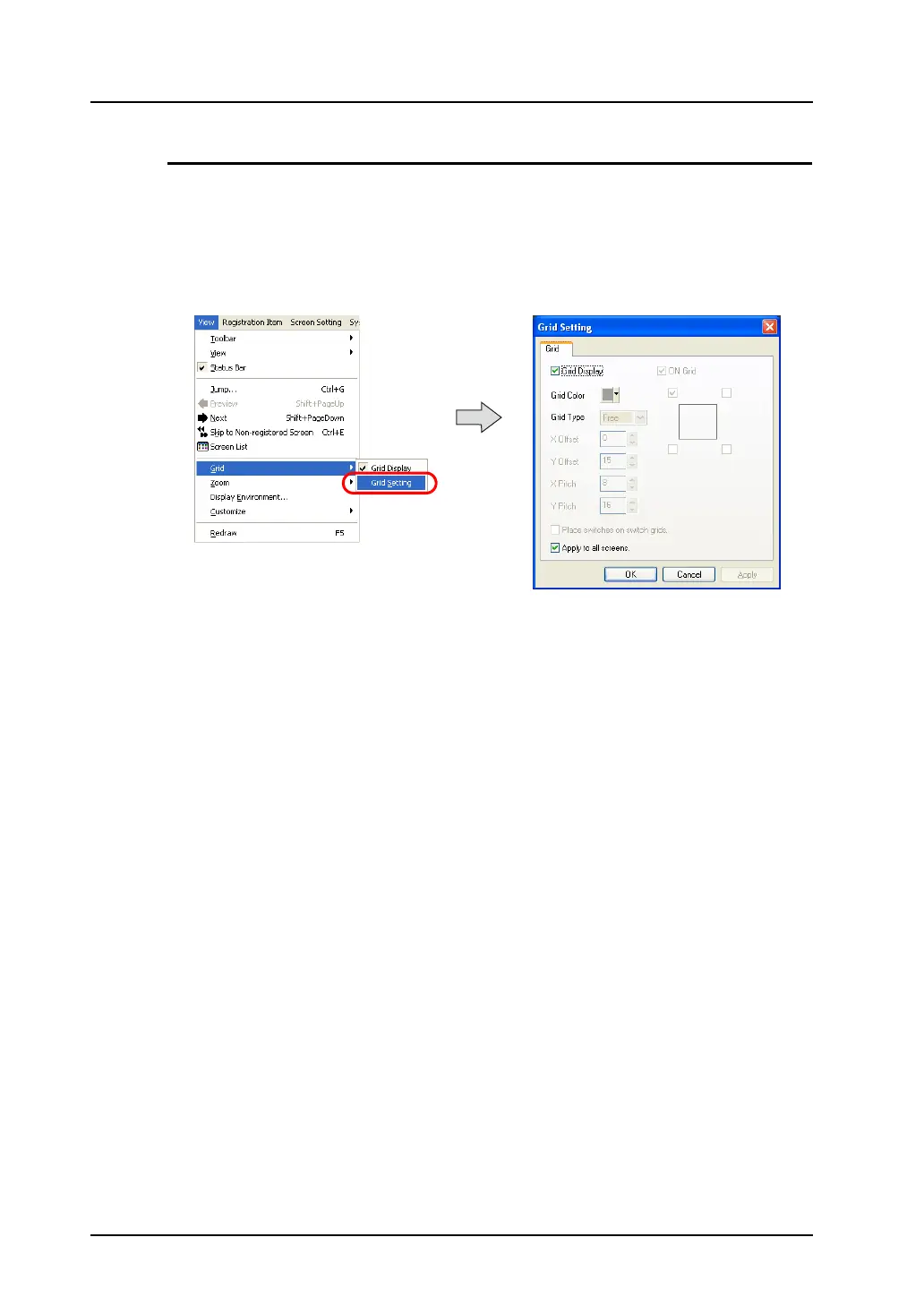
A grid color and whether or not to show grids can be selected in the [Grid Setting] dialog.
Click [View] → [Grid] → [Grid Setting].
The [Grid Setting] dialog is displayed.



 To Next Page