8.6 Customizing the Toolbar
8-62
How to Delete
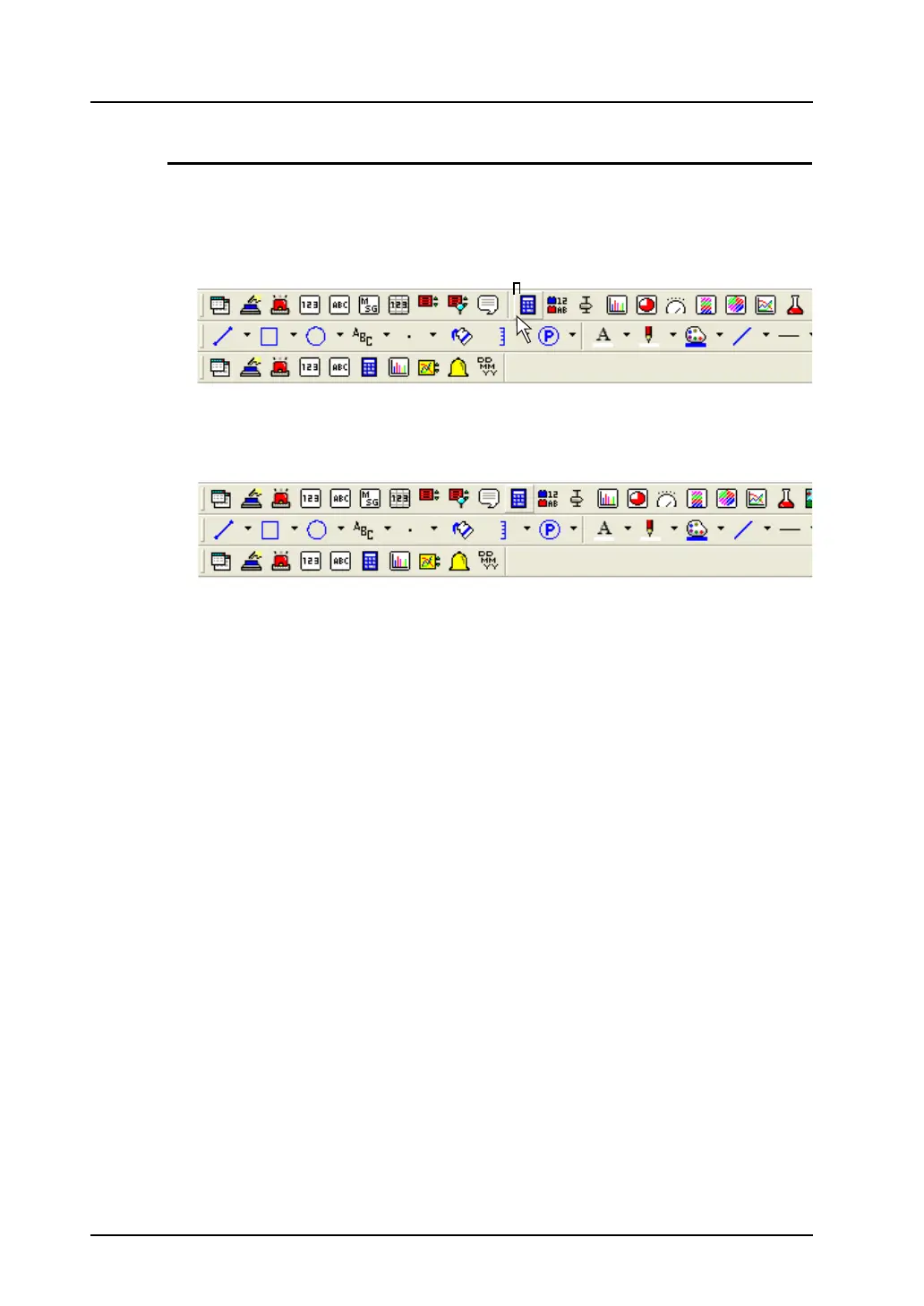
This section explains how to delete the separator line added between the [Message] icon and the
[Entry] icon on the toolbar as an example.
1. Hold down the Alt key and click the left side (indicated as “B”) of the [Entry] icon.
2. The separator line displayed on the left of the [Entry] icon is deleted.
(B)
Click the position marked “B” while holding down the Alt key.



 To Next Page