4.1 Drawing Toolbar
4-1
4
Drawing
4Drawing
4.1 Drawing Toolbar
Display Method
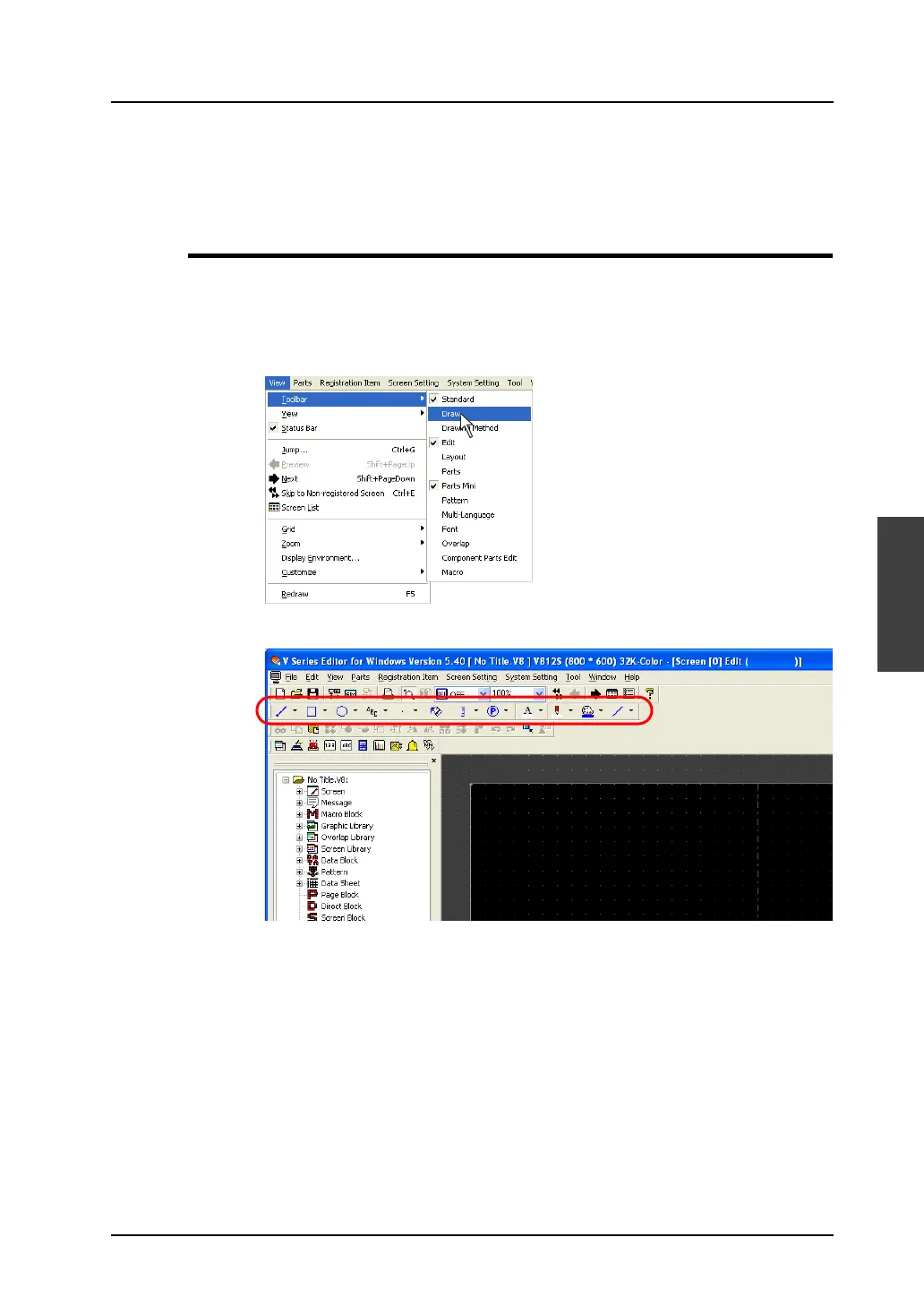
Use tools on the toolbar when drawing graphics. The toolbar is displayed at the first start-up.
When the toolbar is hidden previously, it will not be displayed at the next start-up.
In this case, bring up the toolbar by following the procedure described below.
1. Click [View] → [Toolbar] → [Draw].
2. The drawing toolbar appears.



 To Next Page