8.10 Component Parts
8-96
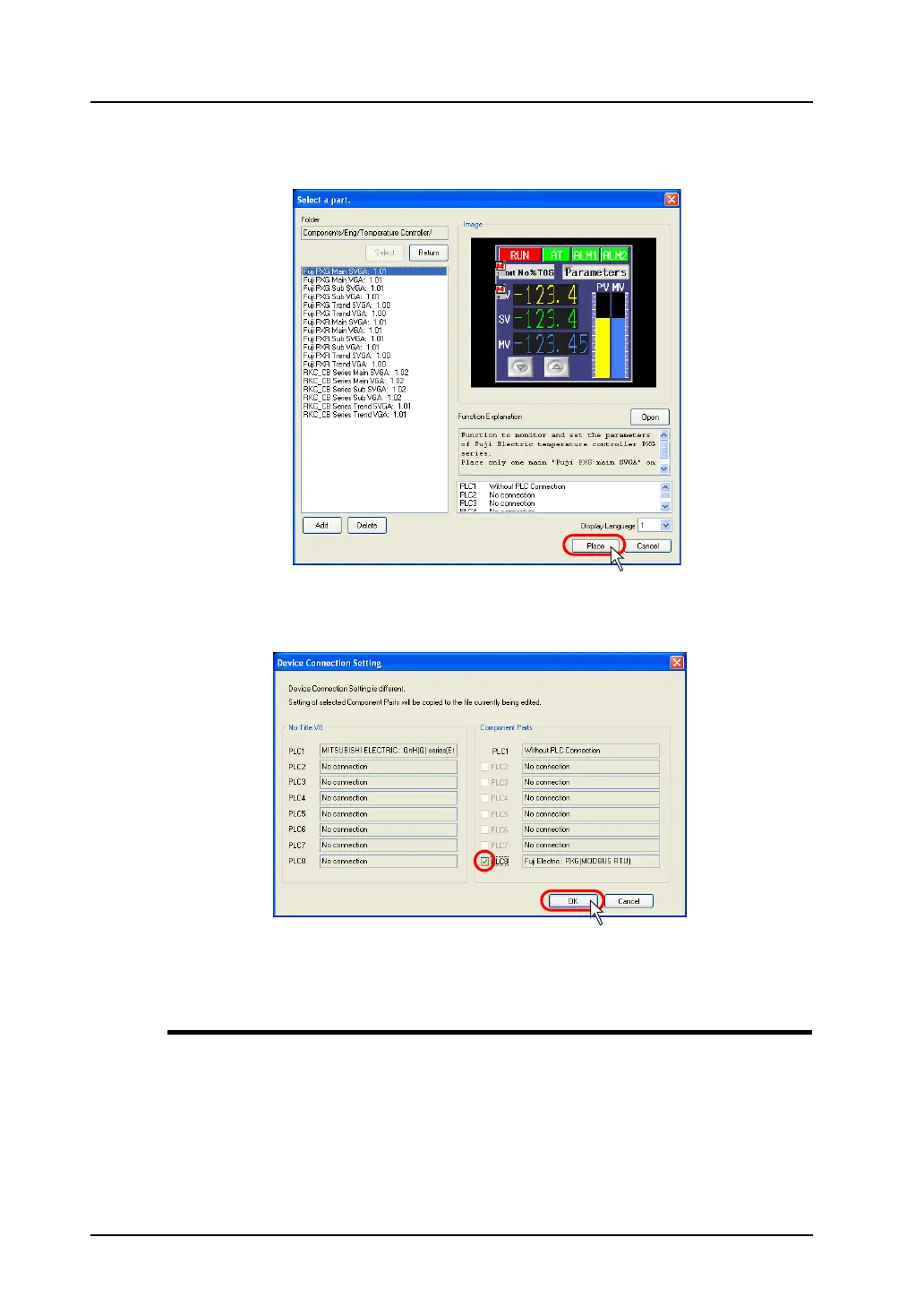
3. The component parts list is displayed according to your selection. Select the target file and click
[OK].
4. If the device connection settings differ between the screen data being edited and the component
part, the following dialog is displayed. Select an option to be copied under [Component Parts] and
click [OK].
5. The component part is placed on the screen.
Details of Component Parts
For more information on the individual component parts, refer to the Operation Manual.
The Operation Manual is installed in the folder below.
C:\Program Files\V-SFT V5\Parts\Components



 To Next Page