2.5 Toolbar
2-29
2
Editor
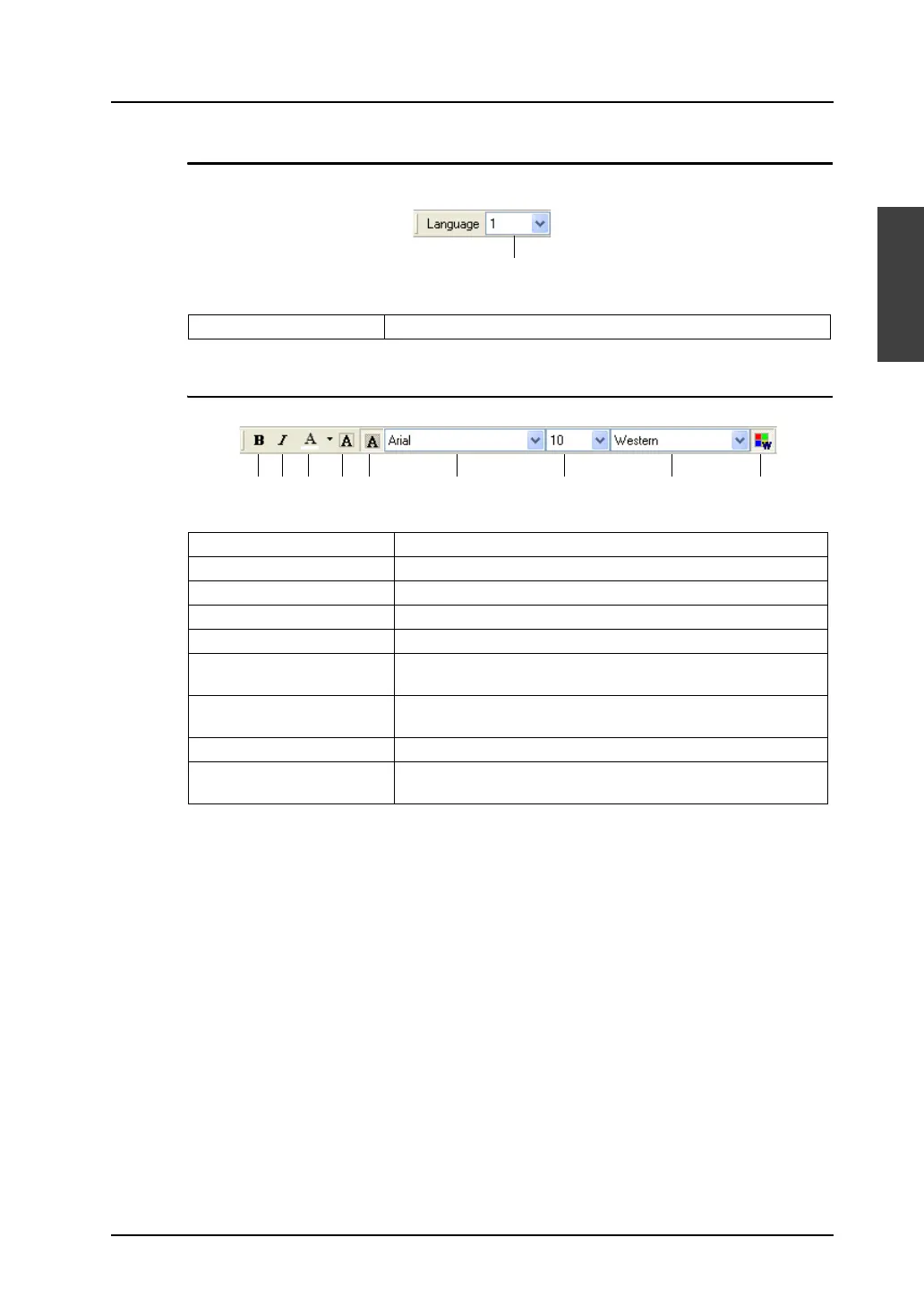
Multi-language
The interface language can be changed when the multi-language environment is set.
Font
1. Language Display Allows you to change language number (1 to 8).
1. Bold Sets bold typeface for text.
2. Italic Sets italic typeface for text.
3. Character Color Specifies foreground color for characters.
4. Transparent Makes text transparent.
5. Not Transparent Makes text non-transparent.
6. Font Name This item is active when the Windows font is used.
Allows you to select Windows font type.
7. Font Size This item is active when the Windows font is used.
Allows you to change Windows font size.
8. Character Set Allows you to select Windows character set.
9. Windows Font Depressed: Windows font is available.
Raised: Windows font is not available.
1.
1. 2. 3. 4. 5. 6. 7. 8. 9.



 To Next Page