4.3 Drawing Methods
4-39
4
Drawing
Paint
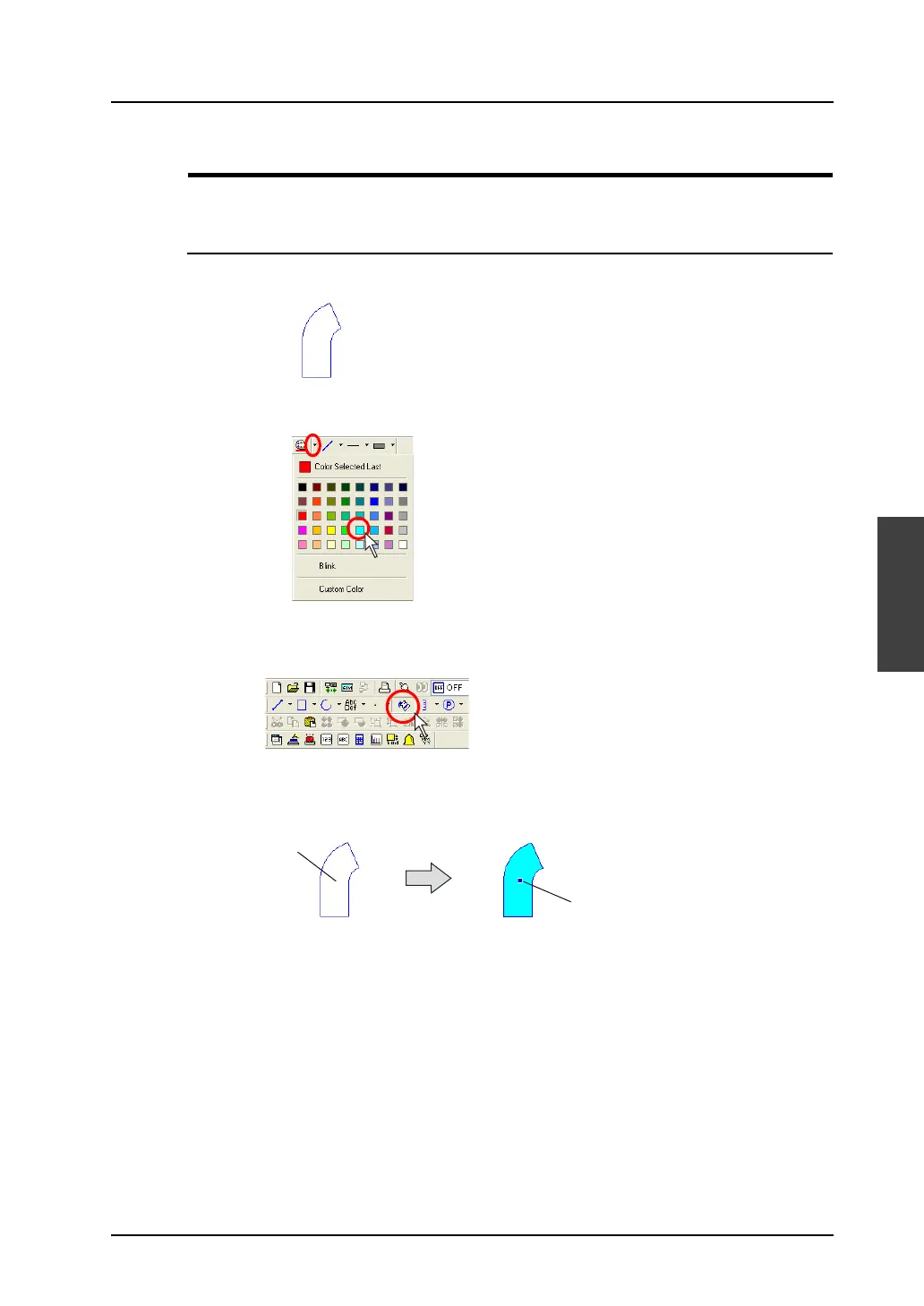
This command is used to paint an enclosed area.
Paint Command Usage
1. Draw an enclosed area.
2. Select a paint color from the [Paint Color] icon.
3. Click the [Paint] icon on the toolbar.
The [Paint] icon is depressed.
4. Click on the enclosed area. The area is painted in the selected color.
5. To escape from the paintable state, right-click the mouse or click the [Select] icon. By clicking the
mouse again without escaping, you can execute painting continuously.
Click.
The area is painted.



 To Next Page