5.4 Message
5-10
Message Display Environment Setting
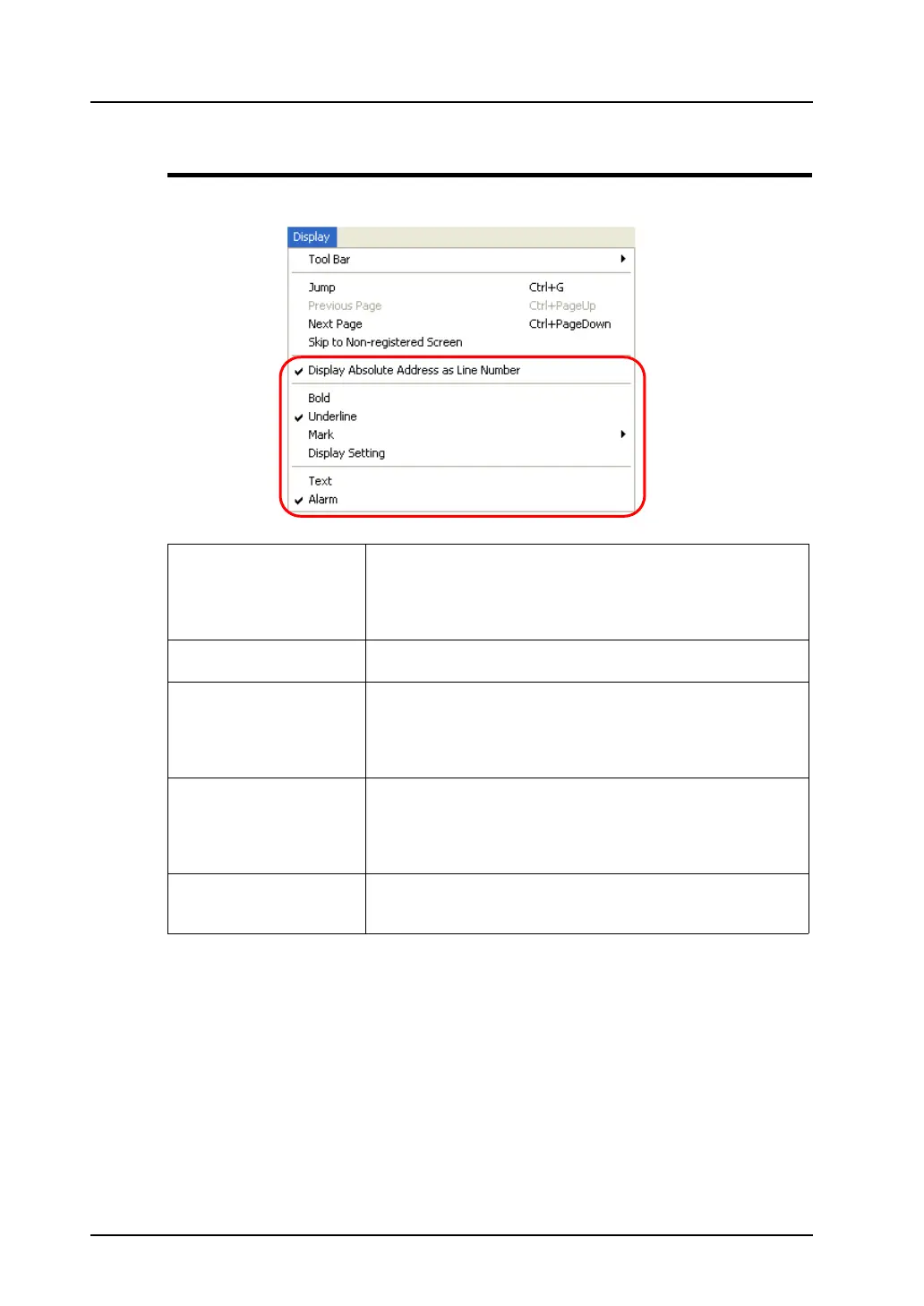
The [Display] menu contains commands for messages.
Display Absolute Address as
Line Number
When this command is unchecked, the line numbers (0 - 255) in
each group are displayed at the extreme left of the window.
When checked, absolute addresses are displayed instead on the
extreme left.
For more information on absolute addresses, refer to page 5-5.
Bold When this command is checked, message characters are displayed
in bold typeface similar to the [Bold] option available on screens.
Underline When this command is checked, registered messages are
underlined. Each underline is drawn by the number of the
characters typed for the message. For registered messages
containing spaces etc., this command can be used when counting
the number of characters in the messages.
Mark Available sub-menu items for this command vary, depending on
whether [Text] or [Alarm] is selected below [Mark].
Much more sub-menu items become active when [Alarm] is
selected.
For more information, refer to the next page.
Text /
Alarm
Either [Text] or [Alarm] can be selected.
Selecting [Alarm] is recommended when the alarm tracking function
is in use.



 To Next Page