Parts Editing
A3-27
A3
Parts Editing
Procedure
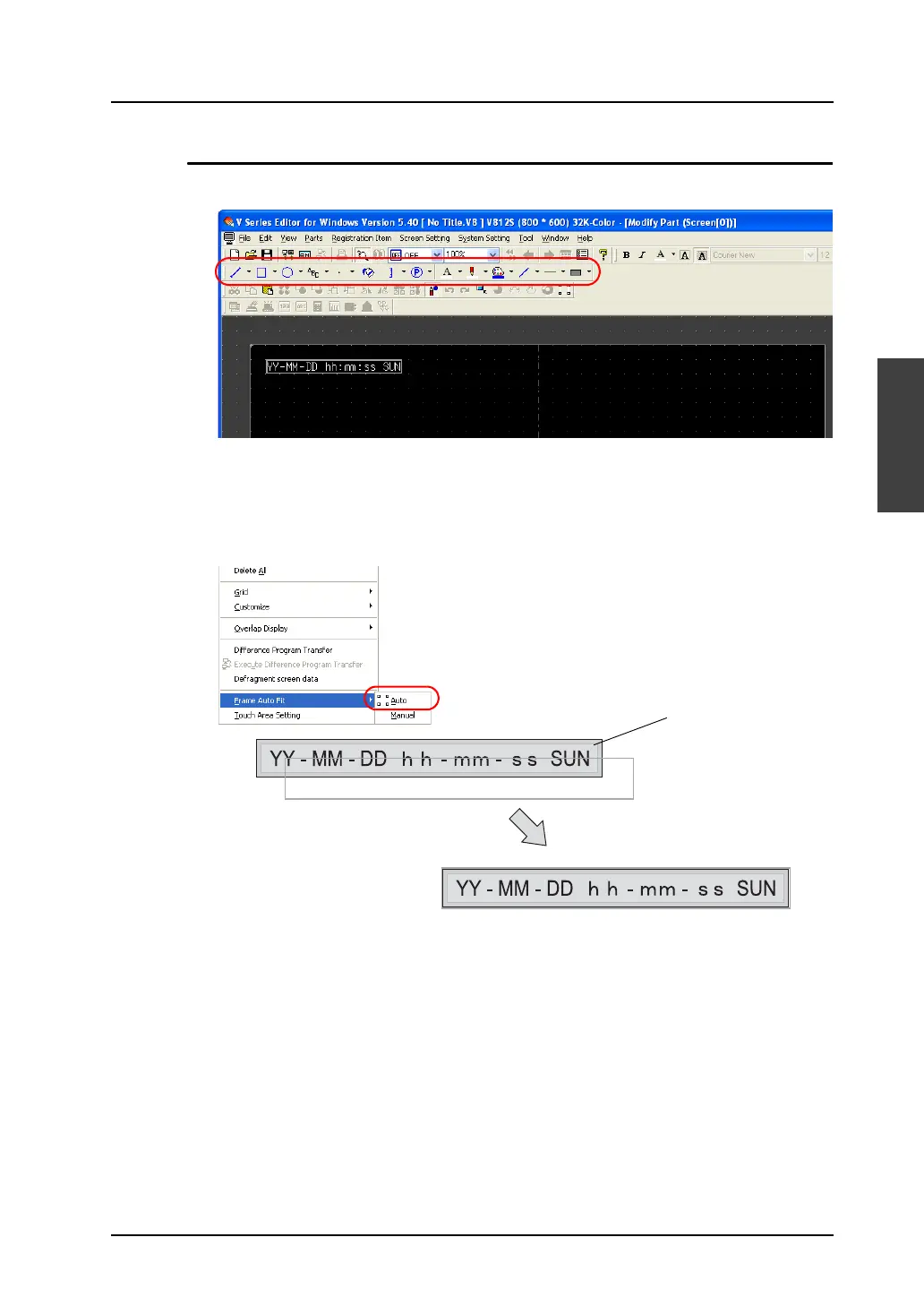
1. Select the calendar part you wish to edit, and open the [Modify Part] window.
2. Using drawing icons etc., edit its design as desired.
For editing procedure with icons, refer to “4 Drawing” page 4-1.
3. On completion of editing, click [Frame Auto Fit] in the right-click menu.
For more information on the frame and its setting method, refer to “Re-setting the frame” (page
A3-9).
4. Go back to the base screen.
Graphic
The frame is fit to the calendar
part including the graphic.



 To Next Page